Included in analysis5/5 stars
“”
Description
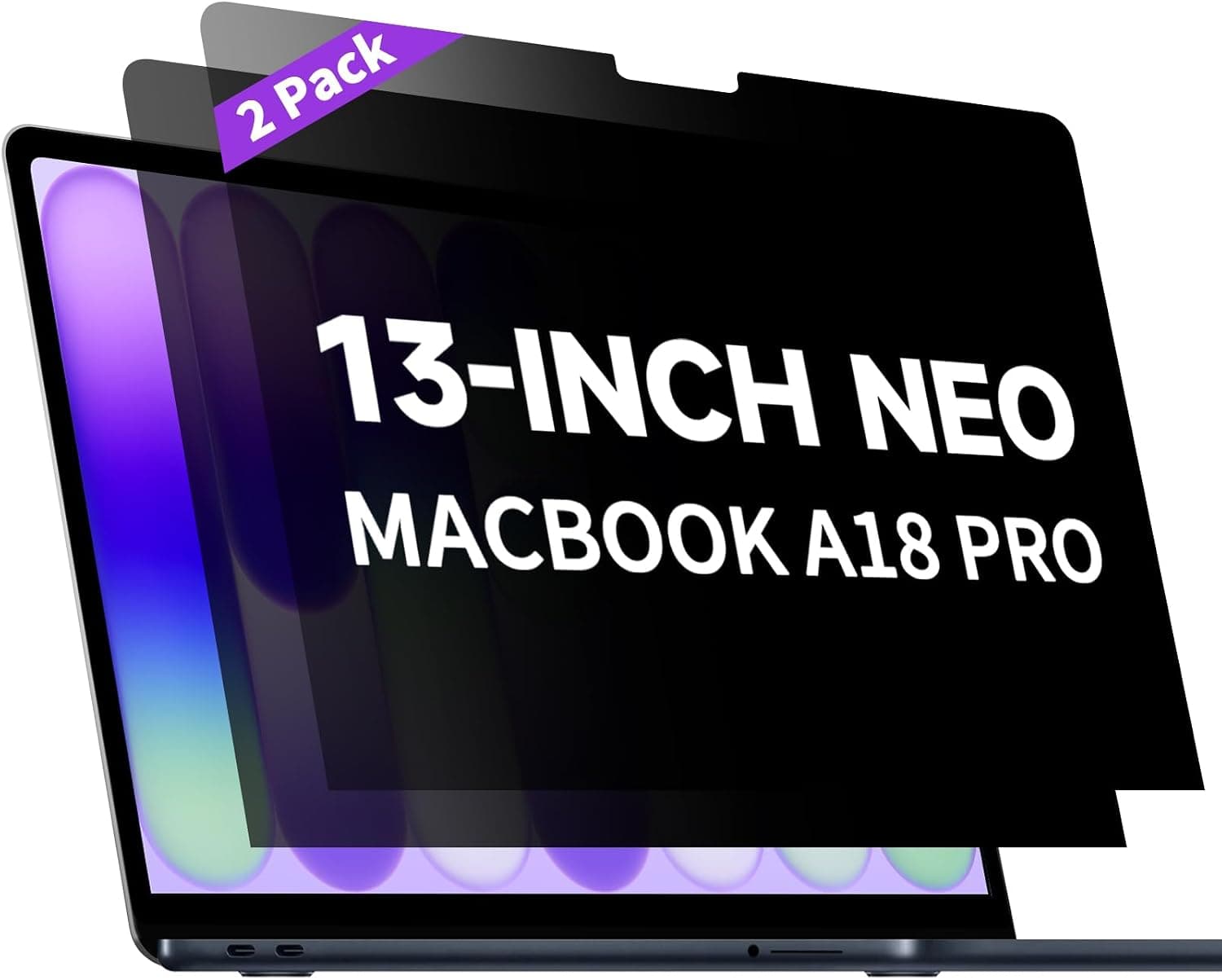
Product description The video showcases the product in use. The video guides you through product setup. The video compares multiple products. The video shows the product being unpacked. No spoken audio Video Player is loading. Click to play video Play Mute Current Time 0:00 / Duration 0:20 Loaded : 15.02% 0:00 Stream Type LIVE Seek to live, currently behind live LIVE Remaining Time - 0:20 1x Playback Rate Chapters Chapters Descriptions descriptions off , selected Captions Captions off English (Automated) , selected Audio Track default , selected Fullscreen This is a modal window. Installation Guide and Anti-Spy Merchant Video Does the laptop privacy screen reduce glare? Yes, it has an anti-glare coating that reduces reflections and glare from both indoor and outdoor lighting, enhancing your viewing comfort. Will the computer privacy screen affect touch screen functionality? No, it is designed to be touch-sensitive. It will not interfere with the touch screen functionality of your laptop, ensuring smooth and responsive use. Is the installation process complicated? No, the installation process is simple and straightforward. Clean the screen completely first. Will the privacy screen affect the clarity or brightness of my display? While there may be a slight reduction in brightness, our privacy screen protector is designed to maintain high clarity and image quality. You can adjust your screen's brightness settings to compensate for any minor changes. How effective is the privacy feature from different viewing angles? Our laptop screen privacy shield limits the viewing angle to ±25 degrees, ensuring that the screen is visible only to the person directly in front of it. People sitting beside you will see a darkened screen, protecting your sensitive information.
Check the evidence
Included does not mean verified authentic. Flagged does not mean proven fake. These are analytical classifications.
Showing 3 illustrative excerpts, not the complete review set.
“”
“”
“”
One less thing to search
It's designed for the 2026 MacBook Neo 13-inch (A18 Pro), so it's best to confirm your exact model number before ordering. If you're on an older 13-inch MacBook, the camera and sensor cutouts may not line up perfectly — a few Reddit users flagged this as their main frustration. When in doubt, check the model code on the bottom of your laptop first.
Head-on, the screen stays crisp and clear, while side views beyond roughly ±25 degrees become noticeably darkened. That said, some TikTok reviewers noted that at steeper angles the content isn't fully invisible — so it's great for planes, cafés, and open offices, but not a substitute for a locked screen in high-security settings.
Most users manage a clean install on the first or second try using the included guide, but bubbles and minor residue are the most common complaints. The trick is to work in a dust-free space, align the cutouts before pressing down, and lift slowly if you need to reposition. The 2-pack gives you a backup if the first attempt doesn't go perfectly.
The anti-glare matte finish does slightly soften colors and reduce peak brightness — a trade-off many buyers accept for the glare and blue-light benefits. Touch and trackpad input aren't affected since the protector sits on the display only. If color accuracy is critical for design or photo work, you may prefer a clear protector instead.
For the price, the 2-pack offers solid value — especially since a spare comes in handy if the first install goes wrong. Return and refund terms follow the platform's standard policy, so check the listing before purchase. Overall, it's a good fit for commuters, students, and remote workers who want glare relief and casual privacy, but less ideal for users needing strict side-angle blocking or color-critical displays.
Answers are limited to the manufacturer's listing and the reviews we analysed. Questions those sources cannot support are not answered here.
Transparent by design