
Amazon Basics Adjustable Single Computer Monitor Desk Mount Arm, Holds up to 32" and Ultrawide Monitors, Black
Description
An Amazon Brand
Compare the trade-offs
Similar products, side by side
A random selection of analyzed products from the same category. Different products are not necessarily interchangeable.

HUANUO Dual Monitor Mount for 2 Monitors up to 32 inches, Each Arm Holds Max 22lbs, Dual Monitor Stand with Advanced System, Height-Adjustable/Tilt/Swivel/Rotate, VESA Standard 75mm or 100mm

MOUNT PRO Laptop Arm Desk Mount for Max 22lbs 17" Laptop & Max 32" Monitor
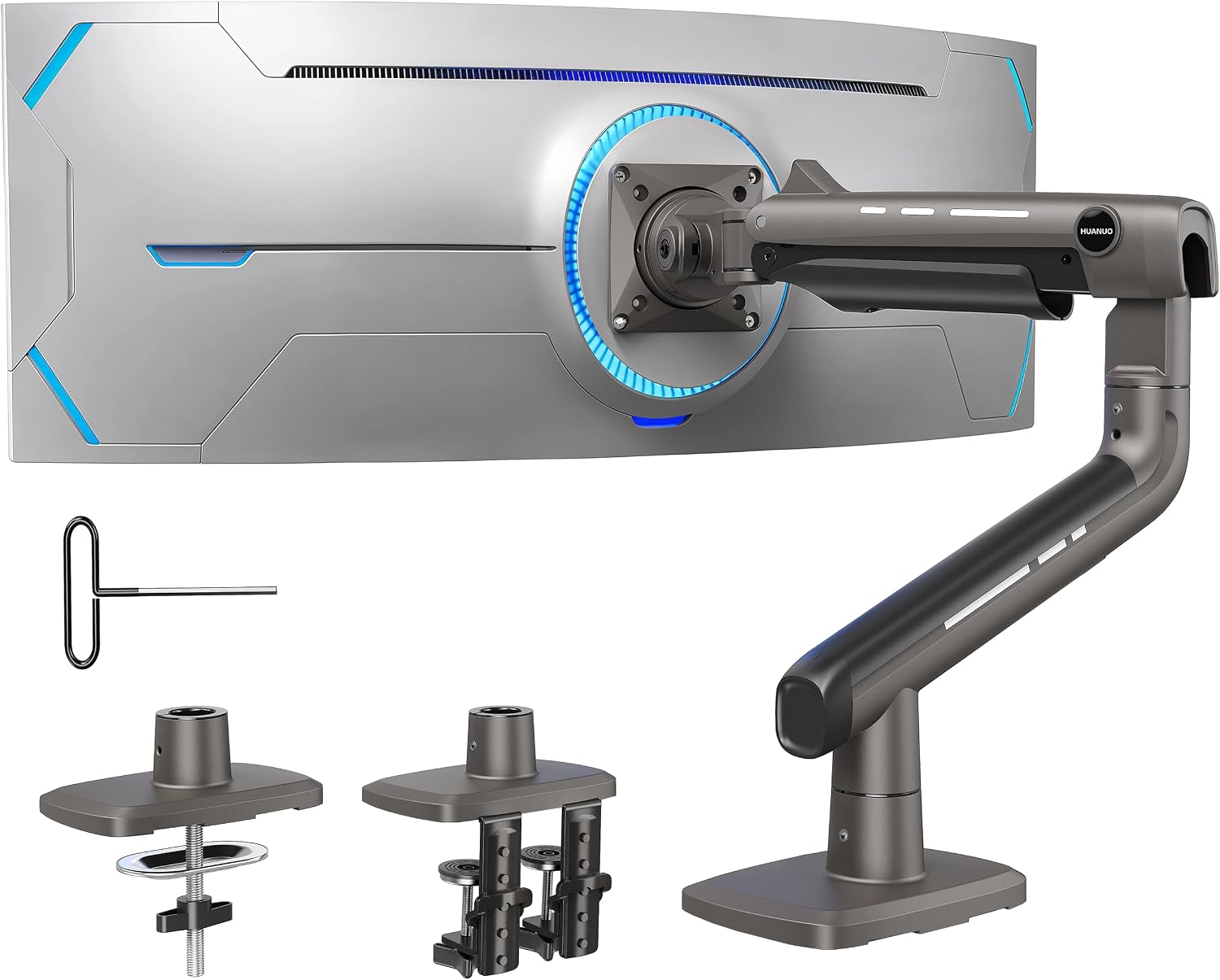
HUANUO TitanLift Heavy Duty Monitor Arm for Screens up to 49", Holds 44 lbs, Aluminum Ultrawide Screen Monitor Mount, Fully Adjustable Single Gaming Desk Mount with Dual C-Clamp, Max VESA 100x100mm
One less thing to search
Before you buy: quick questions
Will this arm reliably hold my larger monitor, like a 32-inch or a 34-inch ultrawide?
It's designed to hold monitors up to 32 inches and 17.6 lbs. For standard 32" monitors, most users find it works well. However, if you have a heavier 32" gaming monitor or a 34" ultrawide, some users on Reddit have reported slight sagging over time. For heavier or premium large screens, a arm with a higher weight capacity (like the Ergotron LX) is often recommended for absolute stability.
I'm worried about damaging my desk. How does the clamp work, and will it leave marks?
The mount uses a C-clamp with a protective rubber gasket. For most standard desks (1-3 inches thick), it secures firmly without damage. However, a few users with softer wood or laminate surfaces have noted indentations. To be extra safe, you can place a small piece of felt or a thin cutting board between the clamp and your desk. It's not recommended for glass desks.
Is the cable management effective, or will I have a messy nest of wires?
The arm includes built-in channels and clips to route cables. While the channels are helpful, some TikTok and YouTube reviewers mention the plastic clips can be brittle. For a super-clean look, many users supplement with their own velcro straps or sleeve, which works perfectly with the arm's design.
How difficult is the installation, and what tools do I need?
Installation is generally straightforward and takes about 20-30 minutes. The arm comes with all necessary hardware and a hex key. The instructions are clear, and many customers highlight the ease of setup. You likely won't need any extra tools, though having a second person to hold the monitor while you attach it to the VESA plate is a helpful tip from the reviews.
What's the main difference between this and a much more expensive brand like Ergotron?
The Amazon Basics arm is an excellent value-driven entry into monitor arms, offering core functionality (adjustability, space-saving) for a fraction of the price. The key differences in premium arms are often in the gas-spring mechanism (smoother, effortless adjustment), higher weight capacity and rigidity (zero sag for heavy monitors), and more robust materials/cable management. For most everyday home office setups, this arm is more than sufficient.
From a similar, more-reviewed product in this category: FORGING MOUNT Heavy Duty Single Monitor Arm Stand Fits 17-42" Computer Screen, Adjustable Gas Spring Desk Mount Holds up to 33lbs, Full Motion with Clamp/Grommet Base, VESA Mount 75x75/100x100
Will this arm really hold a 40" or 43" monitor without sagging?
Yes — reviewers regularly mount 40" and 43" displays and report a secure, stable hold. Just keep your monitor (plus the VESA plate) under the 33 lb limit, and expect to spend a few minutes tightening the gas spring tension the first time. Once dialed in, it stays put.
How difficult is the tension adjustment? I've seen complaints about it.
It's the most common gripe, and honestly it's fair — the arm ships at minimum tension, so heavier screens need many turns of the included Allen key before they hold position. It's not hard, just tedious. Do it *before* mounting the monitor if you can, and you'll save yourself some frustration.
Will the clamp fit my desk? What if it doesn't?
The C-clamp works on most desks up to about 2" thick with a flat underside, while the grommet base is the better choice for thicker tops or desks with a metal frame or lip underneath. If you have a glass desk or an unusually beveled edge, measure first — and check the return policy before drilling anything.
Is installation really as easy as people say?
For most users, yes — 15 to 30 minutes solo with the included hardware and instructions. You'll need a Phillips screwdriver and the supplied Allen key. The only step that trips people up is tension tuning, and having a second person help lift larger monitors onto the plate makes it much smoother.
Is it worth it compared to cheaper arms or premium brands like Ergotron?
If you want heavy-duty capacity, both clamp and grommet mounting, and smooth gas-spring motion without paying Ergotron prices, this is a strong value pick — many TikTok and YouTube reviewers call it a "budget HX." If you need tool-free tension adjustment or plan to mount something over 35 lbs, step up to a premium arm instead.
Answers are limited to the manufacturer's listing and the reviews we analysed. Questions those sources cannot support are not answered here.
Transparent by design