What people like
Easy setup and reliable performance
Reviewers repeatedly praise how easy the Fire TV Stick 4K is to set up and connect, often within minutes, and describe it as running smoothly and reliably.
The 30-second read
What people like
Reviewers repeatedly praise how easy the Fire TV Stick 4K is to set up and connect, often within minutes, and describe it as running smoothly and reliably.
Before you choose
Several reviewers bought it specifically to upgrade a non-smart or slow smart TV, so it is worth confirming it fits your TV and viewing needs.
The main watch-out
One reviewer notes firmware must be updated regularly to keep it working optimally, especially for the 4K feature.
Your use case first
104 of 712 mentions describe a negative experience (15%).
76 of 477 mentions describe a negative experience (16%).
40 of 208 mentions describe a negative experience (19%).
15 of 203 mentions describe a negative experience (7%).
10 of 110 mentions describe a negative experience (9%).
20 of 84 mentions describe a negative experience (24%).
66 of 129 mentions describe a negative experience (51%).
133 of 163 mentions describe a negative experience (82%).
One review can mention several topics. Percentages describe the reviews we analysed, not all buyers or the product's overall failure rate.
Check the evidence
Included does not mean verified authentic. Flagged does not mean proven fake. These are analytical classifications.
Showing 3 illustrative excerpts, not the complete review set.
A Seriously Powerful Streamer for Stunning 4K HDR.
“The Introduction: Setting the Scene My smart TV's built-in applications were becoming painfully slow, so I was looking for a modern, snappy streaming device to handle all my media needs. I opted for the newest Amazon Fire TV Stick 4K to upgrade my streaming experience, specifically seeking faster performance and full support for 4K Dolby Vision and Dolby Atmos to match my home theater setup. Right out of the box, the performance improvement is dramatic. The upgraded processor makes navigating the interface incredibly fluid, and apps launch almost instantly. Streaming performance is flawless; content starts in beautiful 4K HDR quality within seconds, and I've experienced zero buffering, thanks in part to the support for Wi-Fi 6. The picture and sound quality are truly top-tier. Support for Dolby Vision, HDR10+, and Dolby Atmos means you're getting a cinematic experience with vibrant colors, deep contrast, and immersive audio on compatible content and equipment. The Alexa Voice Remote is another highlight—it's responsive and makes searching for shows, movies, or even just checking the weather, incredibly simple and convenient. The only thing holding this device back from perfection is the user interface. While fast, the home screen is heavily cluttered with advertisements and prioritizes Amazon's Prime Video content above all else. Finding your other streaming apps like Netflix or Disney+ can sometimes feel like a secondary objective. It's a design choice that clearly favors Amazon's ecosystem, and it can be a bit frustrating when you just want a simple, clean grid of your favorite services. The Amazon Fire TV Stick 4K is a phenomenal piece of streaming hardware that delivers exceptional speed and the highest quality audio-visual experience for a very reasonable price. It's a massive upgrade over older streaming devices or sluggish built-in TV software. If you can look past the ad-heavy and Amazon-centric home screen, it is arguably one of the best and most powerful streaming sticks you can buy. Highly recommended for performance seekers and home theater enthusiasts.”
Signals matched: Specific detail: entity, scenario, comparison · Mentions: picture quality, functionality, reliability · Reads as an authentic voice
It's perfect! And sometimes it’s impossible!
“Fire sticks are fantastic, they make navigating my TVs a breeze and I bought one for each of my two TVs and this is what I've learned... Comparing the two, I was able to purchase both at almost half price on an Amazon day - This Amazon Fire TV Stick 4K streaming device works so much better than the other one. Easy to set up and to connect with my Wi-Fi. No issues with speed and with being slow like the other one and I can have all the apps I want. This one I recommend. The other one I bought, Amazon Fire TV Stick HD, was about $10 cheaper and I now understand why. It makes things very slow and I had to delete a few apps which seemed to fix the problem but still an inconvenience. Both fire sticks were surprisingly easy to hook up, and Wi-Fi connection was easy, I usually find these things frustrating but not these. Both fire sticks have great sound quality, design and streaming quality. I definitely recommend fire sticks but you can save yourself a lot of hassle by buying a little more expensive one with a little more storage capacity. I definitely recommend fire sticks, they are great value for the money and makes things so much easier than enjoyable. I would definitely recommend but maybe spend a little more money and get one with more capacity, like this one. I have an update for June 26/26: While what I wrote about was true at the time but I think you should be aware that it’s often not very easy to connect to your TV, in fact sometimes it’s impossible. I just got another one to replace this one and it won’t connect. Amazon instructions are ridiculous and most of the time are no good at all and you don’t get to talk to a human being, you have to go through pages of trying to pick what your problem is. So I had to Google for the instructions from other sources and they made the same comment. I’ve just spent a lot of hours last night and today trying to connect this one and it’s impossible and my patience has been tested to the limit. Just thought you might like to know.”
Signals matched: Specific detail: quantity, comparison, process · Mentions: easy to set up, connectivity, reliability, value for money · Reads as an authentic voice
Who needs an Echo?
“I can’t believe how excited I am by this product! I don’t say that very often or lightly. Depending on what you want from the fire stick, it may or may not be as exciting for you. I have a bunch of blink cameras that I wanted to see on my big TV. I have an Amazon echo and the screen is just too small. This fire stick installed so easily. It was ridiculous. I didn’t have to connect it to my Wi-Fi. It automatically did. I’m assuming through Alexa. The main thing I wanted from it, was to show my blink cameras, and it does that to perfection. What I hadn’t counted on was the fact that I could continue watching whatever show I wanted(and there are a lot of apps within this item to watch) and put the camera picture in the top corner of the screen while still watching my show. This is important to me because I am a cat owner who allows his cat out on a harness, and I must keep track of her in case she gets caught up on something or gets into some other kind of shenanigans. Beyond that, there are so many options for viewing that if you were thinking about cutting the cable and haven’t yet. DO IT! I managed to connect to Pluto TV as well as my prime subscription and so many other options that I can’t even get into them. The thing that blows me away, most is the voice control on the remote control. It is spot on and is so far worked flawlessly. I have only had the fire stick for six hours, so take what I say with a grain of salt, but thus far, I am incredibly impressed. The fact that I got it for half price is a moot point as this is worth full price easily. Forget Chromecast, forget Roku, forget Cable. Get this. You won’t be disappointed.”
Signals matched: Specific detail: scenario, process · Mentions: easy to set up, connectivity · Reads as an authentic voice
One less thing to search
Reviewers consistently describe setup as very easy, with one noting a total setup time of about 5 minutes and another saying it "installed so easily." The initial load was described as flawless and easy.
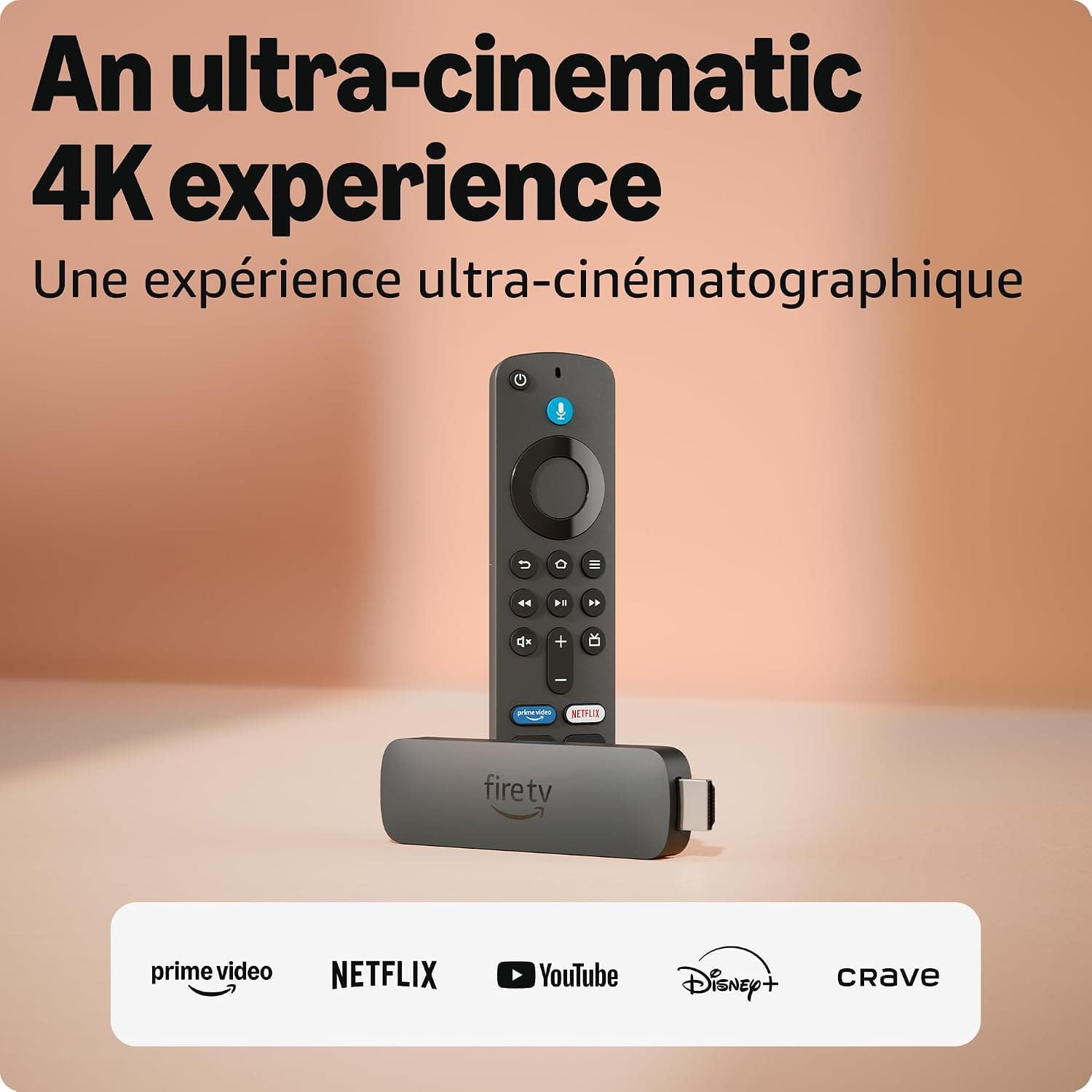
The listing states it delivers vibrant 4K Ultra HD with support for Dolby Vision, HDR10+, and immersive Dolby Atmos audio. Reviewers also mention the 4K feature making videos show better resolution.
Yes, per the listing you can stream games like Call of Duty: Black Ops 7, Hogwarts Legacy, Outer Worlds 2, and Ninja Gaiden 4, plus hundreds more, on your Fire TV Stick 4K with Xbox Game Pass via cloud gaming.
The listing says you can access hundreds of thousands of free movies and TV episodes from popular ad-supported streaming apps like CBC GEM, Tubi, and Pluto TV. Note that subscription fees may apply for other services such as Netflix, Prime Video, and Disney+.
Reviewers report it works perfectly with no problems, runs super smooth, and offers good value, with several mentioning they bought multiple units or grabbed one at a sale discount.
Answers are limited to the manufacturer's listing and the reviews we analysed. Questions those sources cannot support are not answered here.
Transparent by design