What people like
Strong picture and smooth 240Hz motion
Several reviewers praise the vivid, accurate picture and fluid 240Hz motion for gaming. They describe it as a major upgrade from 120Hz.
Our buying verdict
Several reviewers praise picture, motion, and connectivity, but one reports a fragile screen and another questions value.
Gamers who want a 27-inch 4K 240Hz OLED monitor with strong color, motion, and multiple connectivity options.
Buyers who prioritize a scratch-resistant screen surface or expect the price to reflect newer panel technology.
The 30-second read
What people like
Several reviewers praise the vivid, accurate picture and fluid 240Hz motion for gaming. They describe it as a major upgrade from 120Hz.
The main watch-out
One reviewer reports the screen is extremely delicate and scratches when wiped with a microfiber cloth. Another advises using only distilled water and a clean cloth.
Before you choose
One reviewer finds 27 inches ideal with 175% scaling, while another regrets not also buying the 32-inch version. A third says the price should be lower given the panel's age.
Description
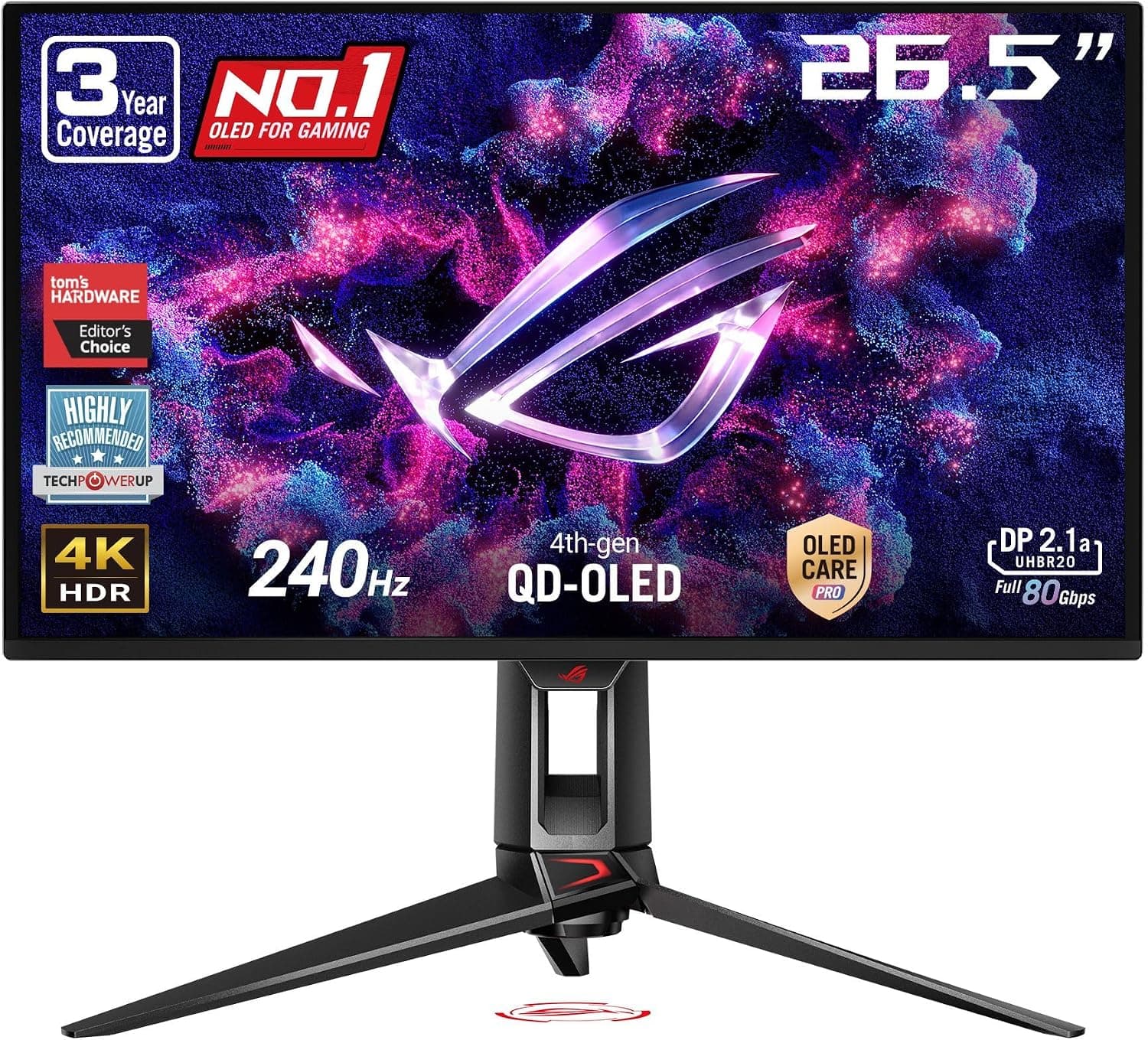
The ROG Swift OLED PG27UCDM is a 27-inch, 240Hz 4K gaming monitor that boasts the latest fourth-generation QD-OLED technology to deliver supersharp visuals and crisp text. The cutting-edge QD-OLED panel offers greater longevity compared to previous OLED technologies and minimal flicker―even when frame rates fluctuate. With the addition of the Neo Proximity Sensor in the new ROG OLED Care Pro suite, the monitor transitions to a black screen when no user is detected, guarding against burn-in. Built-in DisplayPort™ 2.1a UHBR20 provides a full 80Gbps bandwidth to support uncompressed 4K visuals at a stunning 240Hz to elevate viewing experiences to the next level.
Check the evidence
Included does not mean verified authentic. Flagged does not mean proven fake. These are analytical classifications.
Showing 3 illustrative excerpts, not the complete review set.
High Quality Gaming Monitor
“⭐Overall Rating: [4.5/5] Main Use: Gaming, Everyday PC Use & Media Picture Quality: 5/5 Color depth and correction is best in-class. Scenes feel real and immersive while allowing users to fully experience the content that is displayed at it's full potential. Paired with the correct HDR settings, this monitor flexes its strengths including deep blacks and a wide color gamut. Desktop and text sharpness are also great. Gaming: 4.5/5 I recently have been utilizing this monitor at 120Hz refresh rate instead of it's full 240Hz potential for a possible user error issue. When used alongside my second monitor (XG27UCG) that also runs at 240Hz, minor visual flickering/graphical errors arise. Otherwise, running both at 120Hz seems to fix the issue for general desktop use, but visual issue rarely arise while gaming at high frame rates at 240Hz. Build Quality: 5/5 I love the material feel of the back plate & slim style build of the PG27UCDM. It gives off a visually modern, professional and high end feeling. Any Issues: Minimal issues. Minor flickering in some games w/ VRR enabled, like Silent Hill 2, where the fog seems to flicker and shimmer w/ VRR enabled, but does not when VRR is enabled. Even when the setting is disabled, I can't even tell the difference of advantage that VRR would add while simultaneously removing the shimmering issue. Value for the price: 4/5 Fair. $1000 is a lot of money for anyone to drop on a monitor, but if the money is available for you in your budget for a monitor in this price range, I would recommend the PG27UCDM over any competitor. Would I Recommend It?: 100% Yes. The PG27UCDM is a standout monitor for me. Coming from another ASUS ROG 1440p 240Hz monitor, the PG27UCDM blows any monitor I have ever owned out of the water.”
Signals matched: Specific detail: quantity, scenario · Reads as an authentic voice
Exceeds Expectations
“OLED Care is amazing the Neo Proximity sensor can be a little janky if you dont move around often. Overall a massive upgrade from 120 FPS. If you don't neet DP 2.1 then the XG27UCDMG is a good pick. Ive had it for about 8 months now and have no issues with burn in. Make sure to use only distilled water and a clean micro fiber cloth to gently wipe down the screen. For this kind of money I'd expect the monitor to be able to cure cancer but you get the premium build that you pay for. AOC makes great budget 4K OLED monitors under 300 bucks if budget is a problem. Cyberpunk 2077 looks amazing on this monitor, especially at max graphics. I play both single player and multiplayer games and it's good for both. Last note. Do not buy any 4K monitor unless your PC is strong enough. With a 9800X3D and an RTX 5090 my frames dropped 30% on average in many games. However this is a strong, maybe even the best pick if you have the money!”
Signals matched: Specific detail: quantity, comparison, process, scenario · Reads as an authentic voice
27" UCDM is the perfect OLED PC Monitor for me.
“ASUS 27UCDM. Great PC Monitor for Windows10. 27" is the perfect size for me. I have found Scaling set to 175% works best for me. I ordered & installed 25 Aug 2025. Little over 1 year later & the 27UCDM is still running great. No burn-in. I have installed firmware up to MCM108. I have my Windows10 PC using the display port, & my FireTV-Stick4k using HDMI port 1. I mainly watch movies. Even the old black&white movies & tv series look good. Not much into games anymore, MSFS2024, MSFS2020, X-Plane 12, look great. Desktop text look pretty clear & easily read. Great to have DolbyVision available when needed.”
Signals matched: Specific detail: quantity, entity, process, scenario · Reads as an authentic voice
One less thing to search
Yes—but plan your connection. You'll want a GPU with DisplayPort 2.1 to hit uncompressed 4K at 240Hz over the included DP40 cable; HDMI 2.1 tops out lower. Many Reddit users note that older GPUs can still drive it via DSC, though some prefer the clean signal of full 80Gbps bandwidth. Check your card's spec sheet before buying.
Fairly well, and the warranty backs it up. The fourth-gen QD-OLED panel is rated for greater longevity, and OLED Care Pro adds 10 protection modes—including the Neo Proximity Sensor, which blacks the screen when you step away. It ships with a 3-year warranty covering burn-in, a detail reviewers consistently call a major confidence boost.
Better than earlier OLEDs, but set expectations. The 160 PPI density and fourth-gen panel deliver noticeably crisper text, and most users find it comfortable for daily work. That said, some productivity-focused buyers on Reddit mention slight color fringing on very small fonts—if pixel-perfect text is your top priority, a high-PPI IPS may suit you better.
It depends on your desk and priorities. Choose this 27-inch if you want maximum pixel density and competitive-grade speed in a compact footprint; go 32-inch if screen real estate for productivity matters more. If you mainly play fast shooters and don't need 4K, a 1440p 360Hz OLED saves money—several YouTube reviewers frame it exactly this way.
Generous for a gaming monitor. You get two DisplayPort 2.1a (UHBR20), HDMI 2.1, USB-C with 90W Power Delivery, USB 3.2 hub ports, a 3.5mm audio out, and even a tripod socket for a webcam or light. The USB-C handles video and laptop charging simultaneously—handy for hybrid work setups, though note the tripod-style stand has a wide footprint, so VESA mounting (100x100) is worth considering for small desks.
Answers are limited to the manufacturer's listing and the reviews we analysed. Questions those sources cannot support are not answered here.
Transparent by design