What people like
Sturdy, easy install, holds big monitors
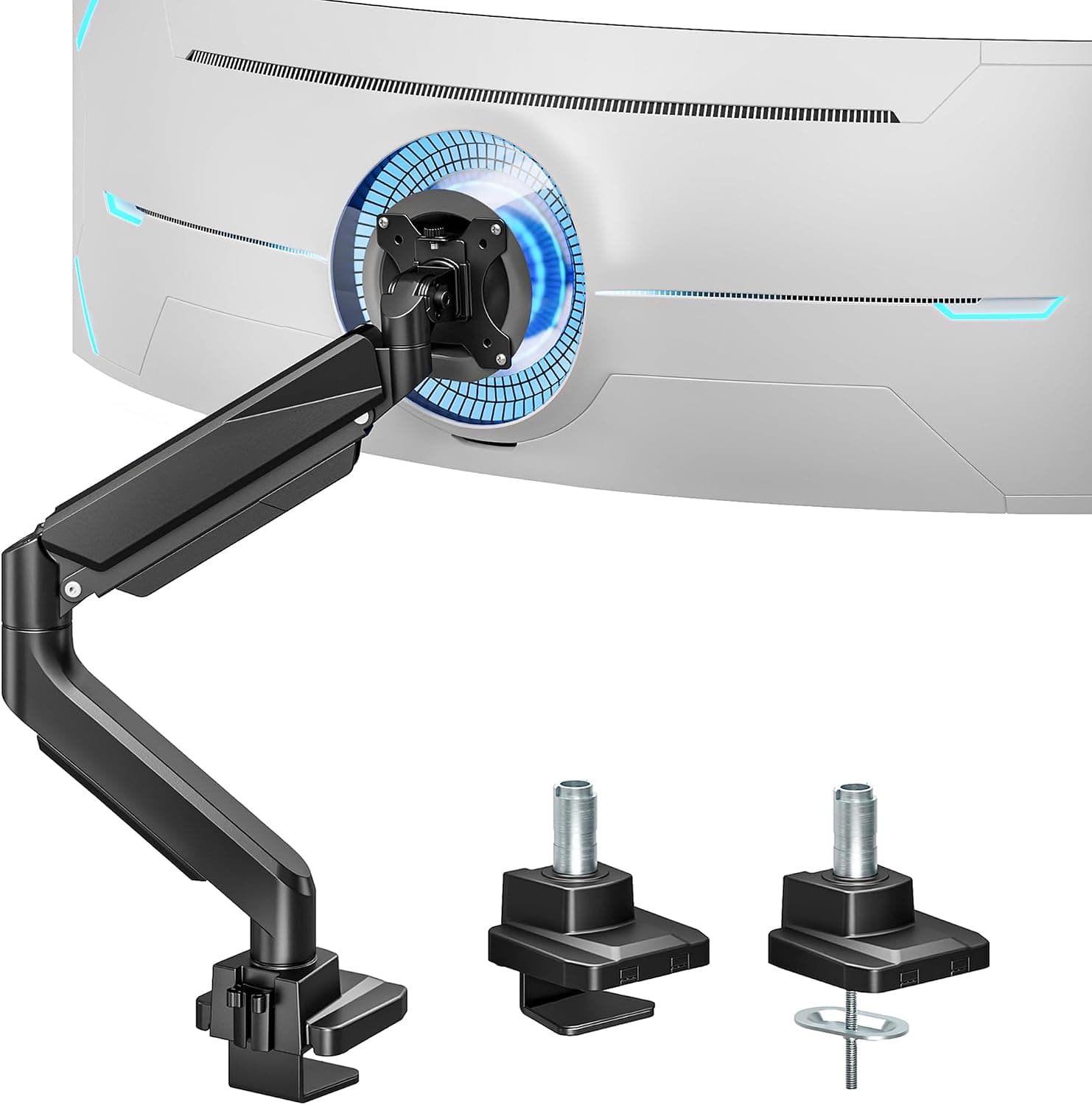
Reviewers call it solid and well-made, with easy assembly and strong support for curved 34" and even 49" displays, staying stable where positioned.
The 30-second read
What people like
Reviewers call it solid and well-made, with easy assembly and strong support for curved 34" and even 49" displays, staying stable where positioned.
The main watch-out
One reviewer found arm tension tricky to dial in; another's plastic cable cover arrived broken, though the seller sent a replacement part.
Before you choose
One user's desk exceeded the clamp limit yet still held; another had to drill through 50mm tubing to mount it on a cockpit.
From a similar, more-reviewed product in this category: FORGING MOUNT Heavy Duty Single Monitor Arm Stand Fits 17-42" Computer Screen, Adjustable Gas Spring Desk Mount Holds up to 33lbs, Full Motion with Clamp/Grommet Base, VESA Mount 75x75/100x100
What people like
Reviewers consistently praise the build quality and find it secure for larger screens, with many noting straightforward installation.
The main watch-out
Some users report that attaching the mounting plate can be difficult, and adjusting the gas spring tension requires many turns.
Before you choose
One reviewer needed an extra plate to mount a 40-inch TV, and another received an opened package, so verify VESA compatibility and expect possible packaging issues.
Your use case first
1 of 14 mentions describe a negative experience (7%).
3 of 13 mentions describe a negative experience (23%).
2 of 11 mentions describe a negative experience (18%).
0 of 9 mentions describe a negative experience (0%).
1 of 7 mentions describe a negative experience (14%).
One review can mention several topics. Percentages describe the reviews we analysed, not all buyers or the product's overall failure rate.
Compare the trade-offs
A random selection of analyzed products from the same category. Different products are not necessarily interchangeable.

VIVO Single 13 to 38 inch Ultrawide Monitor Arm Desk Mount, Regular Screens up to 32 inches, 22 lbs capacity, Fully Adjustable Stand with C-Clamp and Grommet Base, Black, STAND-V001

monTEK 17-49 inch Single Monitor Wall Mount for up to 44 lbs Ultrawide Screen, Premium Aluminum Heavy Duty Monitor Arm with Adjustable Gas Spring Arm, 75x75/100x100 VESA Mount, White

Pixio PS1S Wave Purple Single Monitor Arm Stand Desk Mount - Fits up to 32 inches Monitors and up to 19.8lbs. VESA Compatibility and Integrated Cable Management
Check the evidence
Included does not mean verified authentic. Flagged does not mean proven fake. These are analytical classifications.
Showing 3 illustrative excerpts, not the complete review set.
Works great!
“Easy to install overall. The only tricky part was adjusting the arm tension to get the movement just right. I’d recommend being careful when attaching the monitor and making any adjustments so you don’t put unnecessary stress directly on the screen. Once I had everything dialed in, it worked great. It holds my 32-inch monitor securely and stays exactly where I position it. One thing to note: if you’re looking for the monitor to sit perfectly centered over the mounting pole, this probably isn’t the best option. I just needed something that could support a larger monitor and easily swing to either side of my table that sits against the wall. It does that well.”
Signals matched: Specific detail: quantity, process · Mentions: installation, adjustability, functionality · Reads as an authentic voice
Awesome arm for sim racing cockpits
“This thing is awesome! I was getting ready to build something compatible for my grandsons Dardoo G29 cockpit when i found this on sale for $49. Built like a tank, all metal, quality throughout. It came with M6 setscrews which I replaced with longer socket head caps to really lock down the rotation (not needed on a cockpit). I had to drill thru the 50mm tubing on the cockpit which is easy, then use the existing M8 bolt supplied for desk mounting to secure the arm from the bottom. The end result looks like it came with the cockpit and it holds the 1000R 34” monitor perfectly. The counterbalance adjusters work flawlessly.”
Signals matched: Specific detail: quantity, entity, scenario, process · Mentions: sturdiness, installation, build quality · Reads as an authentic voice
Works for 49" g9 oled!
“Arm has absolutely no problem supporting my 49" display! Install was very simple with the c clamp and included hardware. Seems to distribute the weight very well on my relatively thin desk. After 2 months I see zero signs of damage or failure. It is able to move freely when I need it too while managing to be very stable when i'm not adjusting it. The arm allows for the monitor to move in every direction imaginable, including tilting up/down.”
Signals matched: Specific detail: quantity, entity, process · Mentions: installation, sturdiness, adjustability, functionality · Reads as an authentic voice
One less thing to search
The listing says it fits 13"-49" screens and supports up to 40 lbs per monitor, or 31 lbs for curved ones. Reviewers report using it successfully with 32", 34", 37", and 49" monitors, including a 49" Samsung G9 OLED.
A reviewer reports the arm supports a 49" Samsung G9 OLED with no problem. The listing notes compatibility with Samsung G9 (new version only).
Reviewers generally call installation easy or simple, and the listing says setup takes 3 steps with all hardware included. It offers C-clamp or grommet mounting.
Yes. The listing says it offers clamp or grommet installation for desktops 10–45 mm thick, and a reviewer confirms it comes with two attachment methods: a bolt through the desk or a grip.
The listing lists smooth tilt (+45° to -45°), swivel (+90° to -90°), and 360° rotation, with a gas spring for weight-based tension
From a similar, more-reviewed product in this category: FORGING MOUNT Heavy Duty Single Monitor Arm Stand Fits 17-42" Computer Screen, Adjustable Gas Spring Desk Mount Holds up to 33lbs, Full Motion with Clamp/Grommet Base, VESA Mount 75x75/100x100
Yes — reviewers regularly mount 40" and 43" displays and report a secure, stable hold. Just keep your monitor (plus the VESA plate) under the 33 lb limit, and expect to spend a few minutes tightening the gas spring tension the first time. Once dialed in, it stays put.
It's the most common gripe, and honestly it's fair — the arm ships at minimum tension, so heavier screens need many turns of the included Allen key before they hold position. It's not hard, just tedious. Do it *before* mounting the monitor if you can, and you'll save yourself some frustration.
The C-clamp works on most desks up to about 2" thick with a flat underside, while the grommet base is the better choice for thicker tops or desks with a metal frame or lip underneath. If you have a glass desk or an unusually beveled edge, measure first — and check the return policy before drilling anything.
For most users, yes — 15 to 30 minutes solo with the included hardware and instructions. You'll need a Phillips screwdriver and the supplied Allen key. The only step that trips people up is tension tuning, and having a second person help lift larger monitors onto the plate makes it much smoother.
If you want heavy-duty capacity, both clamp and grommet mounting, and smooth gas-spring motion without paying Ergotron prices, this is a strong value pick — many TikTok and YouTube reviewers call it a "budget HX." If you need tool-free tension adjustment or plan to mount something over 35 lbs, step up to a premium arm instead.
Answers are limited to the manufacturer's listing and the reviews we analysed. Questions those sources cannot support are not answered here.
Transparent by design