What people like
Fast, wide coverage, easy setup
Reviewers consistently report faster WiFi 6 speeds, stronger signals, and better coverage than their previous routers, with setup described as easy or painless.
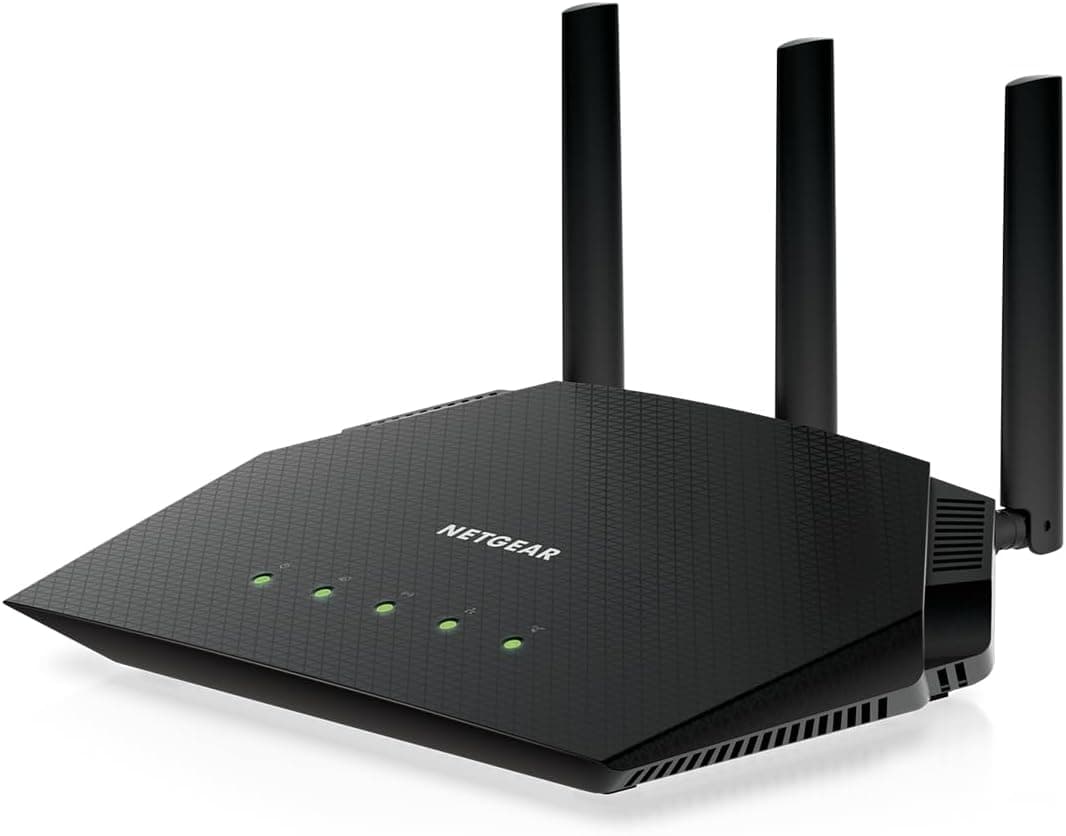
The 30-second read
What people like
Reviewers consistently report faster WiFi 6 speeds, stronger signals, and better coverage than their previous routers, with setup described as easy or painless.
The main watch-out
One reviewer had the router fail exactly 30 days after installation and spent hours on troubleshooting, while another found the required Nighthawk app setup to be more work than it should be.
Before you choose
One reviewer reports the router will not work on Nexicom Fibre Internet, and another notes it lacks a WiFi bridge mode, so verify compatibility with your ISP and needed features before buying.
From a similar, more-reviewed product in this category: TP-Link Dual-Band AX3000 Wi-Fi 6 Wireless Gigabit Internet Router for Home
What people like
Reviewers consistently praise the simple setup, reliable coverage throughout the home, and fast Wi-Fi 6 speeds with good multi-device performance.
The main watch-out
One reviewer notes the router lacks a kill switch, which they consider essential for VPN use, despite otherwise finding it easy to set up and reliable.
Before you choose
A reviewer mentions the 5GHz range is sufficient for travel but may not cover a massive room or house, so consider your space size before buying.
Your use case first
34 of 131 mentions describe a negative experience (26%).
9 of 39 mentions describe a negative experience (23%).
2 of 27 mentions describe a negative experience (7%).
1 of 16 mentions describe a negative experience (6%).
1 of 15 mentions describe a negative experience (7%).
17 of 25 mentions describe a negative experience (68%).
One review can mention several topics. Percentages describe the reviews we analysed, not all buyers or the product's overall failure rate.
From a similar, more-reviewed product in this category: TP-Link Dual-Band AX3000 Wi-Fi 6 Wireless Gigabit Internet Router for Home
216 of 999 mentions describe a negative experience (22%).
80 of 503 mentions describe a negative experience (16%).
131 of 456 mentions describe a negative experience (29%).
96 of 388 mentions describe a negative experience (25%).
15 of 191 mentions describe a negative experience (8%).
26 of 137 mentions describe a negative experience (19%).
287 of 532 mentions describe a negative experience (54%).
282 of 477 mentions describe a negative experience (59%).
Compare the trade-offs
A random selection of analyzed products from the same category. Different products are not necessarily interchangeable.

TP-Link AX6000 Wi-Fi 6 Router (Archer AX80) – Dual Band, 2.5 Gbps WAN/LAN Port, 8K Streaming,Wireless Internet Router with OneMesh and AP Mode, Long Range Coverage, WPA3, Beamforming

TP-Link Smart WiFi 6 Router (Archer AX10) – 4 Gigabit LAN Ports, Dual Band 802.11AX Router, Beamforming, OFDMA, MU-MIMO, Parental Controls, Dual-Core 900MHz Processor, Works with Alexa

Netgear RAX10 Wi-Fi 6 IEEE 802.11ax Ethernet Wireless Router
Check the evidence
Included does not mean verified authentic. Flagged does not mean proven fake. These are analytical classifications.
Showing 3 illustrative excerpts, not the complete review set.
Simple to set up and an immediate improvement - but there's more
“This thing crapped out exactly 30 days (to the hour) of installation. I spent a week and several phone calls with Netgear. I manually updated the firmware (the installation process is supposed to update the firmware). I went through their troubleshooting process three times after I had done my own. It took HOURS. We did a factory reset and had the internet provider refresh the modem from their end and finally it works. Their customer service process is cumbersome. Make sure you have a cell phone, a copy of your manual stored locally and can log in and out of the routerlogin.net page I'm over 50 so I hate having to rework our electronics. It isn't that difficult but you have to relearn things. This wasn't too bad. These days devices really set themselves up for you. You just have to follow instructions carefully. Our old Netgear router was 6 years old and the newer computers were starting to hiccup due to slower processing speeds. So I upgraded. It took me a little over an hour. Then I wanted to figure out how to change the password which wasn't really clear but I figured it out. Everything was paired and up and running again after another half hour . The computers are more responsive. Our network extender in the detached garage has a great signal now. You will need a Smartphone to upload the Nighthawk app from the app store. Then you scan the QR code that comes in the box and your phone walks you thru the process. If you already have a Netgear account, that you have pretty much forgotten about, get logged back into that before you pull the plug on your old router. This router is reasonably priced, simple to set up and an immediate improvement.”
Signals matched: Specific detail: quantity, process · Mentions: reliability · Reads as an authentic voice
Reasonable Internet router, works great!
“Had problems with internet it disconnected several times a day. Our needs are basic and I thought we should first upgrade router before upgrading I-net speed and another increase in bill, little did I know that the new Netgear router would fix our problems! Setup was easy and it manages our traffic smoothly and so much more efficient. For the price and ease of installation I should have done this long ago. Worth it? HECK YES. Improve performance? HECK YES. Reliability? HECK YES. We couldn't believe the difference! Night and day difference! If you're in the market for better internet access and router is a tick old, try this first you might be pleased as I am!”
Signals matched: Specific detail: process, comparison · Mentions: reliability, value for money, connectivity · Reads as an authentic voice
Good router for almost everyone
“I got this when the US government announced the ban of new router models being sold. I wanted to get something while it was less expensive, but I also had been looking into upgrading my old hardware (i was on wifi 5 and couldn’t use the full internet speeds I was paying for). Works great in small to medium sized homes. All my newer devices can finally use their advertised WiFi 6 speeds. I have a server connected to it, too. Great for online gaming, too.”
Signals matched: Specific detail: entity, scenario, comparison · Mentions: speed, value for money · Reads as an authentic voice
One less thing to search
No. The manufacturer states this router does not include a built-in cable modem, and a separate cable modem with coax inputs is required for internet service.
The listing states coverage up to 2,000 sq. ft. for up to 25 devices, and a customer review noted it handled 15+ connected devices with zero lag even with 4K streaming and gaming at the same time.
Multiple reviewers described setup as easy or painless, with one noting setup through the Nighthawk app was painless.
Reviewers reported very fast WiFi 6 connections, noticeably better throughput on both bands, easily hitting close to gigabit speeds on 5GHz, and a big step up in coverage reaching rooms that used to be dead zones.
The listing says it is compatible with any internet service provider up to 1Gbps including cable, satellite, fiber, and DSL, but one reviewer reported it would not work on the Nexicom Fibre Network.
From a similar, more-reviewed product in this category: TP-Link Dual-Band AX3000 Wi-Fi 6 Wireless Gigabit Internet Router for Home
Multiple reviewers describe setup as easy, including one who upgraded from a TP-Link Archer C7 and another who set it up for travel use. The listing also includes a Quick Installation Guide and an RJ45 Ethernet cable in the box.
Reviewers report strong, stable coverage throughout the home, with one noting the 5 GHz signal strength seemed better than their previous router. The listing cites 4 high-gain external antennas and Beamforming technology to extend reliable Wi-Fi.
The listing states next-gen Gigabit Wi-Fi 6 speeds of 2402 Mbps on 5 GHz and 574 Mbps on 2.4 GHz, and reviewers say Wi-Fi 6 makes a noticeable difference with faster speeds and smoother streaming. One reviewer specifically praised its speed and processing power compared to other routers.
Yes, reviewers mention "Smart Connect" allows combining the 2.4G and 5G bands under a single SSID, with the router deciding which to use per client. One reviewer confirmed selecting the smart option during setup.
The listing states it works with all internet service providers such as AT&T, Verizon, Xfinity, Spectrum, RCN, Cox, CenturyLink, and Frontier, though a modem is required for most ISPs.
Answers are limited to the manufacturer's listing and the reviews we analysed. Questions those sources cannot support are not answered here.
Transparent by design