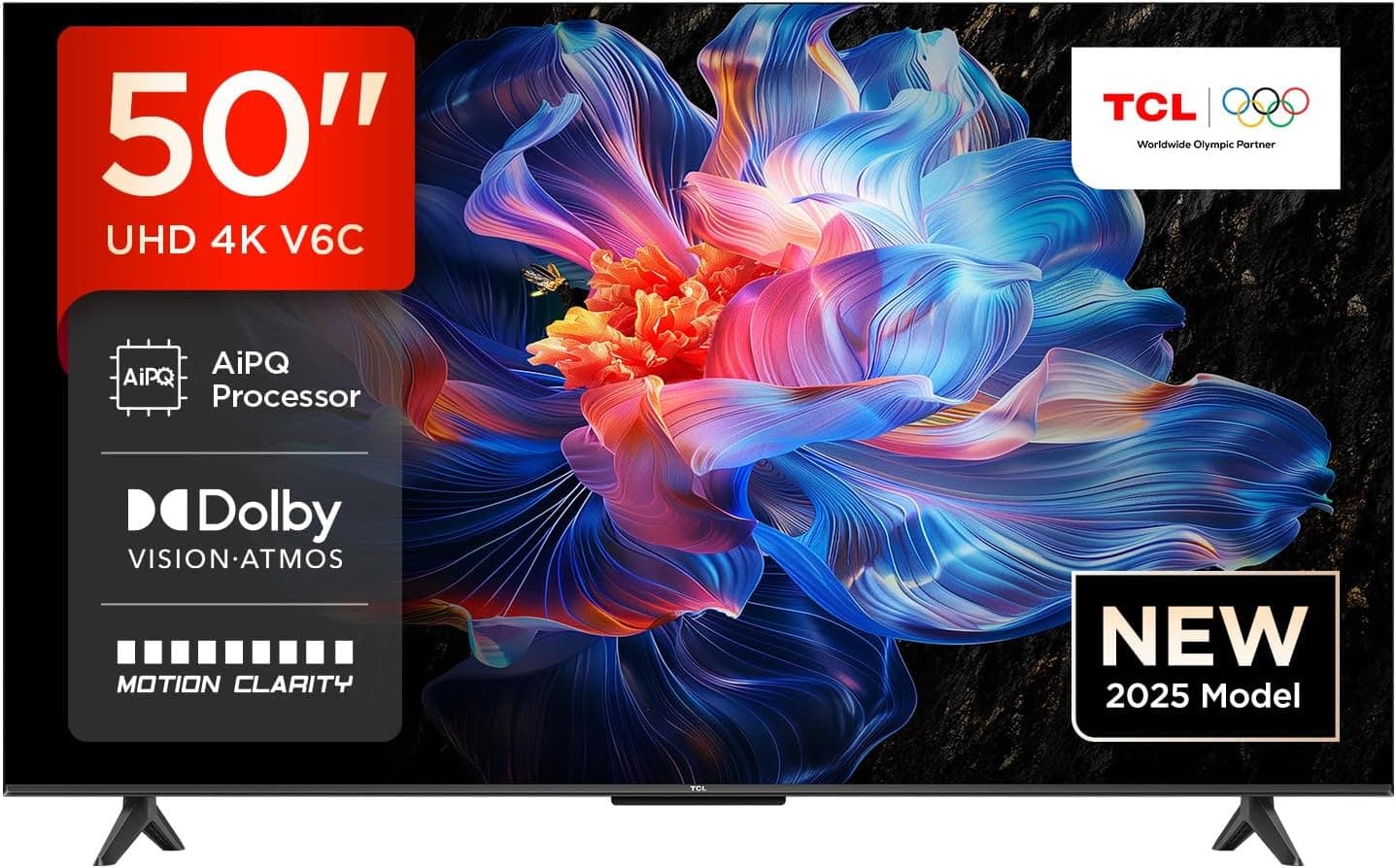
TCL 50V6C 50 Zoll Direct LED TV, 4K HDR Fernseher, Smart TV mithilfe von Google TV (Dolby Audio, Motion Clarity, Kompatibel mit Google Assistant)
Description
Based on the analysis, the TCL 50V6C 50-inch 4K HDR TV with Google TV earns an overall score of 93 out of 100 and is a highly trustworthy option. Reviewers praise its excellent picture quality, motion clarity, and Google Assistant compatibility, which are key strengths in the smart TV category. However, the seller's reputation is slightly lower than expected, potentially raising concerns about customer service and after-sales support.
One less thing to search
Before you buy: quick questions
TCL 50V6C は Google TV と Google Assistant に対応していますか?音声で操作できますか?
はい。テレビは Google TV を搭載し、リモコン経由で Google Assistant をサポートしているため、音声で検索、アプリの起動、再生の操作ができます。
50型の画面は私の部屋に合いますか、理想的な視聴距離はどれくらいですか?
50型の画面は多くのリビングルームで適しています。4Kコンテンツの場合、視聴距離は約2.0〜2.6メートルを目安にしてください。壁掛けの場合は、VESAパターンとテレビの背面のクリアランスを確認してください。
画質と動きはどうですか、箱出しでキャリブレーションをすべきですか?
滑らかな動きでシャープな4K HDRを提供します。多くのユーザーは、画質モード、明るさ、コントラストを調整して部屋の照明に合わせる簡単なキャリブレーションで満足しています。
音とゲーム性能はどうですか?追加の機器が必要ですか?
テレビには日常視聴向けの標準的なDolby Audioが搭載されていますが、より豊かなサウンドのためにサウンドバーを選ぶ人が多いです。カジュアルゲームなら4K60を問題なく処理しますが、競技系ゲーマーなら入力遅延の正確な仕様とHDMI機能を確認してください。
保証、返品ポリシー、アフターサポートはどうですか?
一般的な小売店では標準の保証と30日間の返品期間を提供します。アフターサポートの経験は販売者によって異なるため、購入前に小売業者のサービスの評判と想定される応答時間を確認してください。
From a similar, more-reviewed product in this category: Xiaomi TV F 32 2025, 32 Inch HD Smart TV Fire OS7 Triple Tuner L32MB-FAEU
Does the Xiaomi TV F 32 have a headphone jack?
No, there is no 3.5 mm headphone jack; headphones can only be connected via USB or Bluetooth. To pair a Bluetooth device, go to Settings > Remotes and Bluetooth devices > Other Bluetooth devices > Add Bluetooth device.
How do I adjust the brightness on this TV?
Open Settings, then go to Display & Audio > Picture > Backlight and adjust the brightness using the left/right buttons on the remote.
What are the mounting dimensions and weight of the 32-inch model?
It uses a standard VESA 100x200 mm mount and weighs 3.1 kg without the stand, with dimensions of 425 x 719 x 61 mm (without stand). The recommended viewing distance is approximately 0.5 m.
Is the TV easy to set up and use?
Yes, reviewers describe setup as quick and the interface as fluid and self-explanatory, with language selection and Wi-Fi setup being simple and fast. The Fire TV operating system is also praised as clear and well-organized.
How is the sound quality of this TV?
Reviewers say the built-in sound is loud and sufficient for everyday use, though one noted it can sound a bit tinny at higher volumes. Some users paired it with a Xiaomi soundbar for a better home-cinema experience.
Answers are limited to the manufacturer's listing and the reviews we analysed. Questions those sources cannot support are not answered here.
Transparent by design