
Toshiba Canvio Advance 1TB Portable External Hard Drive USB 3.0, Black - HDTCA10XK3AA
Description
The Canvio Advance portable external hard drive allows creators to do what they do best–anywhere their lives take them–offering high storage capacity, easy access to your stored content and the time-tested reliable performance they need. Featuring a compact design with a stylish, textured finish, the Canvio Advance helps keep your files safe and secure with easy-to-use auto backup and password protection software (free download, for Windows PC only). [Note]: (1) One Terabyte (1TB) means 10{12] = 1,000,000,000,000 bytes using powers of 10. Actual formatted storage capacity may vary. For details, please visit Toshiba's Consumer HDD website. (2) Drive formatted NTFS for Windows PC. Reformatting required for Mac computers. Compatibility may vary depending on user‘s hardware configuration and operating system. (4) Product specifications, colors, features, software, and availability are subject to change without notice. Product images may not reflect the actual product. (5) Software is available via free download that is subject to Toshiba’s standard End User License Agreement. Software is compatible with Windows PC only.
Compare the trade-offs
Similar products, side by side
A random selection of analyzed products from the same category. Different products are not necessarily interchangeable.

Seagate Portable 1TB External Hard Drive HDD – USB 3.0 for PC, Mac, PlayStation, & Xbox, 1-Year Rescue Service (STGX1000400) , Black

Toshiba Canvio Basics 1TB Portable External Hard Drive USB 3.0, Black - HDTB510XK3AA
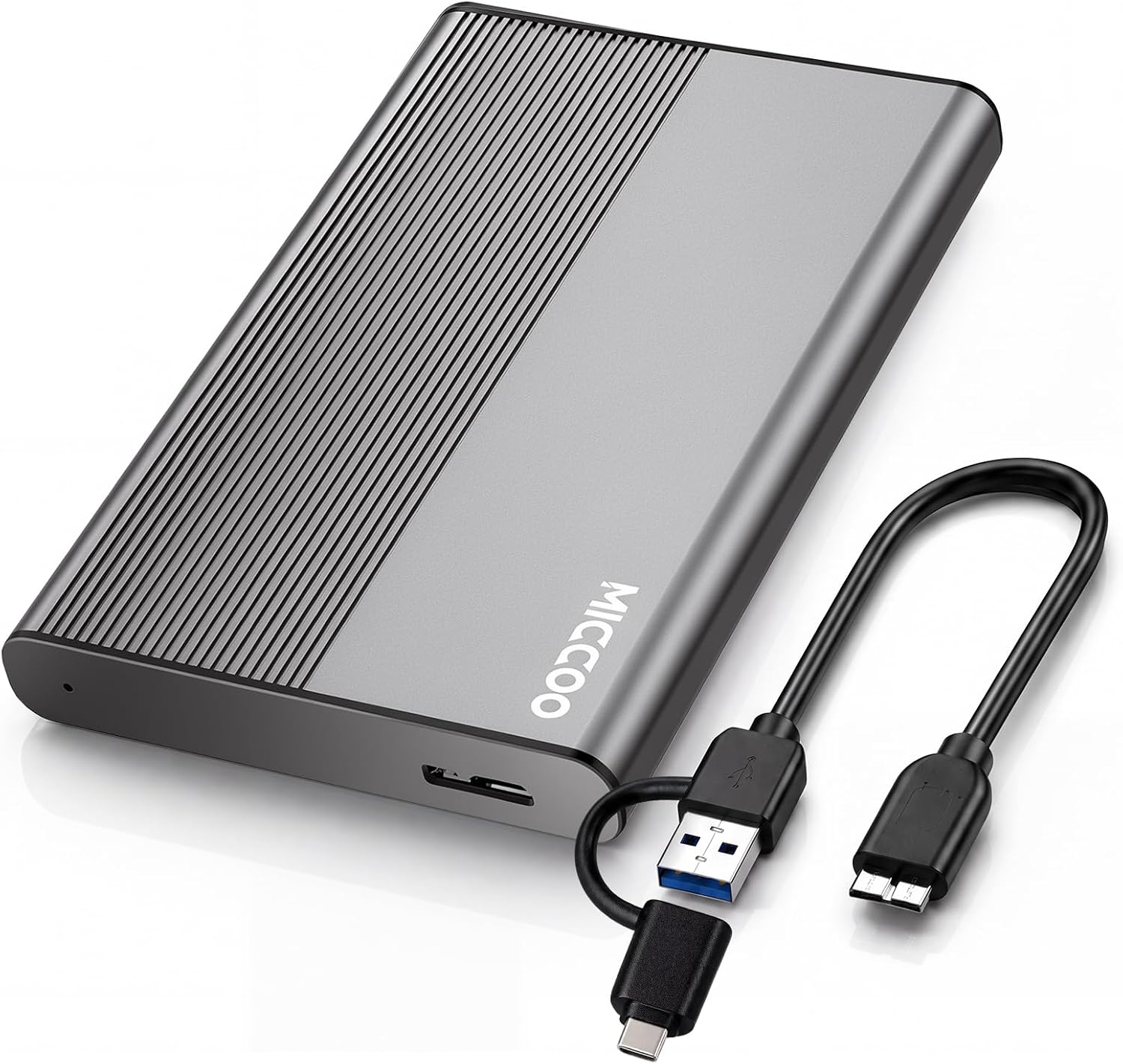
500GB External Hard Drive HDD, USB 3.0 Portable Expansion Storage
One less thing to search
Before you buy: quick questions
Is this hard drive compatible with my game console or smart TV for extra storage?
Yes, it is widely compatible! Many users on forums like Reddit confirm it works well with PlayStation 4 and many smart TVs for media expansion. For PlayStation 5, it can be used for storing and playing PS4 games, but not PS5 games. It's always a good idea to check your specific device's manual for external storage requirements, as some may require a specific format (like exFAT).
How durable is it for daily travel in a backpack or laptop bag?
The Canvio Advance is designed to be portable, with a compact and lightweight plastic casing. While most users find it holds up perfectly fine in a padded compartment, some note the plastic can pick up minor scratches over time. If you're exceptionally rough on your gear or need maximum ruggedness, you might consider a drive with a rubberized or metal shell. For typical student or commuter use, its design is generally sufficient.
Does it come ready to use with Windows and Mac, or is reformatting needed?
It comes pre-formatted for Windows (NTFS). If you're using a Mac, you will need to reformat it to a macOS-compatible format like APFS or Mac OS Extended, which erases any data on the drive. The process is straightforward using your Mac's Disk Utility. A common tip from users is to have a longer USB cable on hand, as the included one is quite short for comfortable setup.
I've heard some external drives fail. How reliable is this one, and what's the warranty?
The vast majority of reviews highlight reliable performance for everyday backup and storage. However, as with any hard drive containing moving parts, there is a small risk of failure over time, which is why regular backups of your most important data are always recommended. This drive is backed by a standard manufacturer's limited warranty (typically 2-3 years; check your region's specifics). Some social media comments mention the warranty process can be slow, so it's good to keep your proof of purchase.
Should I get this or spend more on a solid-state drive (SSD) like a Samsung T7?
It depends on your needs and budget. The Toshiba Canvio Advance (an HDD) offers fantastic value for capacity—you get more storage per dollar, perfect for general backups, media libraries, or archiving. An SSD like the Samsung T7 is significantly faster, more durable (no moving parts), and smaller, but costs more per gigabyte. Choose this drive if you prioritize affordable, high-capacity storage. Choose an SSD if you frequently transfer huge files (like 4K video) or need maximum speed and shock resistance.
From a similar, more-reviewed product in this category: 500GB External Hard Drive HDD, USB 3.0 Portable Expansion Storage
Will this drive work with my Mac right out of the box, or do I need to reformat it?
It's pre-formatted for Windows, so Mac users will typically need to reformat it to APFS or exFAT before it shows up properly. Several reviewers mentioned this exact surprise, so if you're on macOS, plan for a quick one-time setup. It's easy, but it's not truly plug-and-play on Mac.
Why does my computer show less than 500GB of available space?
That's completely normal. Drive manufacturers count 1GB as 1,000,000,000 bytes, while operating systems count 1GB as 1,073,741,824 bytes — so a "500GB" drive usually shows around 465GB. Many TikTok and Reddit users point this out, and it's not a defect or a sign you got a smaller drive.
Is the USB-A to USB-C converter durable, and can I use this with a phone or tablet?
The included converter works well and is genuinely handy, though a few users noted it feels a bit delicate — treat it gently and it'll last. It can work with USB-C phones and tablets, but only if they support external storage and file management. It's primarily designed for laptops and desktops.
How fast are the transfer speeds in real-world use?
For documents, photos, and everyday files, USB 3.0 speeds are perfectly solid. For large video files or big game installs, expect noticeably slower performance than an SSD — this is a traditional spinning HDD, not a solid-state drive. As one reviewer put it, "great for photos, not for 50GB video dumps."
Is it worth the price, and who is this best suited for?
For the price, it's an excellent value as a secondary backup or everyday storage drive. It's ideal for students, casual users, and office workers who need portable space for documents and photos. If you're a content creator, gamer, or need maximum speed and capacity, you'd be better off spending more on an external SSD or a larger 1TB+ drive.
Answers are limited to the manufacturer's listing and the reviews we analysed. Questions those sources cannot support are not answered here.
Transparent by design