
Upgrow USB 3.0 Hub 4-Port USB Hub with 5 Gbps USB Splitter for Laptop MacBook, Mac Pro, Mac mini, iMac, Surface Pro, XPS, PC, Flash Drive, Mobile HDD-White
Description
The best hub for most people who need to connect a lot of devices at once. It has one USB 3.0 data ports and three USB 2.0 ports facing upward, so cables and plugs take up less room on your desk.
Compare the trade-offs
Similar products, side by side
A random selection of analyzed products from the same category. Different products are not necessarily interchangeable.
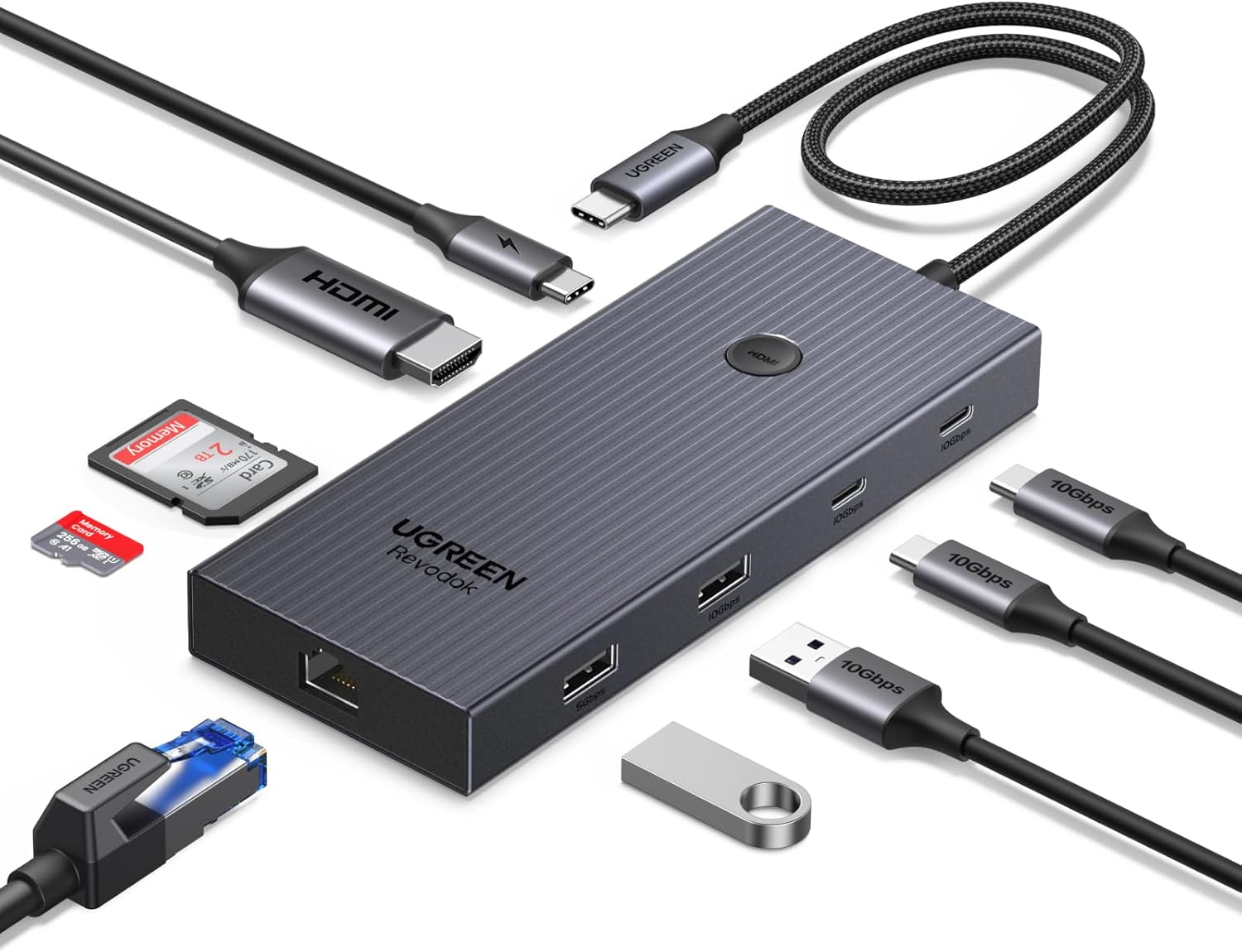
UGREEN Revodok Pro 9 in 1 USB C Hub Gigabit Ethernet Adapter 4K@60Hz HDMI

SABRENT 10-Port 60W Powered USB 3.0 Hub, Power Switches & LEDs (HB-BU10)

Anker USB C Hub with Ethernet, 8-in-1 Multiport Ethernet Adapter with 4K 60Hz HDMI Port, 85W Power Delivery, 10Gbps USB C and 2 A Data Ports, microSD SD Card Reader, for MacBook Pro/XPS/iPad and More
One less thing to search
Before you buy: quick questions
Can this hub power my external portable hard drive or SSD?
For basic flash drives, keyboards, and mice, it works perfectly. However, many users on tech forums note that bus-powered portable hard drives and SSDs can be hit or miss due to their higher power draw. If you plan to use such a device regularly, we recommend a hub with an external power adapter for guaranteed, stable performance.
How is the build quality and durability?
The hub has a lightweight, compact plastic casing designed for portability and everyday use. Most customers find it sturdy enough for desk use and travel. Some long-term users mention the connection can become less snug over many months. It's a reliable budget option, but if you need industrial-grade durability, you might consider a metal-housed hub.
Is it truly compatible with both Mac and Windows laptops?
Yes! This is a major plus mentioned in reviews. The hub is plug-and-play for most modern operating systems, including macOS, Windows 10/11, and Chrome OS. No drivers are typically needed. It's popular with MacBook users needing classic USB-A ports and PC users alike.
I've seen comments about the ports being close together. Is that a problem?
The compact design is great for portability, but it does mean the four USB-A ports are side-by-side. If you use wider or oddly-shaped USB drives, they can block the adjacent port. For standard-sized peripherals, it's fine. It's something to consider if you frequently use multiple bulky adapters or drives at once.
Who is this hub best suited for?
This hub is an excellent, affordable choice for students, remote workers, and general users who need to connect a few standard, low-power devices like a mouse, keyboard, webcam, or printer to a laptop with limited ports. If your needs are simple, it offers great value. Power users managing external storage or multiple high-bandwidth devices may want to explore a powered hub with more spaced-out ports.
From a similar, more-reviewed product in this category: USB C to USB Hub Multiport Adapter with 4 USB-A & 3 USB-C 3.0 Port
Does this hub support charging?
No. The manufacturer's note states this device only supports data transmission, not charging.
How many devices can I connect at once?
Up to 7 devices can be connected simultaneously through a single port, including a keyboard, mouse, external HDD, and flash drives.
What data transfer speed does this hub offer?
It uses USB 3.0 technology with data transfer rates up to 5Gbps, which the listing describes as 10x faster than USB 2.0.
How long is the cable on this hub?
The hub has an integrated 1-foot cable, which the listing describes as offering a balance of reach and neatness for routing on a desk, in a laptop stand, or behind a monitor.
What operating systems and devices is this hub compatible with?
It supports Windows, macOS, and Linux, and is listed as compatible with laptops, MacBook, tablets, USB flash drives, and iMac.
Answers are limited to the manufacturer's listing and the reviews we analysed. Questions those sources cannot support are not answered here.
Transparent by design