Ce que les clients apprécient
Easy setup and good picture
Several reviewers found the monitor easy to install and mount, and described the picture quality as good or great.
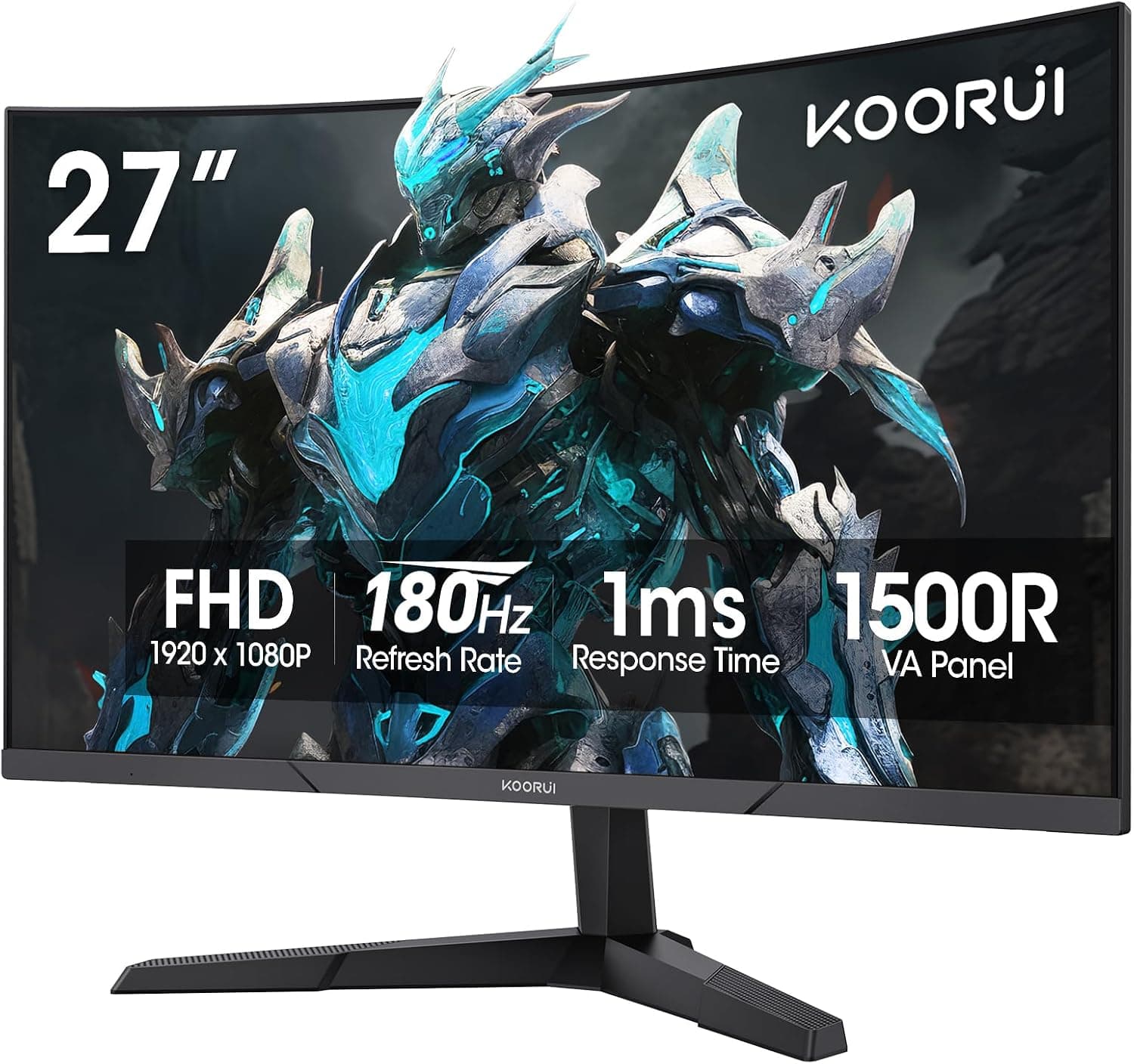
Notre verdict d'achat
Several reviewers praise picture quality and easy setup, but one monitor failed on day two.
Buyers wanting an inexpensive second display for drawing, watching videos, or casual gaming, based on several positive reports.
Buyers who need 1440p resolution or who require confidence in long-term reliability, given one early failure report.
La lecture de 30 secondes
Ce que les clients apprécient
Several reviewers found the monitor easy to install and mount, and described the picture quality as good or great.
Le principal point de vigilance
One reviewer reported the monitor worked the first day but showed a black screen on the second day despite power and detection.
Avant de choisir
One reviewer noted the monitor cannot support 1440p resolution, so it suits 1080p use only.
D'un produit similaire mieux noté dans cette catégorie : KOORUI 24 Inch Gaming Monitor, 180Hz 1080P VA Display with 3000:1 Contrast
Ce que les clients apprécient
Several reviewers describe the monitor as a strong budget purchase, citing impressive specs for the money and satisfaction with gaming use.
Le principal point de vigilance
Several reviewers report the monitor failing or coming apart after months to a couple of years, including a dead screen and a failing power cord.
Avant de choisir
Two reviewers note that setup benefits from adjusting settings in your GPU software, including color, brightness, and VRR.
Description
-0:00 Vibrant Visuals Experience rich and vibrant colors that bring your content to life, adding depth and realism to your viewing experience. Reduced Input Lag Enjoy more responsive gameplay with Adaptive Sync technology. Immersive Experience FHD(1920x1080) resolution provides a more immersive viewing experience with vibrant colors and enhanced image quality. Eye Comfort Low blue light and flicker-free technology reduce eye strain, allowing for comfortable and extended viewing sessions. Vivid Colors from Any Angle The 178° viewing angle and 1500R curvature deliver consistent and accurate colors, regardless of your position. Enhanced Accuracy The crosshair overlay helps to keep your focus on the target, allowing for better tracking and quicker response times.
Comparez les compromis
Une sélection aléatoire de produits analysés de la même catégorie. Des produits différents ne sont pas nécessairement interchangeables.

34 Inch Curved Ultrawide Gaming Monitor,21:9 WQHD (3440x1440) 165Hz 1ms 1500R Curved Monitor, 120% sRGB, Support Freesync,2 HDMI & 2 DP, Equipped with LED Backlight, VESA Mount (G34WQ)

LG 34G600A-B 34-inch Ultragear WQHD (3440 x 1440) Curved Gaming Monitor 160Hz, AMD FreeSync Premium, HDR10, Built-in Speaker, Reader Mode, HDMI 2.1, DisplayPort, Tilt/Height/Swivel Stand, Black
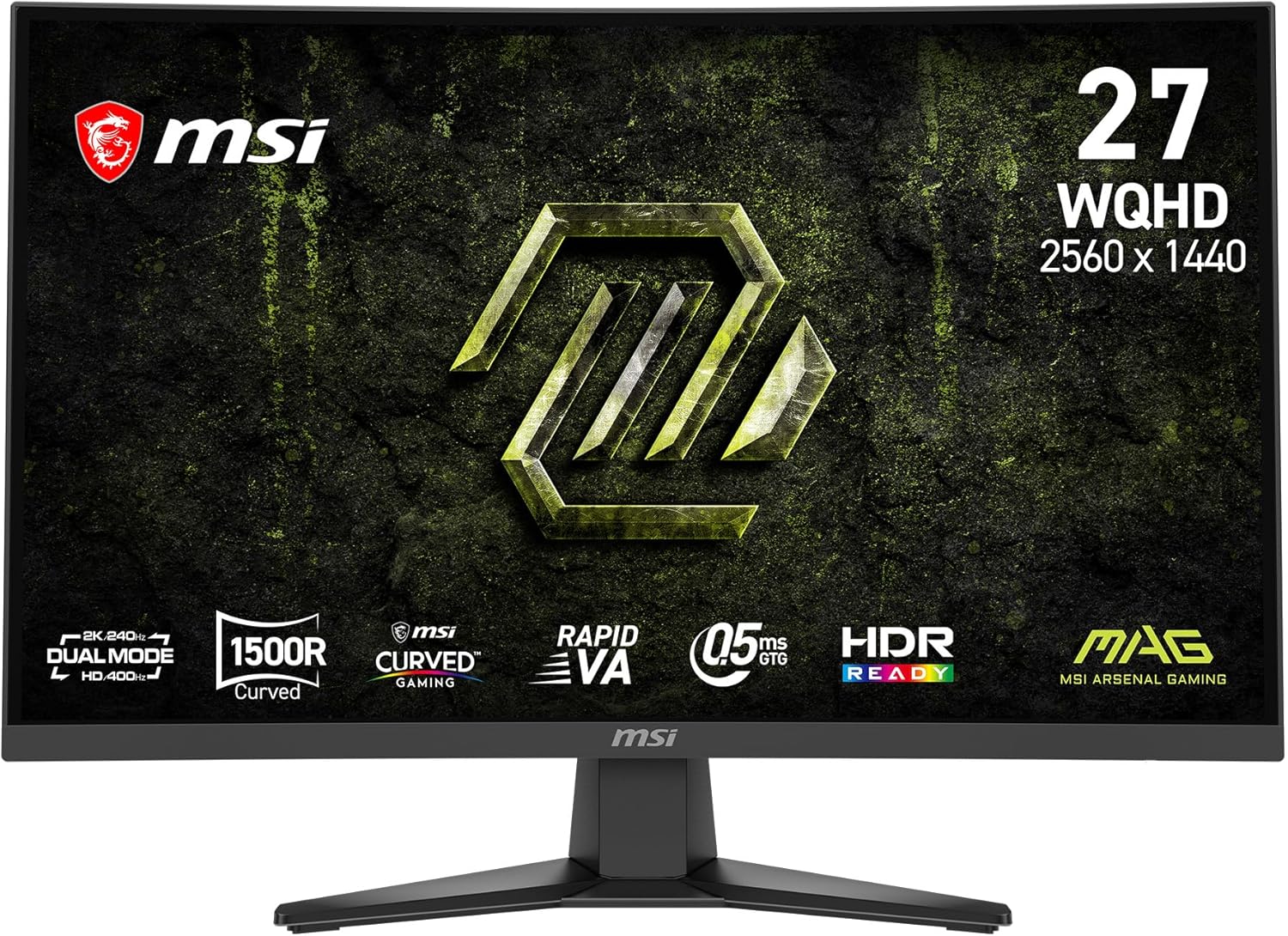
msi MAG 275CQDF X24 27-inch 2560 x 1440 (QHD) Gaming Monitor, AMD FreeSync Premium, Dual Mode with WQHD 240Hz and HD 400Hz, HDR Ready, HDMI, VESA, Tilt, 0.5ms, Black
Examinez les preuves
Inclus ne signifie pas vérifié authentique. Signalé ne signifie pas prouvé faux. Ce sont des classifications analytiques.
Affichage de 3 extraits illustratifs, pas l'ensemble complet des avis.
I needed a second monitor <3
“Very happy with my purchase. I've always wanted a second monitor and I did kind of impulse-buy this, but I'm glad I did; I can finally draw while watching movies and youtube videos like I always wanted to lol Now, I primarily work on a macbook, so comparatively the screen quality is dimmer and not quite as crisp, of course. But it's an 80$ monitor. For /my/ purposes of watching shows while working, it's perfect. I don't ask it to do anything crazy. If you want super crisp viz, it's not gonna be that. But it's a great screen to have and Im happy with it.”
Signaux détectés : Détail spécifique : quantity, scenario, comparison · Se lit comme une voix authentique
Broke immediately
“Worked fine the first day. Here we are on the second day. Windows detects the display and the power button on the monitor is on, but the menu won't show and the screen remains black.”
Signaux détectés : Détail spécifique : process · Se lit comme une voix authentique
👍👍
“Nice, very easy to install, I really enjoy using it. Picture quality great, I recommend it.”
Signaux détectés : Se lit comme une voix authentique
Une chose de moins à chercher
For gaming and video, most owners find it perfectly immersive — the 1500R curve and 99% sRGB colors do a lot of heavy lifting. That said, Reddit and YouTube reviewers are honest: at 27 inches, 1080p shows visible pixels up close, so if you'll be reading documents or editing photos all day, a 1440p panel is worth the stretch. Gamers first, workers second.
Yes — 180Hz is achievable, but make sure you're using the DisplayPort 1.2 connection (the included HDMI cable caps lower). It supports both FreeSync and G-Sync Compatible, so AMD and NVIDIA cards are covered. Just enable Adaptive Sync in the OSD and set the refresh rate in your GPU control panel; many TikTok setup videos walk through this in under a minute.
It's a fair concern, and community feedback is mixed. The 3000:1 contrast gives you deep, rich blacks that IPS panels can't match, but fast motion in dark areas can leave slight smearing. Casual and story-driven gamers rarely notice; hardcore competitive FPS players may want an IPS or TN panel instead. The crosshair overlay and FPS counter help, but they don't fix panel physics.
You're covered — KOORUI backs the panel for 1 year and accessories for 3 years, and the monitor ships with an HDMI cable, power cord, and manual. Buyers strongly recommend unboxing and testing on day one, since the occasional dead pixel does slip through. If something's wrong, contact the seller for a replacement or refund promptly; most report smooth resolutions when they act fast.
It's a fantastic fit for budget gamers, first-time high-refresh buyers, students, and console players who want an affordable curved 180Hz display with vivid colors. Skip it if you need built-in speakers (there are none — audio-out only), do color-critical creative work, or demand pixel-perfect text clarity. In short: buy it for play, not for spreadsheets.
D'un produit similaire mieux noté dans cette catégorie : KOORUI 24 Inch Gaming Monitor, 180Hz 1080P VA Display with 3000:1 Contrast
Yes — it's a native 180Hz panel, but you'll need to switch it on manually. Connect via the included HDMI cable (or a DisplayPort-capable setup), then set 180Hz in your GPU's display settings; it defaults to a lower refresh rate out of the box. Many Reddit and YouTube users note that enabling Adaptive Sync/FreeSync alongside it gives the smoothest experience, and it works with both AMD and NVIDIA cards.
The 3000:1 contrast gives noticeably deeper blacks than typical IPS budget monitors, which shines in dark game scenes and movies. For fast-paced competitive shooters, some TikTok and Reddit users mention mild ghosting/smearing in dark transitions — it's great for casual gaming, students, and office work, but color-critical creators or hardcore FPS players may prefer an IPS panel.
Correct, the included stand only tilts (-5° to 20°) and doesn't offer height, swivel, or pivot adjustment, and a few users find the base slightly wobbly. The good news: it's VESA 100×100mm compatible, so a monitor arm or desk mount solves ergonomics entirely — a popular fix among dual-monitor and dorm-room setups.
Budget monitors can vary unit to unit, and some buyers report stuck pixels or corner bleed — but KOORUI backs it with a 3-year manufacturer warranty. If your unit arrives defective, contact the seller for a replacement or refund promptly; most users who did so report a smooth resolution, so inspect the screen within the return window.
At around $120, it's widely praised as one of the best budget 180Hz options — ideal for students, casual gamers, home-office users, and compact or dual-monitor setups. Just set expectations: no built-in speakers, a single HDMI plus VGA, and basic ergonomics. If you need height adjustment, color accuracy, or built-in audio, consider spending more on an IPS alternative.
Les réponses se limitent à la fiche du fabricant et aux avis que nous avons analysés. Les questions que ces sources ne permettent pas de traiter restent sans réponse ici.
Transparent par conception