
34 Inch Curved Ultrawide Gaming Monitor,21:9 WQHD (3440x1440) 165Hz 1ms 1500R Curved Monitor, 120% sRGB, Support Freesync,2 HDMI & 2 DP, Equipped with LED Backlight, VESA Mount (G34WQ)
商品説明
34-Inch 4K Curved Display: Experience immersive visuals with a 34-inch ultra-wide curved monitor. Ideal for gaming, multitasking, and productivity, the expansive screen delivers a panoramic view for work and entertainment.; WQHD (3440×1440) Resolution: Enjoy crisp and detailed images with dual WQHD(3440×1440) resolution. Perfect for content creation, office work, or watching movies with clear, vibrant visuals.; 165Hz Refresh Rate & 1ms Response Time: The high 165Hz refresh rate and 1ms response time reduce motion blur and screen tearing. Smooth performance ensures fast-paced gaming and video playback without lag.; 120% sRGB & 4000:1 Contrast Ratio: Vivid colors and deep blacks are delivered through 120% sRGB color coverage and a 4000:1 contrast ratio, ensuring accurate color reproduction and enhanced image depth.; Multiple Connectivity & VESA Compatible: Equipped with 2 HDMI and 2 DisplayPort inputs, the monitor supports multiple devices simultaneously. VESA 100×100 mounting ensures flexible installation for home or office setups.
トレードオフを比較
似た商品を並べて比較
同じカテゴリの分析済み商品から無作為に選んでいます。商品が異なれば、単純に置き換えられるとは限りません。

KTC 32 inch Curved Gaming Monitor, 2K 180Hz 185Hz 1440P PC Monitor, 1500R Frameless, 1ms, HDR, FreeSync Premium, DisplayPort/HDMI/USB, VESA Wall Mount, H32S17

UPERFECT OLED Portable Monitor 16", 3K 2880x1800 | 120Hz | 0.1ms Portable Gaming Monitor, 500 Nits |100% DCI-P3 | 100000:1 Contrast | Ultra-Slim Design for Laptop Mini PC Phone Game Consoles Ucolor O2
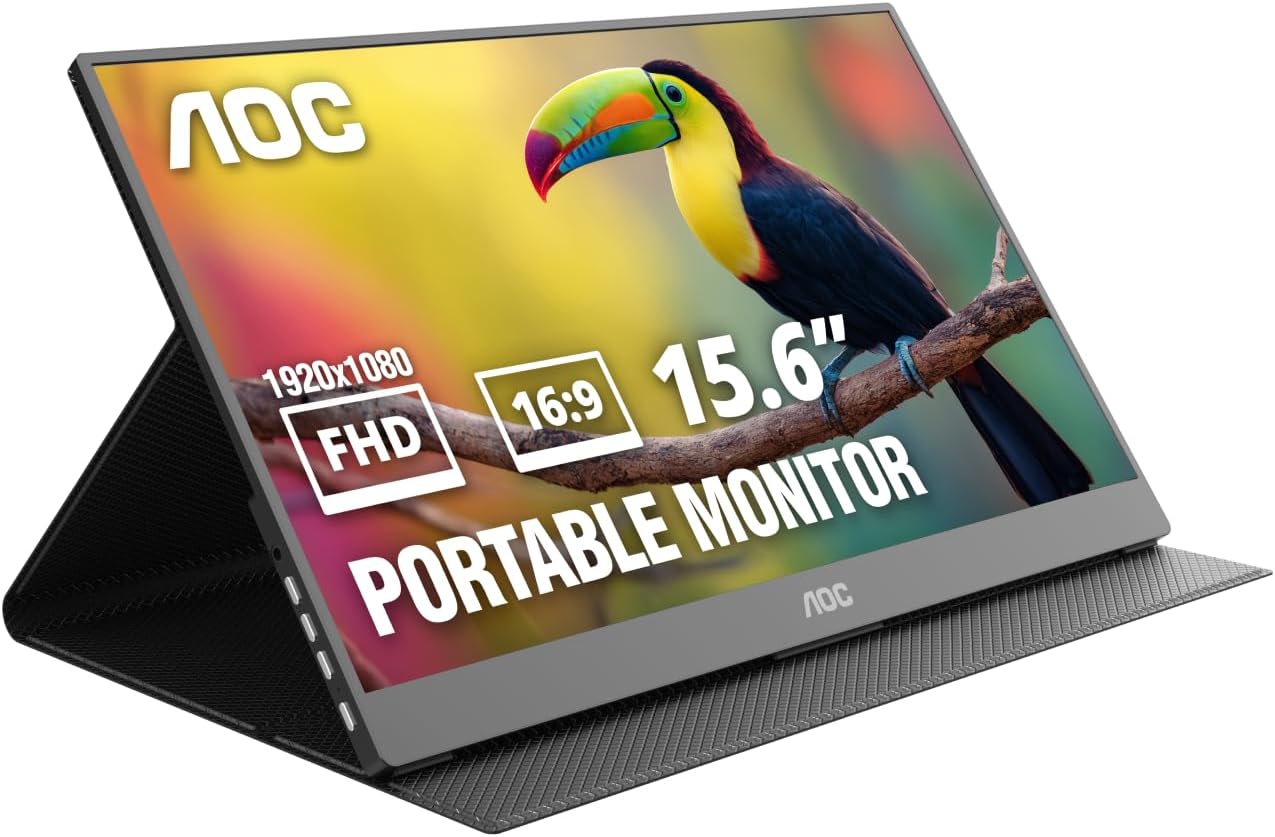
AOC 16" Portable Monitor FHD 60Hz USB-C IPS Ultra Slim Smart Cover 16T20
調べる手間をひとつ減らす
購入前によくある質問
Will this monitor work with my MacBook Pro, and do I need special cables?
Yes, it works with MacBooks, but you’ll need a USB-C to DisplayPort cable (not included) to hit the full 3440x1440 at 165Hz. Over HDMI 2.0, you’ll be limited to 100Hz. Many Mac users on Reddit recommend an active adapter if your Mac only has Thunderbolt ports. Note: macOS may require a quick refresh rate toggle in Display Settings after connecting.
Is the 1ms response time accurate for competitive gaming like Call of Duty or Valorant?
The 1ms rating is for the “MPRT” mode, which uses backlight strobing to reduce perceived motion blur. In real-world use, the VA panel’s pixel transition time is closer to 4-5ms, so you may notice slight ghosting in fast-paced games. Competitive players on TikTok and YouTube often compare this to the Dell S3422DWG, which handles motion slightly better. For casual or single-player gaming, it’s perfectly smooth.
I’ve heard about dead pixel and backlight bleed issues — how common is this, and what’s the return process?
Quality control isn’t perfect — some users report 1-2 stuck pixels or noticeable bleed in corners, especially on early production units. The good news: Amazon and Best Buy accept returns within 30 days if you’re unhappy. For backlight bleed, take a photo in a dark room at 50% brightness and share it with the manufacturer’s support. Many in online forums recommend ordering from a retailer with a free return policy rather than directly from the brand.
Does this monitor support G-Sync, or is it only for AMD FreeSync?
It’s officially FreeSync Premium certified, but many NVIDIA users on Reddit confirm it works with G-Sync Compatible mode via DisplayPort on GTX 10-series and newer cards. You may need to enable “FreeSync” in the monitor’s OSD first, then turn on G-Sync in NVIDIA Control Panel. Some users report occasional flickering in menus, which a firmware update (available on the brand’s support page) usually fixes.
How does this compare to the Gigabyte G34WQC or Dell S3422DWG, and which should I buy?
The Gigabyte G34WQC is nearly identical — same panel and specs — but often lacks the LED backlight feature and has a worse warranty. The Dell S3422DWG costs about $80-100 more but includes a fully adjustable stand, better motion handling, and more reliable quality control. If budget is your priority and you’re comfortable with a fixed-tilt stand, this monitor delivers great value. For an all-around safer purchase with better support, the Dell is the crowd favorite on YouTube and ultrawide forums.
同カテゴリーのレビュー数が多い類似商品より: KOORUI 24 Inch Gaming Monitor, 180Hz 1080P VA Display with 3000:1 Contrast
Does this monitor really run at 180Hz, and what do I need to enable it?
Yes — it's a native 180Hz panel, but you'll need to switch it on manually. Connect via the included HDMI cable (or a DisplayPort-capable setup), then set 180Hz in your GPU's display settings; it defaults to a lower refresh rate out of the box. Many Reddit and YouTube users note that enabling Adaptive Sync/FreeSync alongside it gives the smoothest experience, and it works with both AMD and NVIDIA cards.
How does the VA panel perform for gaming and everyday work?
The 3000:1 contrast gives noticeably deeper blacks than typical IPS budget monitors, which shines in dark game scenes and movies. For fast-paced competitive shooters, some TikTok and Reddit users mention mild ghosting/smearing in dark transitions — it's great for casual gaming, students, and office work, but color-critical creators or hardcore FPS players may prefer an IPS panel.
The stand looks basic — can I adjust the height or mount it?
Correct, the included stand only tilts (-5° to 20°) and doesn't offer height, swivel, or pivot adjustment, and a few users find the base slightly wobbly. The good news: it's VESA 100×100mm compatible, so a monitor arm or desk mount solves ergonomics entirely — a popular fix among dual-monitor and dorm-room setups.
What if I receive a unit with a dead pixel or backlight bleed?
Budget monitors can vary unit to unit, and some buyers report stuck pixels or corner bleed — but KOORUI backs it with a 3-year manufacturer warranty. If your unit arrives defective, contact the seller for a replacement or refund promptly; most users who did so report a smooth resolution, so inspect the screen within the return window.
Is it good value, and who is it best suited for?
At around $120, it's widely praised as one of the best budget 180Hz options — ideal for students, casual gamers, home-office users, and compact or dual-monitor setups. Just set expectations: no built-in speakers, a single HDMI plus VGA, and basic ergonomics. If you need height adjustment, color accuracy, or built-in audio, consider spending more on an IPS alternative.
回答はメーカーの商品情報と分析対象のレビューの範囲に限られます。これらの情報源で裏付けられない質問には回答していません。
透明性のある設計