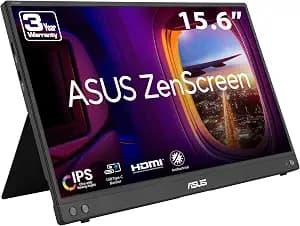
ASUS ZenScreen MB16AHV 15.6 Inch 1080p Portable Monitor
商品説明
Embrace the future of hybrid work with the ASUS ZenScreen MB16AHV. Engineered specifically for professionals constantly on the move, this exceptionally sleek portable monitor for laptop weighs a mere 0.9kg with a remarkably thin 10.5mm profile. It seamlessly slides into any briefcase or backpack, ensuring you have a high-performance external monitor for laptop ready the moment inspiration strikes. Unlike standard displays, this model empowers you to confidently build a hygienic, ergonomic travel dual monitor setup in busy cafes or shared office spaces, thanks to ASUS’s exclusive antibacterial surface and the highly convenient embedded fold-out kickstand. Rely on ASUS’s legendary build quality to instantly double your screen real estate and maximize your daily productivity—wherever your business takes you.
トレードオフを比較
似た商品を並べて比較
同じカテゴリの分析済み商品から無作為に選んでいます。商品が異なれば、単純に置き換えられるとは限りません。

Samsung 32" ViewFinity S7 (S71H) 4K UHD IPS HDR10 High Resolution Monitor

domyfan 14" Laptop Monitor Extender, FHD 1080P IPS Dual Laptop Screen Extender, HDMI/USB-A/Type-C Plug and Play for Windows, Mac, Chrome, Android, Xbox, Switch, PS5, Work with 13.3”-17” Laptops
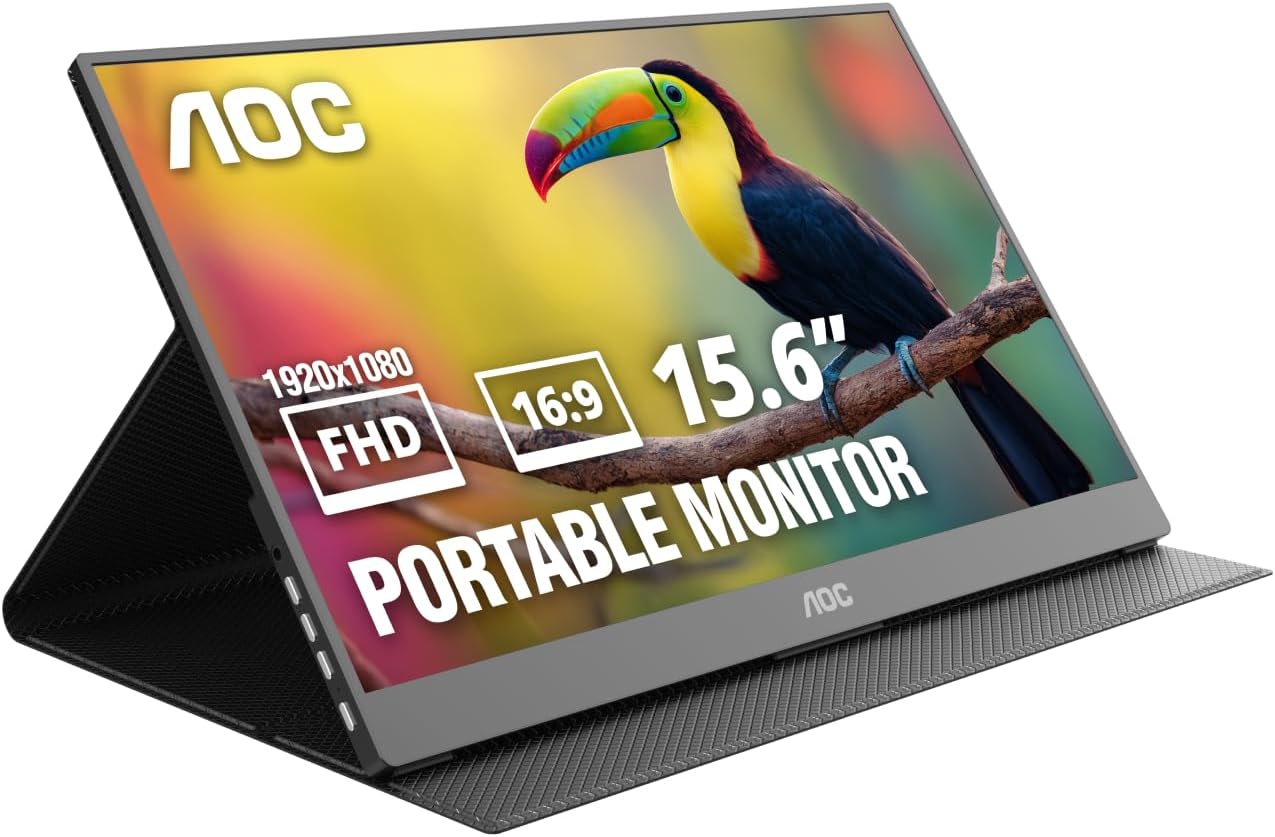
AOC 16" Portable Monitor FHD 60Hz USB-C IPS Ultra Slim Smart Cover 16T20
調べる手間をひとつ減らす
購入前によくある質問
Is the ASUS ZenScreen MB16AHV truly portable for travel, and what is the build quality like?
Yes, it’s exceptionally travel-friendly at about 15.6 inches and only 1.4 pounds thick, easily sliding into a backpack’s laptop compartment. However, many users note that while the screen itself is solid, the plastic built-in kickstand feels flimsier than expected. We recommend using the provided Smart Case to prop it up instead of relying heavily on the rear stand if you want to avoid the fragility indicated in some reviews.
I’m a photographer/editor. How is the color accuracy and video quality for editing on the go?
For creative professionals, the 1080p IPS panel is a strong performer. Reports indicate it offers excellent 100% sRGB color gamut and active HDR support, making it bright enough for precise color grading and video previews. It’s a particularly popular choice among digital nomads and video editors who need a color-accurate secondary screen for timelines and asset reviews, especially when working in temporary spaces where a heavy desktop monitor is impractical.
Will this monitor work with my laptop or phone—is it strictly plug-and-play?
This model relies on a single USB-C cable for visual input and power, supporting DisplayPort over USB-C. It is compatible with specific models and operating systems via a standard USB-C port with DP Alt Mode, and works with various ASUS and other laptops. One crucial thing to check before buying: not all USB-C ports deliver the required 15W power. Users on forums have noted that older laptops or standard phones may not power the backlight properly, requiring an external power source to avoid the screen flickering off.
What about in dark environments? Does the anti-glare screen and backlight handle night work well?
The design includes a flicker-free backlight and a sophisticated anti-glare panel texture that works excellently in daylight but sometimes can look a bit hazy in dark editing rooms. While traveling, users often praise it for reducing eye strain during long flights or night-time train rides. If you do primary edits in a dark room, you’ll want to bump the brightness to 100%; otherwise, the portable performance in mixed lighting is quite reliable.
Is this monitor worth the investment compared to cheaper competitors, and what is the after-sales support like?
That really depends on your primary use case. While cheaper portable monitors will get the job done for basic document work, the MB16AHV stands out for its ultralight profile and superior color accuracy. If you're a business traveler who spends 5+ hours a week on dual-screen productivity, this is worth the investment; if you just want to casually watch movies, a cheaper panel might suffice. Most users report a seamless return process, though a single hardware failure report highlighted that returns can take a week to process, so we always recommend purchasing through a reputable retailer offering a standard 30-day return window to protect yourself.
同カテゴリーのレビュー数が多い類似商品より: KOORUI 24 Inch Gaming Monitor, 180Hz 1080P VA Display with 3000:1 Contrast
Does this monitor really run at 180Hz, and what do I need to enable it?
Yes — it's a native 180Hz panel, but you'll need to switch it on manually. Connect via the included HDMI cable (or a DisplayPort-capable setup), then set 180Hz in your GPU's display settings; it defaults to a lower refresh rate out of the box. Many Reddit and YouTube users note that enabling Adaptive Sync/FreeSync alongside it gives the smoothest experience, and it works with both AMD and NVIDIA cards.
How does the VA panel perform for gaming and everyday work?
The 3000:1 contrast gives noticeably deeper blacks than typical IPS budget monitors, which shines in dark game scenes and movies. For fast-paced competitive shooters, some TikTok and Reddit users mention mild ghosting/smearing in dark transitions — it's great for casual gaming, students, and office work, but color-critical creators or hardcore FPS players may prefer an IPS panel.
The stand looks basic — can I adjust the height or mount it?
Correct, the included stand only tilts (-5° to 20°) and doesn't offer height, swivel, or pivot adjustment, and a few users find the base slightly wobbly. The good news: it's VESA 100×100mm compatible, so a monitor arm or desk mount solves ergonomics entirely — a popular fix among dual-monitor and dorm-room setups.
What if I receive a unit with a dead pixel or backlight bleed?
Budget monitors can vary unit to unit, and some buyers report stuck pixels or corner bleed — but KOORUI backs it with a 3-year manufacturer warranty. If your unit arrives defective, contact the seller for a replacement or refund promptly; most users who did so report a smooth resolution, so inspect the screen within the return window.
Is it good value, and who is it best suited for?
At around $120, it's widely praised as one of the best budget 180Hz options — ideal for students, casual gamers, home-office users, and compact or dual-monitor setups. Just set expectations: no built-in speakers, a single HDMI plus VGA, and basic ergonomics. If you need height adjustment, color accuracy, or built-in audio, consider spending more on an IPS alternative.
回答はメーカーの商品情報と分析対象のレビューの範囲に限られます。これらの情報源で裏付けられない質問には回答していません。
透明性のある設計