ユーザーが気に入っている点
Good value for the price
Several reviewers describe the monitor as a strong budget purchase, citing impressive specs for the money and satisfaction with gaming use.
30秒でわかる要点
同カテゴリーのレビュー数が多い類似商品より: KOORUI 24 Inch Gaming Monitor, 180Hz 1080P VA Display with 3000:1 Contrast
ユーザーが気に入っている点
Several reviewers describe the monitor as a strong budget purchase, citing impressive specs for the money and satisfaction with gaming use.
主な注意点
Several reviewers report the monitor failing or coming apart after months to a couple of years, including a dead screen and a failing power cord.
選ぶ前に
Two reviewers note that setup benefits from adjusting settings in your GPU software, including color, brightness, and VRR.
商品説明
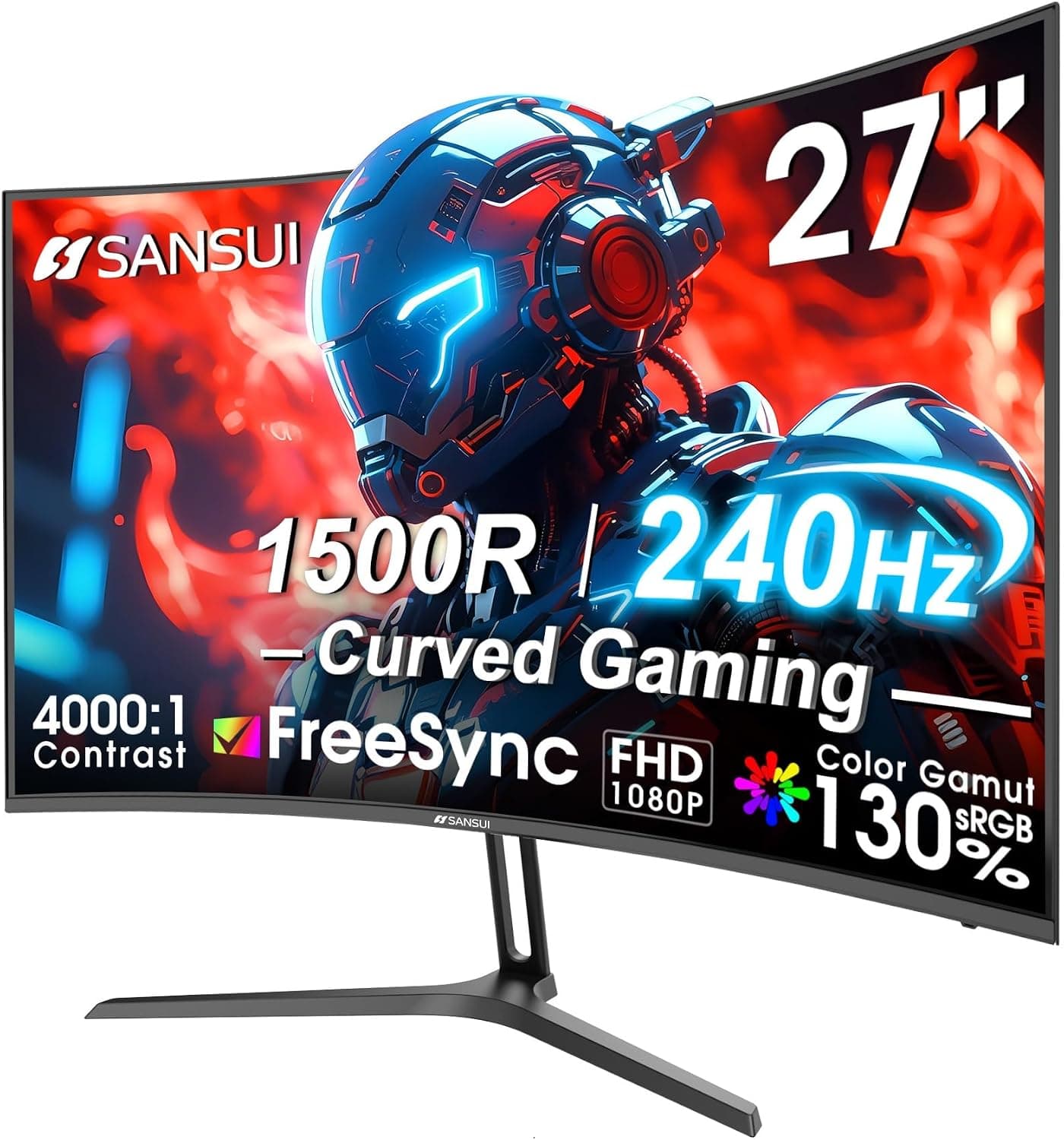
240Hz 1Ms 2 FreeSync Previous page Next page 1 CineColor 2 EyeGuard Previous page Next page 1 Why Choose 2 Multi-jack 3 User-friendly
トレードオフを比較
同じカテゴリの分析済み商品から無作為に選んでいます。商品が異なれば、単純に置き換えられるとは限りません。

MNN Portable Monitor 15.6inch FHD 1080P 60Hz USB C HDMI Gaming Ultra-Slim IPS Display w/Smart Cover & Speakers,HDR Plug&Play, External Monitor for Laptop PC Phone Mac (15.6'' 1080P)

ASUS ProArt Display 27” 1440P Professional Monitor (PA278CGV) - IPS, QHD (2560 x 1440), 144Hz, 95% DCI-P3, ΔE < 2, Calman Verified, USB-C PD 90W, FreeSync Premium, DisplayHDR 400, Height Adjustable

ViewSonic VG1655 15.6 Inch 1080p Portable Monitor, IPS Display with Eye Care for Comfortable Mobile Workspaces and Second Screen Productivity, Built-in Stand, 60W USB-C, and mini HDMI Inputs
調べる手間をひとつ減らす
同カテゴリーのレビュー数が多い類似商品より: KOORUI 24 Inch Gaming Monitor, 180Hz 1080P VA Display with 3000:1 Contrast
Yes — it's a native 180Hz panel, but you'll need to switch it on manually. Connect via the included HDMI cable (or a DisplayPort-capable setup), then set 180Hz in your GPU's display settings; it defaults to a lower refresh rate out of the box. Many Reddit and YouTube users note that enabling Adaptive Sync/FreeSync alongside it gives the smoothest experience, and it works with both AMD and NVIDIA cards.
The 3000:1 contrast gives noticeably deeper blacks than typical IPS budget monitors, which shines in dark game scenes and movies. For fast-paced competitive shooters, some TikTok and Reddit users mention mild ghosting/smearing in dark transitions — it's great for casual gaming, students, and office work, but color-critical creators or hardcore FPS players may prefer an IPS panel.
Correct, the included stand only tilts (-5° to 20°) and doesn't offer height, swivel, or pivot adjustment, and a few users find the base slightly wobbly. The good news: it's VESA 100×100mm compatible, so a monitor arm or desk mount solves ergonomics entirely — a popular fix among dual-monitor and dorm-room setups.
Budget monitors can vary unit to unit, and some buyers report stuck pixels or corner bleed — but KOORUI backs it with a 3-year manufacturer warranty. If your unit arrives defective, contact the seller for a replacement or refund promptly; most users who did so report a smooth resolution, so inspect the screen within the return window.
At around $120, it's widely praised as one of the best budget 180Hz options — ideal for students, casual gamers, home-office users, and compact or dual-monitor setups. Just set expectations: no built-in speakers, a single HDMI plus VGA, and basic ergonomics. If you need height adjustment, color accuracy, or built-in audio, consider spending more on an IPS alternative.
透明性のある設計