What people like
Striking picture quality
Several reviewers describe the display as beautiful, with strong colors, brightness, and deep blacks that made games look better.
Our buying verdict
Buyers praise the display quality, but several report defects and difficult Dell support.
Buyers who prioritize a striking OLED picture for gaming and accept some risk around long-term reliability.
Buyers who need dependable long-term operation or straightforward warranty replacement without support friction.
The 30-second read
What people like
Several reviewers describe the display as beautiful, with strong colors, brightness, and deep blacks that made games look better.
The main watch-out
Several reviewers report the monitor failing within months, and some describe difficulty getting Dell to replace or repair defective units.
Before you choose
One reviewer notes this was their first curved ultrawide monitor, so buyers new to this format may need to adjust to the size and curve.
From a similar, more-reviewed product in this category: KOORUI 24 Inch Gaming Monitor, 180Hz 1080P VA Display with 3000:1 Contrast
What people like
Several reviewers describe the monitor as a strong budget purchase, citing impressive specs for the money and satisfaction with gaming use.
The main watch-out
Several reviewers report the monitor failing or coming apart after months to a couple of years, including a dead screen and a failing power cord.
Before you choose
Two reviewers note that setup benefits from adjusting settings in your GPU software, including color, brightness, and VRR.
Description
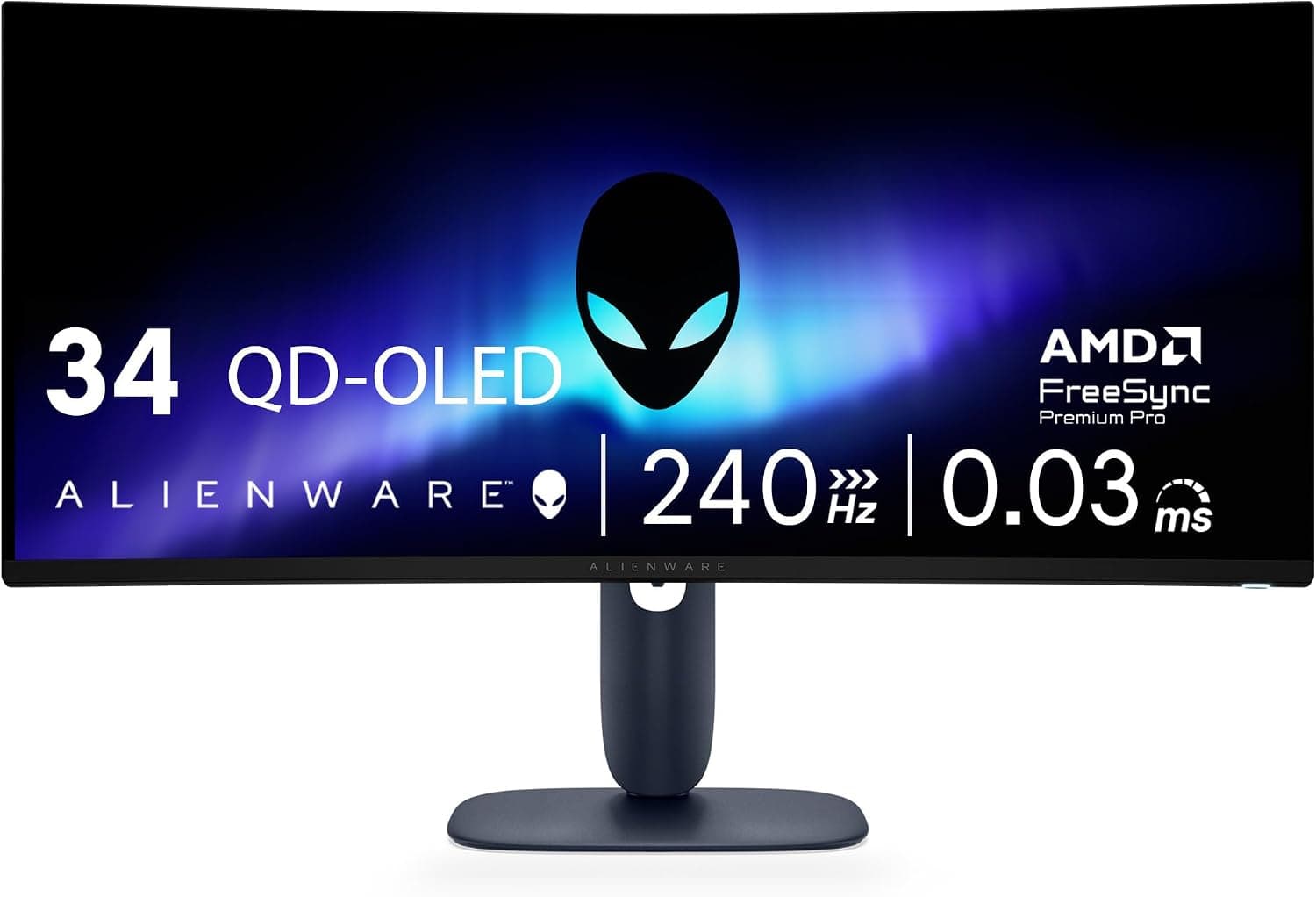
Alienware 34 240Hz QD-OLED Gaming Monitor - AW3425DW. Meet unmatched immersion with an ultrawide 34" QD-OLED, delivering greater speed and a striking new design.
Compare the trade-offs
A random selection of analyzed products from the same category. Different products are not necessarily interchangeable.

New! Sceptre 27-inch Gaming Monitor 100Hz 1ms DisplayPort HDMI x2 100% sRGB AMD FreeSync Build-in Speakers, Eye Care Frameless Machine Black 2025 (E275W-FW100T Series)

Samsung 27" Odyssey G5 (G51F) Gaming Monitor - QHD (1440P), 180Hz, 1ms, AMD FreeSync, HDR10, Height Adjustable Stand, Black Equalizer, Virtual Aim Point, Auto Source Switch+, LS27FG512ENXZA

Dell UltraSharp 32" 4K UHD IPS Video Conferencing Monitor w/5ms Response Time, Built-in Speakers, Anti Glare, VESA Mount (100mm), DisplayPort, HDMI, Black/Silver (U3223QZ)
Check the evidence
Included does not mean verified authentic. Flagged does not mean proven fake. These are analytical classifications.
Showing 3 illustrative excerpts, not the complete review set.
3 defective monitors, and Dell refused to replace the third
“I'll start by saying that this is a truly beautiful monitor. The OLED panel looks great, and my games have never looked better. That being said, my first monitor began developing strange blemishes beneath the screen that wiping the screen wouldn't remove. I contacted Dell support, and they quickly agreed to replace my monitor. I received a brand new monitor shortly, and the same issue arose after a few days. Fortunately, they replaced it again. The third one seemed to be the charm, but after a few months the same blemishes started to appear. I decided to just accept my fate this time, but they continued to spread, and I decided to go in for a third RMA. Unfortunately, this time they didn't replace it. They wouldn't give me specific information on what the issue actually was and told me it wasn't covered by the warranty. They told me to try wiping the blemishes with a cloth and then contacting the sales team to purchase a new monitor if that didn't work. Obviously, this is not something that should be happening with a $700 monitor. Buy at your own risk, and don't expect consistent help and support from Dell's Tech Support team.”
Signals matched: Specific detail: process, entity · Reads as an authentic voice
Gorgeous screen, dead in 2 months, and Dell won't fix it
“When this monitor worked, it was stunning. The colors, brightness, and deep blacks were some of the best I've seen. That makes what happened next even more frustrating. After just two months, it died. It would power on and immediately shut off. I went through extensive troubleshooting with Dell support, and they agreed it was defective and approved a warranty replacement with next-day delivery. That was a month ago. I still have nothing. Five days in, Dell emailed to say shipping was delayed. A week later, the replacement was out of stock. Since then it's been the same cycle: generic emails saying they're "working on it," with no date and no real answers. I asked for a comparable alternative or a refund. Dell refused both. So I'm left with an $800 paperweight and a warranty that has done nothing for me. A warranty only means something if the company honors it, and Dell hasn't. Buyer beware: if this monitor fails, don't count on Dell to make it right.”
Signals matched: Specific detail: process, entity · Reads as an authentic voice
Good quality out of the box, little to no set up required.
“This is my first curved monitor and also my first ultra wide. My 27 inch is the best monitor i have ever had and was about $900 this monitor is larger and about the same price. Out of the box it has almost identical colors as my 27 inch which was a major green flag. little to no tweaking at all required, super happy with it so far. i might need a better GPU my 3080ti is pushing it since i have another monitor hooked up at the same time.”
Signals matched: Specific detail: quantity, entity, comparison · Reads as an authentic voice
One less thing to search
It's excellent for gaming and creative work thanks to 99.3% DCI-P3 coverage and Delta E<2 accuracy, but be aware that QD-OLED panels can show slight color fringing around small text on white backgrounds — a point many Reddit and YouTube reviewers raise. Most users adapt within days, and it's a non-issue in games, video, and dark-mode workflows. If your day is 90% spreadsheets and documents in a bright room, a 4K IPS might suit you better.
Less than you'd think, but it's worth respecting. The AW3425DW includes an AI-driven burn-in protection algorithm and a graphite heat-spreading sheet, and Dell backs it with a 3-year warranty that includes Advanced Exchange service. Community consensus: enable pixel refresh, hide your taskbar, and avoid static HUDs for hours on end — mixed gaming and work use is generally fine.
You'll need DisplayPort (included) to hit 240Hz at full WQHD resolution — HDMI tops out lower. On the GPU side, a modern mid-to-high-end card is recommended for competitive framerates, though AMD FreeSync Premium Pro, NVIDIA G-SYNC Compatible, and VESA AdaptiveSync all help keep motion smooth even below 240fps. It's a favorite among sim-racers and ultrawide gamers for exactly this reason.
It's a trade-off, not a flaw. The matte finish kills reflections and glare, which many users prefer for mixed lighting, but some TikTok and forum users note that glossy QD-OLEDs look slightly punchier in dark rooms. Colors and contrast still impress — DisplayHDR TrueBlack 400 with 1000-nit peak highlights delivers serious pop — just know that full-screen brightness (250 nits) can feel modest in a sunlit room.
The 34.2" ultrawide with an 1800R curve and oval base needs a reasonably deep desk — several reviewers ended up buying a monitor arm because the stand sits fairly forward. Good news: it's VESA-mount compatible, the stand is tool-free quick-release, and cable routing runs through the stand arm. Measure your space first; if depth is tight, budget for an arm.
From a similar, more-reviewed product in this category: KOORUI 24 Inch Gaming Monitor, 180Hz 1080P VA Display with 3000:1 Contrast
Yes — it's a native 180Hz panel, but you'll need to switch it on manually. Connect via the included HDMI cable (or a DisplayPort-capable setup), then set 180Hz in your GPU's display settings; it defaults to a lower refresh rate out of the box. Many Reddit and YouTube users note that enabling Adaptive Sync/FreeSync alongside it gives the smoothest experience, and it works with both AMD and NVIDIA cards.
The 3000:1 contrast gives noticeably deeper blacks than typical IPS budget monitors, which shines in dark game scenes and movies. For fast-paced competitive shooters, some TikTok and Reddit users mention mild ghosting/smearing in dark transitions — it's great for casual gaming, students, and office work, but color-critical creators or hardcore FPS players may prefer an IPS panel.
Correct, the included stand only tilts (-5° to 20°) and doesn't offer height, swivel, or pivot adjustment, and a few users find the base slightly wobbly. The good news: it's VESA 100×100mm compatible, so a monitor arm or desk mount solves ergonomics entirely — a popular fix among dual-monitor and dorm-room setups.
Budget monitors can vary unit to unit, and some buyers report stuck pixels or corner bleed — but KOORUI backs it with a 3-year manufacturer warranty. If your unit arrives defective, contact the seller for a replacement or refund promptly; most users who did so report a smooth resolution, so inspect the screen within the return window.
At around $120, it's widely praised as one of the best budget 180Hz options — ideal for students, casual gamers, home-office users, and compact or dual-monitor setups. Just set expectations: no built-in speakers, a single HDMI plus VGA, and basic ergonomics. If you need height adjustment, color accuracy, or built-in audio, consider spending more on an IPS alternative.
Answers are limited to the manufacturer's listing and the reviews we analysed. Questions those sources cannot support are not answered here.
Transparent by design