What people like
Immersive gaming with clear picture
Several reviewers praise the picture quality and immersive gaming experience, with the curved wide screen and VA panel making games feel more engaging.
Our buying verdict
Several reviewers praise immersive picture and responsiveness, though one reported early screen failure and one noted HDMI refresh limits.
Gamers seeking an immersive curved widescreen monitor who can use a DisplayPort connection for full refresh performance.
Buyers who need reliable long-term operation or who must rely on the included HDMI cable for full-resolution high-refresh gaming.
The 30-second read
What people like
Several reviewers praise the picture quality and immersive gaming experience, with the curved wide screen and VA panel making games feel more engaging.
The main watch-out
One reviewer found the included HDMI cable prevents 3440x1440 at 240Hz, requiring a DisplayPort cable for full functionality.
Before you choose
One reviewer noted it took time to get used to the wide curved screen, though they later loved it.
From a similar, more-reviewed product in this category: KOORUI 24 Inch Gaming Monitor, 180Hz 1080P VA Display with 3000:1 Contrast
What people like
Several reviewers describe the monitor as a strong budget purchase, citing impressive specs for the money and satisfaction with gaming use.
The main watch-out
Several reviewers report the monitor failing or coming apart after months to a couple of years, including a dead screen and a failing power cord.
Before you choose
Two reviewers note that setup benefits from adjusting settings in your GPU software, including color, brightness, and VRR.
Description
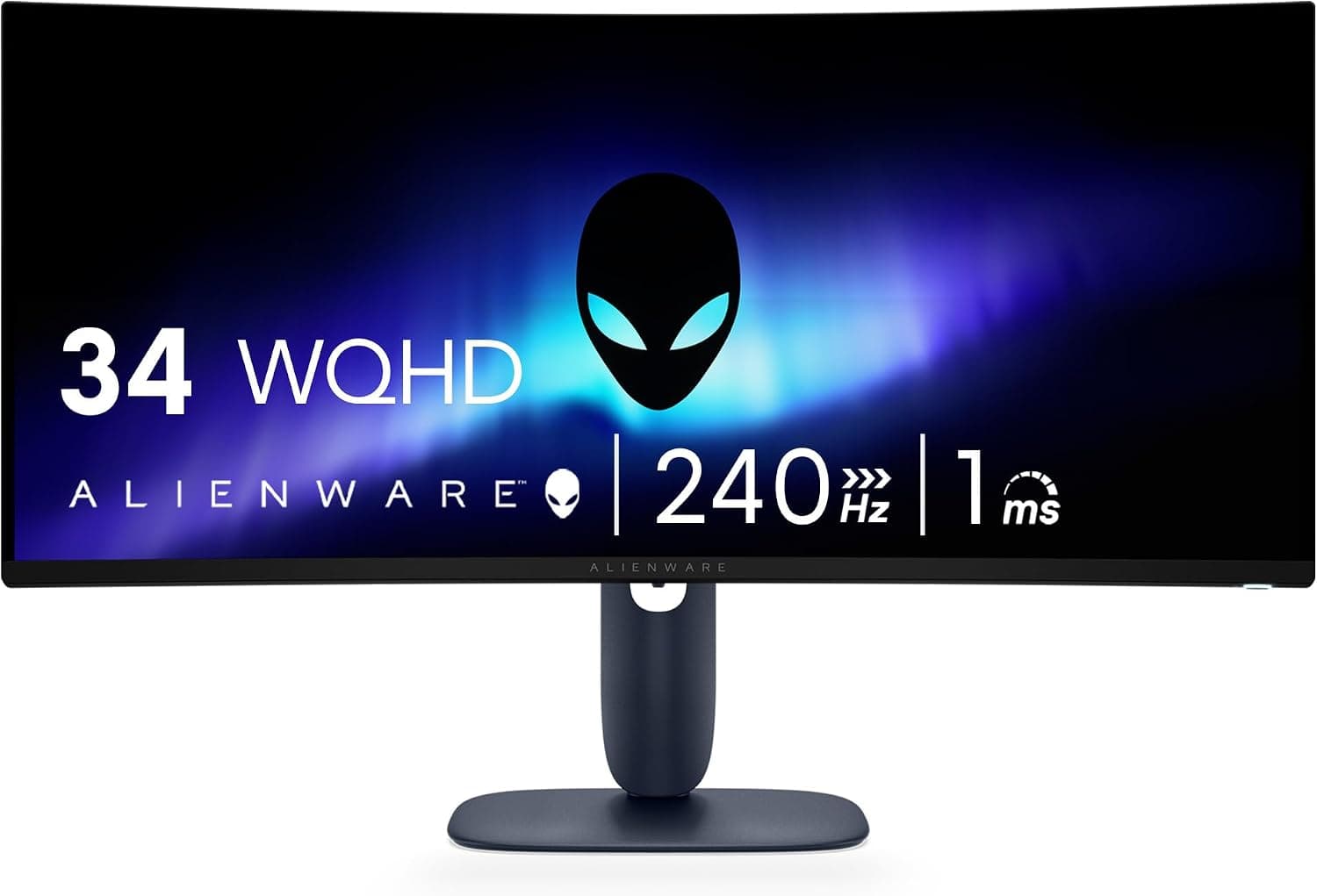
Become immersed in gaming worlds on a curved 34 inch WQHD gaming monitor featuring an expansive ultrawide panel, 240Hz refresh rate, and vivid colours.
Compare the trade-offs
A random selection of analyzed products from the same category. Different products are not necessarily interchangeable.

KOORUI 24-inch Computer Monitor Full HD 1920 x 1080p 100Hz VA Display 4000:1 Contrast Ratio with HDMI VGA, TÜV Rheinland Certified, 100 x 100 mm VESA Mountable, Ultra-Slim Design, Tilt, Black, E2412F

ASUS 27” 1080P Eye Care Monitor (VU279HFI-W) - Full HD, IPS, 100Hz, SmoothMotion, Adaptive Sync, Nano-ion, Eye Care Plus, Blue Light Filter, Flicker Free, VESA Wall Mountable, 3 yr Warranty

INNOCN 27" QD-OLED 2K QHD 2560 x 1440P 280Hz 240Hz PC Computer Gaming Console Monitor, 0.03ms, HDR400, 10Bits, HDMI 2.1, DisplayPort, Built-in Speaker, Height Pivot Adjustable Stand - 2780s
Check the evidence
Included does not mean verified authentic. Flagged does not mean proven fake. These are analytical classifications.
Showing 3 illustrative excerpts, not the complete review set.
HDMI cable caps refresh
“Seems to work fine, but the HDMI cable that it ships with prevents it from working in 3440*1440 @240Hz. Dell's website states that the monitor will only achieve 2560*1440 @ 240Hz with an HDMI cable, and that a display port cable is necessary for full functionality. I believe that the HDMI I received may not even match those standards, as I checked my computer's display settings for available resolutions native to the monitor, and it is only capable of 3440*1440 @60Hz. I was forced to order a display port cable which will take several days to ship, due to the recent air traffic control malfunctions delaying shipping. Until then, I guess I'll have to live with 60Hz. The seller should take note, and include the needed accessories with their products.”
Signals matched: Specific detail: quantity, entity, comparison · Reads as an authentic voice
Love this monitor
“Love this monitor, Feels great! makes games very immersive as well. The size was perfect for my small desk. And the build feels very premium. I can also just feel the responsiveness in games. It's also very compatible with all my games. It also doesn't feel so heavy as older monitors I have had.”
Signals matched: Specific detail: scenario, comparison · Reads as an authentic voice
Great but
“Monitor is great can complain its my 1st curved monitor, but the only thing I don't like is that theres a lot of dark spots when play on video games I have tried the dark stabilizer, brightness, contrast, hue any thing I can thing of that could've have a better scale but , I haven't.....”
Signals matched: Specific detail: process · Reads as an authentic voice
One less thing to search
For fast, immersive gaming the 240Hz refresh rate and 1ms response make motion feel incredibly fluid, and most players love it. The honest caveat — echoed across Reddit and YouTube — is that VA panels can show slight smearing in very dark scenes. If you mainly play bright, fast-paced shooters or racing games, you'll barely notice; if you're a dark-scene horror purist, weigh that tradeoff.
That resolution at 240Hz is demanding, so a high-end current-gen GPU is ideal to fully exploit it. That said, AMD FreeSync Premium and VESA AdaptiveSync keep things smooth even when you dip below the max refresh, so mid-to-high-tier cards still get a great experience. Many buyers say the ultrawide immersion alone justifies the upgrade.
It shines for gaming and media, but be aware that some users find text slightly less crisp than on an IPS panel due to the VA subpixel layout. If you split time evenly between documents and games, an IPS ultrawide may suit you better; if gaming is the priority, the 21:9 immersion and vivid DCI-P3 color more than make up for it.
You get a DisplayPort cable, HDMI cable, USB Type-A to Type-B cable, power cable, stand, and paperwork — so you're ready out of the box. For the best experience, connect via DisplayPort to enable full 240Hz and FreeSync Premium; HDMI works too but check your cable and port version for max refresh.
It carries a 1-year warranty, which some community members feel is thin for a premium monitor — so inspect for dead pixels and backlight bleed as soon as it arrives. Buy from a retailer with a solid return window, and you'll have peace of mind while confirming your panel is clean.
From a similar, more-reviewed product in this category: KOORUI 24 Inch Gaming Monitor, 180Hz 1080P VA Display with 3000:1 Contrast
Yes — it's a native 180Hz panel, but you'll need to switch it on manually. Connect via the included HDMI cable (or a DisplayPort-capable setup), then set 180Hz in your GPU's display settings; it defaults to a lower refresh rate out of the box. Many Reddit and YouTube users note that enabling Adaptive Sync/FreeSync alongside it gives the smoothest experience, and it works with both AMD and NVIDIA cards.
The 3000:1 contrast gives noticeably deeper blacks than typical IPS budget monitors, which shines in dark game scenes and movies. For fast-paced competitive shooters, some TikTok and Reddit users mention mild ghosting/smearing in dark transitions — it's great for casual gaming, students, and office work, but color-critical creators or hardcore FPS players may prefer an IPS panel.
Correct, the included stand only tilts (-5° to 20°) and doesn't offer height, swivel, or pivot adjustment, and a few users find the base slightly wobbly. The good news: it's VESA 100×100mm compatible, so a monitor arm or desk mount solves ergonomics entirely — a popular fix among dual-monitor and dorm-room setups.
Budget monitors can vary unit to unit, and some buyers report stuck pixels or corner bleed — but KOORUI backs it with a 3-year manufacturer warranty. If your unit arrives defective, contact the seller for a replacement or refund promptly; most users who did so report a smooth resolution, so inspect the screen within the return window.
At around $120, it's widely praised as one of the best budget 180Hz options — ideal for students, casual gamers, home-office users, and compact or dual-monitor setups. Just set expectations: no built-in speakers, a single HDMI plus VGA, and basic ergonomics. If you need height adjustment, color accuracy, or built-in audio, consider spending more on an IPS alternative.
Answers are limited to the manufacturer's listing and the reviews we analysed. Questions those sources cannot support are not answered here.
Transparent by design