Description
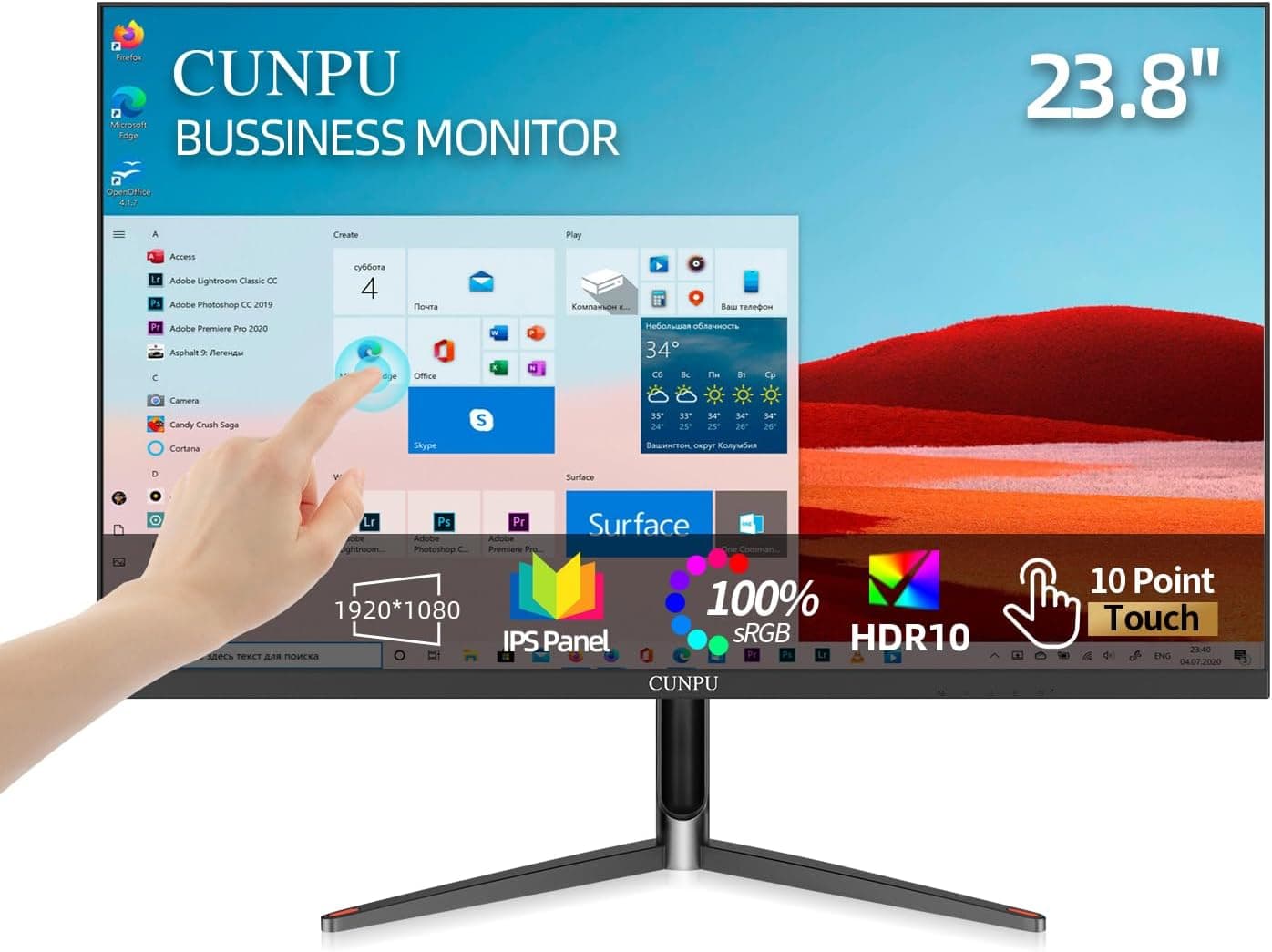
10 Pointi Touch Control 2 CUNPU VS Basic Touch 3 Soonth Texture 4 Versatile Connectivity 5 IPS Color Previous page Next page 1 FHD 2 Ultrathin Bezel 3 Eye Care 4 Mount Ready Why does the touchscreen stop working when I connect via HDMI or VGA? HDMI/VGA transmits only video signals. For touch, connect a USB-A to USB-B cable from your PC to the monitor's USB-B port. Ensure it's securely plugged and the PC recognizes the monitor as a touch device. If not, check drivers or touch settings. Which devices support touchscreen functionality? When the monitor is connected to a Windows PC or mini PC, it supports multi-touch functionality. This feature is not supported when connected to a MacOs,smartphone, tablet, game console (PS, Xbox, Switch), TV stick, or when using a capacitive stylus. Why does the touch response appear on my laptop screen instead of the CUNPU 24" touchscreen monitor? Windows: Go to Control Panel > Hardware and Sound > Tablet PC Settings > Setup to map touch to the monitor. Touch stops working after sleep/wake? Windows disables USB devices to save power. Go to Device Manager → Universal Serial Bus controllers → USB Root Hub → Power Management and uncheck "Allow the computer to turn off this device to save power." What desk size do I need for a 24" monitor? For a 24-inch monitor, choose a desk with a depth of at least 24 inches (60 cm) and a width of at least 48 inches (120 cm) for comfortable use, though a depth of 28–30 inches (70–76 cm) is ideal for proper eye-to-screen distance. CUNPU Touchscreen Monitor Parameter 24" Touchscreen Monitor Add to Cart 27" Touchscreen Monitor Add to Cart 1440P Touchscreen Monitor Add to Cart 32" Touchscreen Monitor Add to Cart Screen Size 24 27 27 31.5 10 Point Touch With Win ✔ ✔ ✔ ✔ Single Touch With MacOS ✘ ✘ ✔ ✔ Panel Type IPS IPS IPS+Tempered Glass Nano IPS Resolution FHD(1920x1080) FHD(1920x1080) QHD (2560x1440) FHD(1920x1080) Color Gamut SRGB:100% SRGB:100% SRGB:100% SRGB:100% Mounting Type 100*100mm 100*100mm 100*100mm 100*100mm Stand Tilt Tilt Tilt Tilt Port HDMI, DP& USBB HDMI, DP& USBB 65W USBC, HDMI, DP& USB USBC, HDMI, DP& USB