What people like
Easy tool-free setup, fast transfers
Reviewers praise simple, tool-free mounting and fast real-world performance, including full SSD speeds; several call it the fastest enclosure they have tested.
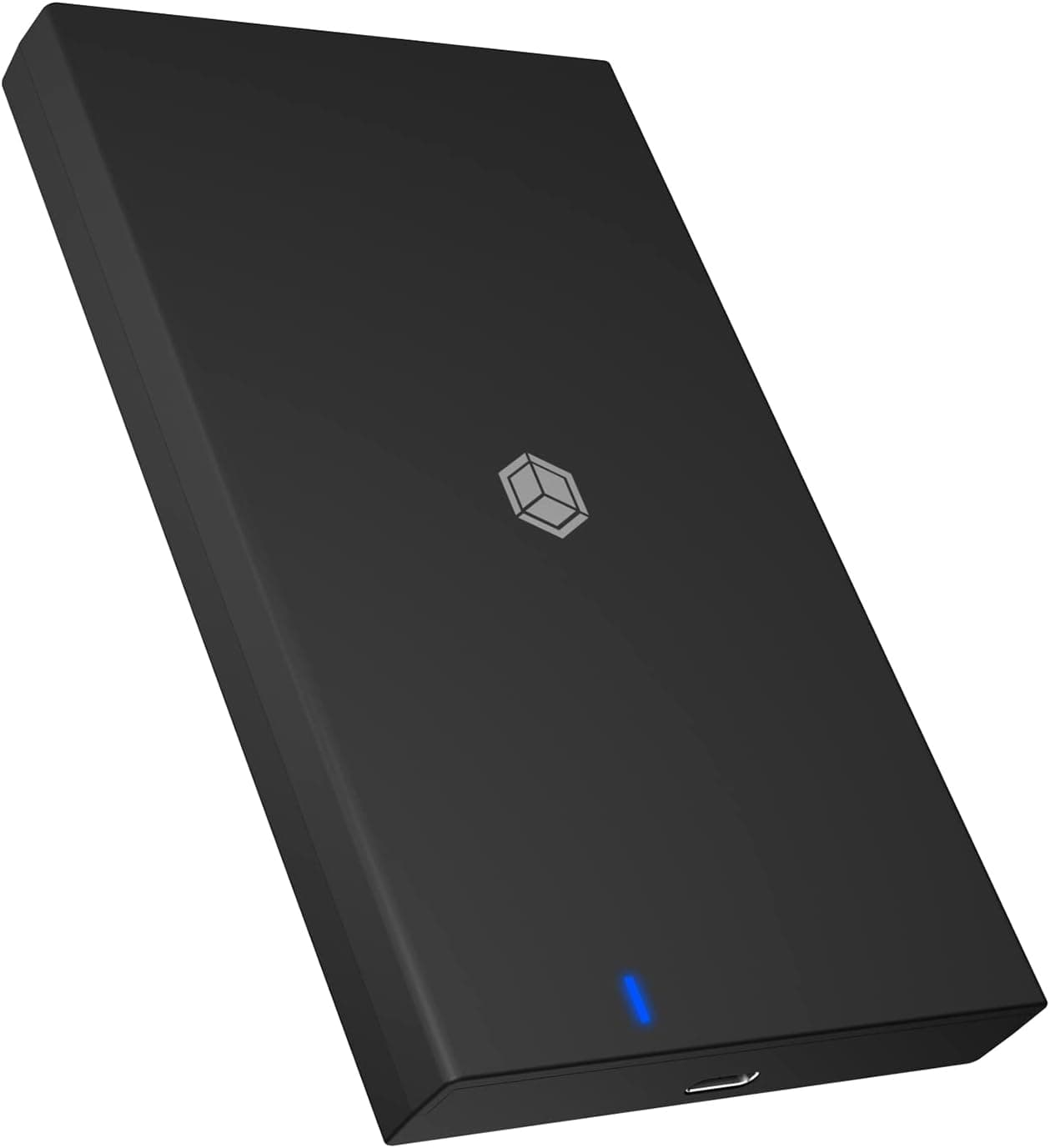
The 30-second read
What people like
Reviewers praise simple, tool-free mounting and fast real-world performance, including full SSD speeds; several call it the fastest enclosure they have tested.
The main watch-out
One reviewer says it was not compatible with their Intel SSD and that even listing directories was extremely slow, with repeated I/O errors in the event log.
Before you choose
Works well with many 2.5" SATA HDDs/SSDs (e.g. WD Blue), but one drive failed; the case is plastic, described as solid enough for occasional backup use.
From a similar, more-reviewed product in this category: UGREEN USB 3.0 Hard Drive Enclosure UASP 3.5 Inch External Enclosure
What people like
Reviewers consistently praise the simple, tool-free installation and reliable operation with both HDDs and SSDs. Many also highlight the solid build quality and good value for money.
The main watch-out
One reviewer noted that while the enclosure works well with PCs and laptops, it may not always be compatible with older devices.
Before you choose
The enclosure fits 3.5-inch SATA drives and uses USB 3.0; one reviewer questioned the lack of USB-C. Also, some users mention that no separate power adapter is needed for SSDs, but HDDs may require the included power supply.
Your use case first
3 of 15 mentions describe a negative experience (20%).
1 of 11 mentions describe a negative experience (9%).
0 of 9 mentions describe a negative experience (0%).
1 of 6 mentions describe a negative experience (17%).
One review can mention several topics. Percentages describe the reviews we analysed, not all buyers or the product's overall failure rate.
From a similar, more-reviewed product in this category: UGREEN USB 3.0 Hard Drive Enclosure UASP 3.5 Inch External Enclosure
29 of 127 mentions describe a negative experience (23%).
3 of 43 mentions describe a negative experience (7%).
6 of 34 mentions describe a negative experience (18%).
4 of 19 mentions describe a negative experience (21%).
23 of 46 mentions describe a negative experience (50%).
16 of 32 mentions describe a negative experience (50%).
8 of 26 mentions describe a negative experience (31%).
14 of 19 mentions describe a negative experience (74%).
Compare the trade-offs
A random selection of analyzed products from the same category. Different products are not necessarily interchangeable.

Inateck Hard Drive Enclosure 3.5 USB 3.0, External HDD Enclosure for 2.5 Inch / 3.5 Inch SATA HDD and SSD, Supports UASP and Maximum 20 TB Drives, 12 V/2 A Power Supply

UGREEN NVMe M.2 USB 3.2 SSD Enclosure Adapter with Cooling Pad 10 Gbps for NVMe PCIe M-Key/M+B Key in 2230/2242/2260/2280 with USB CC and AC Cable Tool-Free
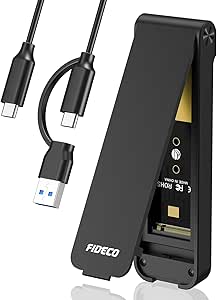
FIDECO M.2 NVMe SSD Enclosure, USB 3.2 Gen 2 (10Gbps) M.2 NVMe USB Adapter, Sandwich Style Design, Tool-free Installation, Supports UASP and Trim
Check the evidence
Included does not mean verified authentic. Flagged does not mean proven fake. These are analytical classifications.
Showing 3 illustrative excerpts, not the complete review set.
Fastest SATA USB enclosure I tested among five (Real world performance)
“This Icy Box Sata to USB enclosure is the fastest I have tested from a total of five. (Sorry for the missing model numbers.) - This black Icy Box enclosure. - Two Icy Box Adapter models with plastic box. (grey and white) - The Icy Box Aluminum model. - The original Samsung SATA USB connector. All other mentioned IcyBox adapters and enclosures are slower in latency and raw speeds in synthetic benchmarks. While the peak sequential speeds are similar between all IcyBox models with around 455MB/s the Samsung connector is far behind with under 400MB/s. The most significant difference is in the random small files transfers. While the Samsung Connector is the slowest with around 28MB/s the fastest is the black ICY Box I am reviewing here with around 43MB/s. The other IcyBox models are reaching between 390MB/s and 430MB/s in sequential and 31MB/s and 36MB/s random 4K file transfers. My main focus was to use my external SSD for beeing able to play some emulated games as good as possible. Therefore the most important performance could only be measured in real world use. The Samsung Connector was loading worlds almost the fastest and with the best consistence. Very close, if not faster in some cases, this black ICYBox model clearly wins for gaming and emulation. The other IcyBox models were left behind by around 10-20%. Example: Loading the title screen of a game took 16,5 seconds with the original Samsung conntector, 15 seconds with the black icy Box and over 18 seconds with the others. Loading a save took 13 seconds for the Samsung and the black Icy and around 15 seconds for all others. This maybe doesn't sound much but these small delays add up over each gaming session. Loading maps, saving and switching stages quickly can stutter while the drive has to read and write for too long. With this new IcyBox case all loading times feel smoother and objects are less often in low details before switching to high detail when the scene changes often.”
Signals matched: Specific detail: quantity, entity, comparison, process · Mentions: performance · Reads as an authentic voice
Optisch schlicht, günstig, einfache Montage und gute Performance
“Ein schönes und schlichtes Gehäuse. Es besteht zwar aus Plastik, welches aber ausreichend robust ist. Ich nutze es als Backup-Medium mit einer SATA-SSD (Western Digital WD Blue 4TB). Das Gehäuse wird also nur zur Sicherung angegeschlossen und dann wieder im Schrank verstaut. Wenn man damit nicht gerade Fußball spielt, sollte es auch unterwegs einiges aushalten. Das Installieren/ Wechseln des Datenträgers geht sehr einfach vonstatten: Der Deckel wird einfach nur ab- und wieder aufgezogen. Bei mir saß der Deckel sehr stramm, sodass ich erst etwas Mühe hatte. Mit etwas mehr Kraft funktioniert das allerdings problemlos. Zumindest muss man keine Bedenken haben, dass sich der Deckel von alleine löst. Wirklich sehr praktisch (und mit der Hauptgrund die Kaufentscheidung) finde ich das mitgeliferte USB Type-A & Type-C-Kombi-Kabel. Da mit ist man flexibel und muss nicht mit Adaptern rumeiern. Leistungstechnisch liefert der Controller ebenfalls sehr gut ab. Nach einigen Tests ergaben sich nahezu die gleichen Transferraten wie am internen SATA-Anschluss meines Mainboards (MSI B550-A Pro). Von daher gibt es eine klare Kaufempfehlung von mir. Vor allem, wenn man den günstigen Preis in Betracht zieht.”
Signals matched: Specific detail: quantity, entity, scenario, process · Mentions: quality, easy installation · Reads as an authentic voice
Einfaches HDD Case für 2,5" SATA Platten
“Für eine externe Platte hab ich ein Case benötigt - um Daten auf eine SSD zu übertragen (z.B. Urlaubs Backup der Fotos etc.). Da ich bisher gute Erfahrungen mit ICY Box hatte (3,5" Case) dachte ich mir, dass ich diese ebenso probiere. Die Installation ist Werkzeuglos - daher Gehäuse aufschieben, SSD einschieben, anschließen Fertig. Ideal um alte Festplatten aus Laptops o.ä. zu überspielen. Da bei mir eine SSD im Case ist, bin ich ehrlich gesagt eher unvorsichtig - so ist sie einmal runtergefallen - dabei ist die SSD nach vor gerutscht und die Kontakte hatten sich gelöst (Selbst schuld!) - kurz wieder zurechtgerückt und weiter gings :) Aktuell ist sie am Smart TV als Timeshift Festplatte im Einsatz - bisher ohne Probleme”
Signals matched: Specific detail: entity, scenario, process · Mentions: easy installation · Reads as an authentic voice
One less thing to search
No. The enclosure uses completely tool-free mounting — slide the cover, insert the 2.5" drive, slide the cover back on. Reviewers confirm the installation is quick and easy.
The listing states it accepts 2.5" SATA I/II/III HDDs or SSDs up to a maximum height of 9.5 mm. Reviewers report using 2.5" SATA SSDs such as WD Blue models successfully, while one reviewer reported it was not compatible with their Intel SSD.
The manufacturer specifies USB 3.2 Gen 1 with up to 5 Gbps. One reviewer described it as the fastest SATA USB enclosure they had tested out of five, while another reported extremely slow access with a particular drive.
The listing says the enclosure is compatible with Windows, macOS and Chrome OS. A reviewer confirms it works with Mac and PC and that Android recognized it as well, though it requested a format for a drive holding Time Machine and exFAT partitions.
The box contents are the IB-200T-C3 enclosure, a USB Type-C to Type-A/Type-C combo cable, and a manual.
From a similar, more-reviewed product in this category: UGREEN USB 3.0 Hard Drive Enclosure UASP 3.5 Inch External Enclosure
Yes. Reviews describe the installation as quick and easy: slide off the lid, insert the drive, close the lid, then connect power and USB. The manufacturer also states the installation is tool-free.
It supports 3.5 inch SATA HDD and SSD drives up to 16 TB, including WD Red/WD Blue, Seagate Barracuda/Desktop, and Toshiba P300/X300. Reviewers report successful use with 3.5 inch SATA drives, 2TB WD Black HDD, OCZ Vertex 4 SSD, and WD Red.
Yes. The manufacturer states it supports plug & play with no driver required for Windows, Linux, and Mac OS 8.0 and above, and a reviewer confirms it works without installation as described.
Yes. The package includes a 12 V/2 A power supply, and the manufacturer advises powering the case via the USB 3.0 power cable. One reviewer notes that no separate power supply was needed for their SSD setup.
The manufacturer states the sturdy ABS plastic protects the drive from falls, an internal EVA sponge secures it, and integrated ventilation slots provide heat dissipation. Reviewers describe the build as solid and robust.
Answers are limited to the manufacturer's listing and the reviews we analysed. Questions those sources cannot support are not answered here.
Transparent by design