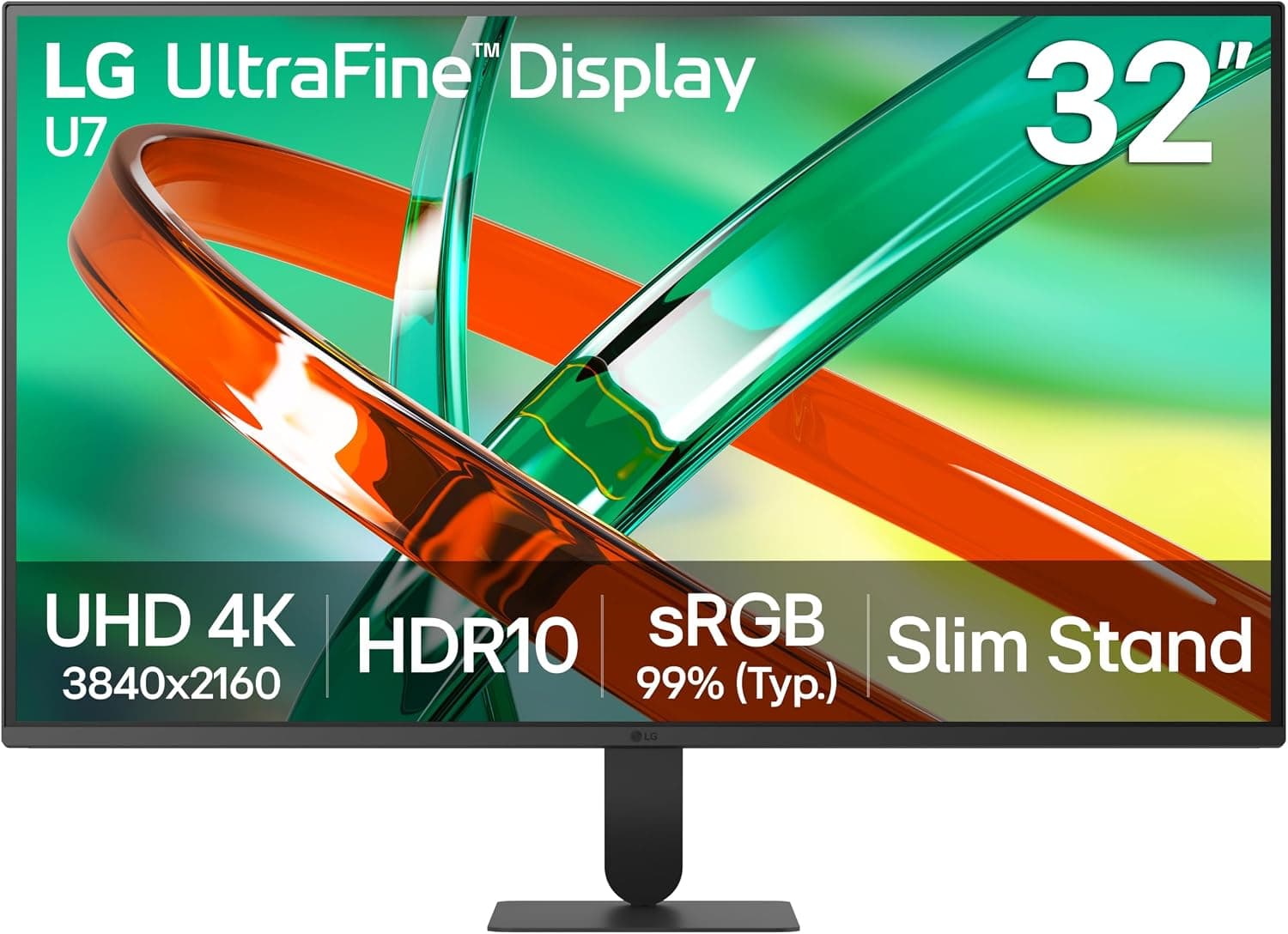
LG 32U701B-B 32-inch UltraFine 4K UHD 60Hz HDR10 HDMI DP Computer Monitor
Our buying verdict
Solid 4K monitor with a 60Hz limit
Sharp 4K picture and easy setup suit productivity, but the 60Hz refresh rate limits fast gaming.
Main strengths
- Sharp 4K picture. Several reviewers describe crisp text and detailed images, with one noting pixels are invisible at close viewing distance.
- Easy setup and connectivity. Multiple reviewers report simple assembly and plug-and-play connection over HDMI or DisplayPort.
- Good value at its price. Several reviewers explicitly call it a solid value or easy purchase decision for the price.
Main drawbacks
- Only 60Hz refresh. Two reviewers note the 60Hz limit, which one says is fine for console use but not a gaming monitor.
- Large external power brick. One reviewer dislikes the bulky external AC adapter compared with monitors that use a direct plug.
- Basic assembly instructions. One reviewer found the setup instructions weak, though assembly itself was manageable.
Best for
Buyers who want a large, sharp 4K screen for coding, text work, or console gaming at 60Hz on a desk.
Less suitable for
Buyers who need a high refresh rate for fast-paced competitive gaming.
Description
The LG UltraFine 32-inch 4K UHD monitor delivers stunning clarity, vibrant color, and expansive screen space for work, creativity, and entertainment. Featuring a 32" 4K UHD (3840 x 2160) screen, the monitor provides sharp detail and four times the resolution of Full HD, making it ideal for multitasking, content creation, photo editing, and everyday productivity. HDR support and up to 99% sRGB color gamut coverage help bring images, videos, and streaming content to life with rich color and enhanced depth. The 3-side virtually borderless design maximizes screen space while creating a clean, modern look that fits seamlessly into home offices and multi-monitor setups.Stay connected with HDMI, DisplayPort 1.4, and headphone input for compatibility with laptops, desktops, and other devices. With a sleek design and tilt-adjustable stand, this 32-inch 4K UltraFine monitor is built to help you work smarter and enjoy more.
Compare the trade-offs
Similar products, side by side
A random selection of analyzed products from the same category. Different products are not necessarily interchangeable.

kksmart Portable Monitor for Laptop MacBook Surface PC Xbox PS5, Travel Monitor Second Screen for Laptop, HDMI USB-C VESA Compatible Built-in Speaker, 15.6inch

Acer Vero 22" FHD 100Hz FreeSync Monitor

KEFEYA Laptop Screen Extender, 14" FHD 1080P IPS Laptop Monitor Extender Dual Screen, Portable Monitor for Laptops 13-17" with USB-C/HDMI Port, Plug n Play for Windows/Mac/Android/Switch/PS5
One less thing to search
Before you buy: quick questions
Is the stand adjustable, or will I need a monitor arm?
The included stand offers tilt adjustment only—no height, swivel, or pivot. Many Reddit and YouTube users mention buying a VESA arm (100x100mm compatible) to get the perfect eye level, especially since a 32-inch screen sits fairly tall. If ergonomics matter to you, budget for an arm or consider LG's Ergo-stand models.
How does it perform for photo/video editing and everyday productivity?
Very well for the price. The 4K UHD resolution delivers crisp text and tons of workspace, while 99% sRGB coverage and a 3000:1 VA contrast ratio give photos and video rich color and depth. Creators on TikTok and YouTube call it a great value for hobbyist editing—just note it isn't factory-calibrated like LG's pro UltraFine line, so color-critical pros may want a calibrator.
Will it work with my MacBook or Mac mini, and what's in the box?
Yes—it connects via HDMI or DisplayPort 1.4, and macOS handles 4K scaling well for sharp text. Do note there's no USB-C, so MacBook users will need an adapter or dock (a common complaint in reviews). The box includes an HDMI cable, monitor, and power cable; a DisplayPort cable is not included.
Is the HDR and 250-nit brightness good enough for a bright room?
HDR10 is supported and looks nice in dimmer spaces, but at 250 nits the HDR effect is subtle rather than dramatic—several reviewers note it's "fine, not spectacular." The matte screen finish helps cut glare, but if your desk faces a sunny window, expect to manage the light. For most office and evening use, brightness is perfectly comfortable.
Is 60Hz fast enough, and who is this monitor really for?
At 60Hz with a 5ms response time, it's ideal for productivity, browsing, streaming, and casual gaming—not competitive esports. It shines for remote workers, students, and hobbyist creators who want a big, sharp 4K canvas on a budget. Fast-twitch gamers and USB-C-dependent users are the main folks who end up regretting it, so check those needs first.
From a similar, more-reviewed product in this category: KOORUI 24 Inch Gaming Monitor, 180Hz 1080P VA Display with 3000:1 Contrast
Does this monitor really run at 180Hz, and what do I need to enable it?
Yes — it's a native 180Hz panel, but you'll need to switch it on manually. Connect via the included HDMI cable (or a DisplayPort-capable setup), then set 180Hz in your GPU's display settings; it defaults to a lower refresh rate out of the box. Many Reddit and YouTube users note that enabling Adaptive Sync/FreeSync alongside it gives the smoothest experience, and it works with both AMD and NVIDIA cards.
How does the VA panel perform for gaming and everyday work?
The 3000:1 contrast gives noticeably deeper blacks than typical IPS budget monitors, which shines in dark game scenes and movies. For fast-paced competitive shooters, some TikTok and Reddit users mention mild ghosting/smearing in dark transitions — it's great for casual gaming, students, and office work, but color-critical creators or hardcore FPS players may prefer an IPS panel.
The stand looks basic — can I adjust the height or mount it?
Correct, the included stand only tilts (-5° to 20°) and doesn't offer height, swivel, or pivot adjustment, and a few users find the base slightly wobbly. The good news: it's VESA 100×100mm compatible, so a monitor arm or desk mount solves ergonomics entirely — a popular fix among dual-monitor and dorm-room setups.
What if I receive a unit with a dead pixel or backlight bleed?
Budget monitors can vary unit to unit, and some buyers report stuck pixels or corner bleed — but KOORUI backs it with a 3-year manufacturer warranty. If your unit arrives defective, contact the seller for a replacement or refund promptly; most users who did so report a smooth resolution, so inspect the screen within the return window.
Is it good value, and who is it best suited for?
At around $120, it's widely praised as one of the best budget 180Hz options — ideal for students, casual gamers, home-office users, and compact or dual-monitor setups. Just set expectations: no built-in speakers, a single HDMI plus VGA, and basic ergonomics. If you need height adjustment, color accuracy, or built-in audio, consider spending more on an IPS alternative.
Answers are limited to the manufacturer's listing and the reviews we analysed. Questions those sources cannot support are not answered here.
Transparent by design