What people like
Good image quality for the price
Several reviewers found the image sharp and clear for work and study, and considered it good value, especially when on sale.
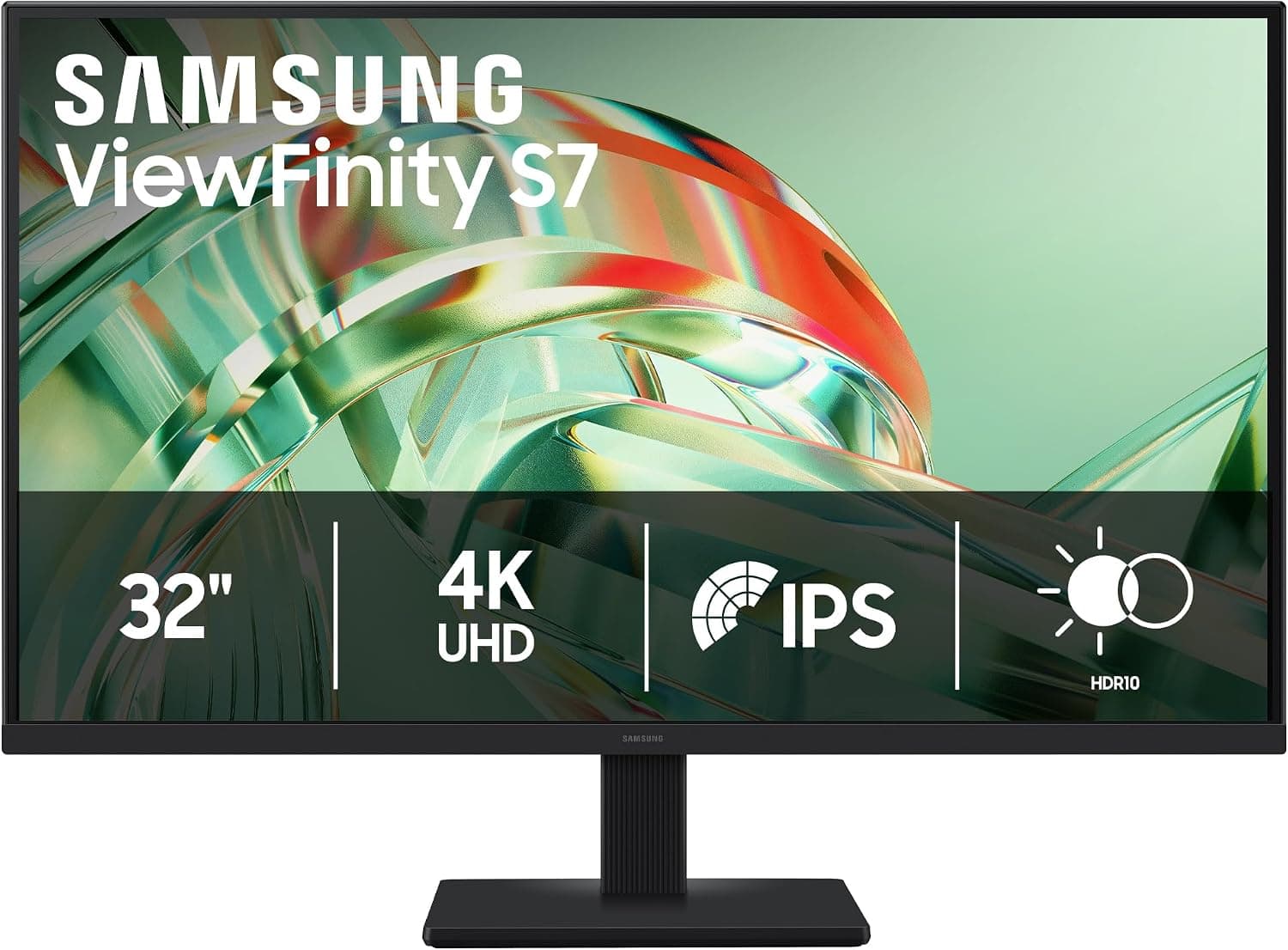
Our buying verdict
Sharp image and strong value, but height adjustment is missing and one report notes a missing DP cable.
Buyers seeking a sharp 4K monitor for work or study who prioritize image clarity and value over height adjustability.
Buyers who require height adjustment or expect a DisplayPort cable to be included.
The 30-second read
What people like
Several reviewers found the image sharp and clear for work and study, and considered it good value, especially when on sale.
The main watch-out
One reviewer found the lack of height adjustment annoying, though not a deal breaker.
Before you choose
One reviewer reported the monitor did not include the DisplayPort cable listed in the product description, receiving only a standard HDMI cable.
From a similar, more-reviewed product in this category: KOORUI 24 Inch Gaming Monitor, 180Hz 1080P VA Display with 3000:1 Contrast
What people like
Several reviewers describe the monitor as a strong budget purchase, citing impressive specs for the money and satisfaction with gaming use.
The main watch-out
Several reviewers report the monitor failing or coming apart after months to a couple of years, including a dead screen and a failing power cord.
Before you choose
Two reviewers note that setup benefits from adjusting settings in your GPU software, including color, brightness, and VRR.
Description
Samsung’s 32" ViewFinity S7 (S71H) 4K UHD Monitors provide exceptional clarity for professionals across all industries. 4K UHD (3840 x 2160 resolution) delivers visual excellence with high pixel density which reveals greater levels of detail and accurate color representation. More screen space enables the creation of intricate designs, complex diagrams, and dynamic video content. The IPS Panel with its 178° wide viewing angle represents tones and shades beautifully with reduced color washout even when the screen is being viewed from different angles. HDR10 optimizes contrast, offering a wide gamut of more than 1 billion accurate colors with darker blacks and brighter highlights for engaging content. Features HDMI and DP ports for a convenient interface that simplifies setup and enhances productivity. Eye comfort technology certified by TÜV includes Eye Saver Mode. This technology reduces eye strain by minimizing blue light and prevents screen flickering, so the screen remains comfortable for viewing, even during long sessions. Game Mode instantly adjusts color and contrast to make scenes clearer, revealing more detail to increase gaming power and performance.
Compare the trade-offs
A random selection of analyzed products from the same category. Different products are not necessarily interchangeable.

kksmart Portable Monitor for Laptop MacBook Surface PC Xbox PS5, Travel Monitor Second Screen for Laptop, HDMI USB-C VESA Compatible Built-in Speaker, 15.6inch

Amazon Basics 27-inch Computer Monitor, 120 Hz, 1080P, IPS, HDMI, DisplayPort, VESA Compatible for Office, Home
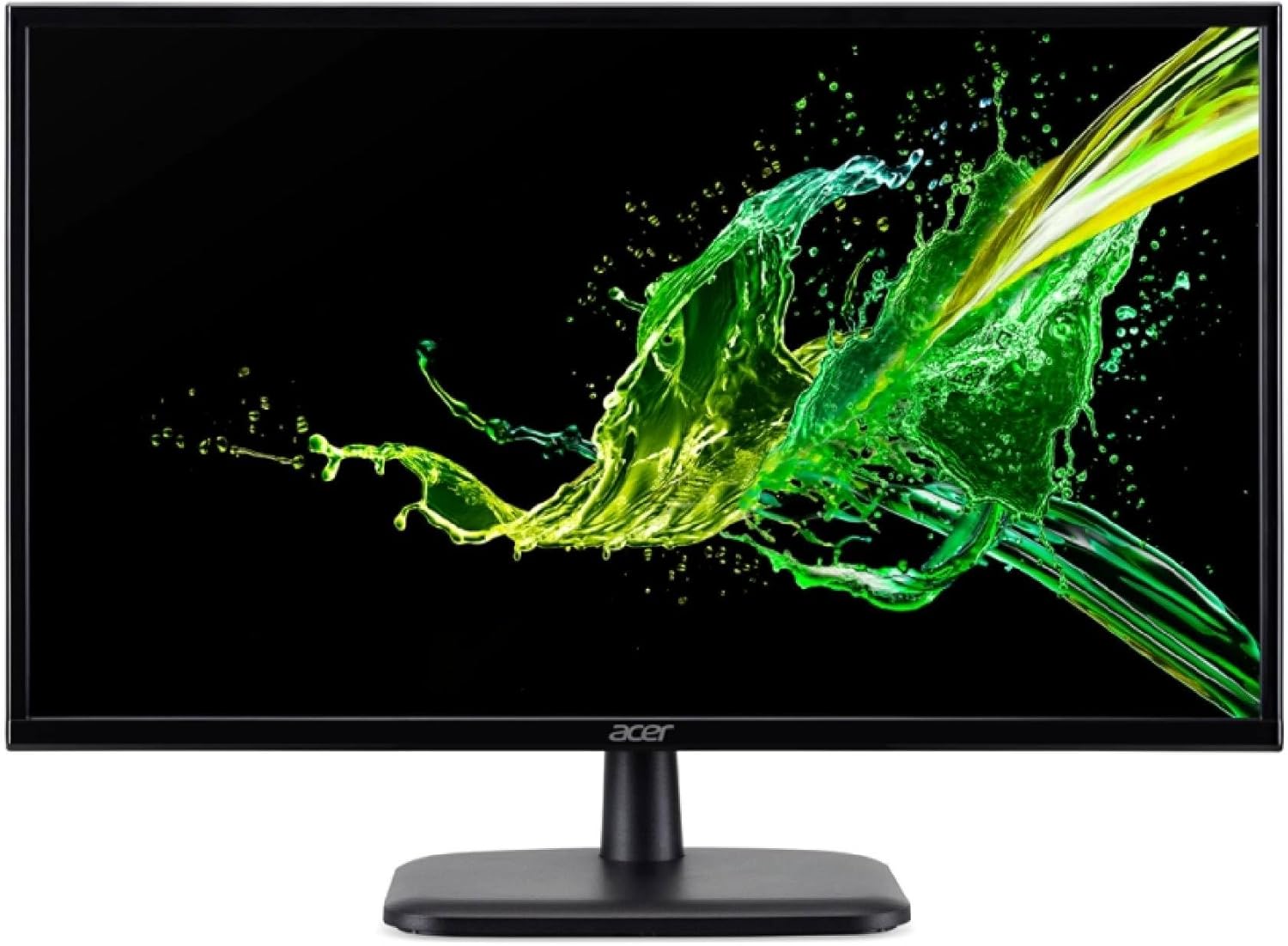
Acer Monitor 21.5-inch (Renewed)
Check the evidence
Included does not mean verified authentic. Flagged does not mean proven fake. These are analytical classifications.
Showing 3 illustrative excerpts, not the complete review set.
Buen Producto
“Excelente monitor, hasta el momento gran cálidad de color y muy satisfecho con su tamaño, sin embargo no traía el cable DP que según la descripción del producto trae, no entiendo como siguen incluyendo solo un hdmi normal cuando es un monitor 4k que requiere un DP para sacar su potencial”
Signals matched: Specific detail: entity, comparison · Reads as an authentic voice
Good quality, good price.
“The 32” 4K monitors are a sweet spot for me and this one does pretty well. I’m very happy with it so far. Working remote 100% of the time, I need a good crisp monitor (and for a good price) this one checks the boxes.”
Signals matched: Specific detail: quantity, scenario · Reads as an authentic voice
Reliable monitor, good image quality for the price
“Does what it says on the Tin. Reliable monitor, good image quality for the price. Higher end monitors have better color but for the price I’m happy. Lack of height adjustment is annoying but not a deal breaker.”
Signals matched: Specific detail: comparison · Reads as an authentic voice
One less thing to search
For office work, coding, photo editing, and streaming, 60Hz is perfectly smooth and the 4K sharpness is the real star. If you're a competitive gamer chasing high frame rates, though, many Reddit and YouTube users suggest a 144Hz panel instead — this monitor is built for clarity and productivity, not twitch reflexes.
It's best described as "HDR-lite." With 300 nits and no local dimming, you'll get richer contrast and over a billion colors, but highlights won't blaze like they do on mini-LED or OLED displays. Plenty of reviewers say it looks great for everyday content — just temper expectations if cinematic HDR is your priority.
Yes for 4K at 60Hz over HDMI or DisplayPort, and consoles will output 4K fine. One caveat echoed across social media: there's no USB-C, so MacBook users will need a dongle or dock. It's a plug-and-play win for PC and console setups, less so for laptop-centric desks.
The included stand offers limited tilt, and some users find it sits a bit low — a common complaint is the lack of height adjustment. The good news: it's VESA compatible, so many buyers pair it with a monitor arm for the perfect ergonomic setup.
A minority of buyers report minor backlight bleed or the occasional dead pixel, which is normal panel-lottery territory. Samsung backs it with a 1-year manufacturer warranty, and most retailers allow returns within their standard window — so inspect your screen on arrival and exchange promptly if something looks off.
From a similar, more-reviewed product in this category: KOORUI 24 Inch Gaming Monitor, 180Hz 1080P VA Display with 3000:1 Contrast
Yes — it's a native 180Hz panel, but you'll need to switch it on manually. Connect via the included HDMI cable (or a DisplayPort-capable setup), then set 180Hz in your GPU's display settings; it defaults to a lower refresh rate out of the box. Many Reddit and YouTube users note that enabling Adaptive Sync/FreeSync alongside it gives the smoothest experience, and it works with both AMD and NVIDIA cards.
The 3000:1 contrast gives noticeably deeper blacks than typical IPS budget monitors, which shines in dark game scenes and movies. For fast-paced competitive shooters, some TikTok and Reddit users mention mild ghosting/smearing in dark transitions — it's great for casual gaming, students, and office work, but color-critical creators or hardcore FPS players may prefer an IPS panel.
Correct, the included stand only tilts (-5° to 20°) and doesn't offer height, swivel, or pivot adjustment, and a few users find the base slightly wobbly. The good news: it's VESA 100×100mm compatible, so a monitor arm or desk mount solves ergonomics entirely — a popular fix among dual-monitor and dorm-room setups.
Budget monitors can vary unit to unit, and some buyers report stuck pixels or corner bleed — but KOORUI backs it with a 3-year manufacturer warranty. If your unit arrives defective, contact the seller for a replacement or refund promptly; most users who did so report a smooth resolution, so inspect the screen within the return window.
At around $120, it's widely praised as one of the best budget 180Hz options — ideal for students, casual gamers, home-office users, and compact or dual-monitor setups. Just set expectations: no built-in speakers, a single HDMI plus VGA, and basic ergonomics. If you need height adjustment, color accuracy, or built-in audio, consider spending more on an IPS alternative.
Answers are limited to the manufacturer's listing and the reviews we analysed. Questions those sources cannot support are not answered here.
Transparent by design