
SAMSUNG LC24F390FHNXZA 24-inch Curved LED FHD 1080p Gaming Monitor (Super Slim Design), 60Hz Refresh Rate w/AMD FreeSync Game Mode
Description
1800R curvature for an immersive viewing experience; Glossy black, ultra slim design;Product Dimensions With Stand(inches): 21.6 x 16.5 x 8.1 inches Product Dimensions Without Stand(Inches): 21.6 x 12.8 x 3.4 inches; AMD FreeSync and Game Mode; Power Supply Type: AC 100~240 Volts; Eco friendly with power saving; Mac compatible : Yes
Compare the trade-offs
Similar products, side by side
A random selection of analyzed products from the same category. Different products are not necessarily interchangeable.

Ygretyrjh Laptop Screen Extender, 24" Large Portable Monitor for Laptop, 1080P FHD 100HZ IPS Screen Extender Monitors for 13"-17", Travel Monitor for Mac/Windows/Chrome, Built-in Speakers
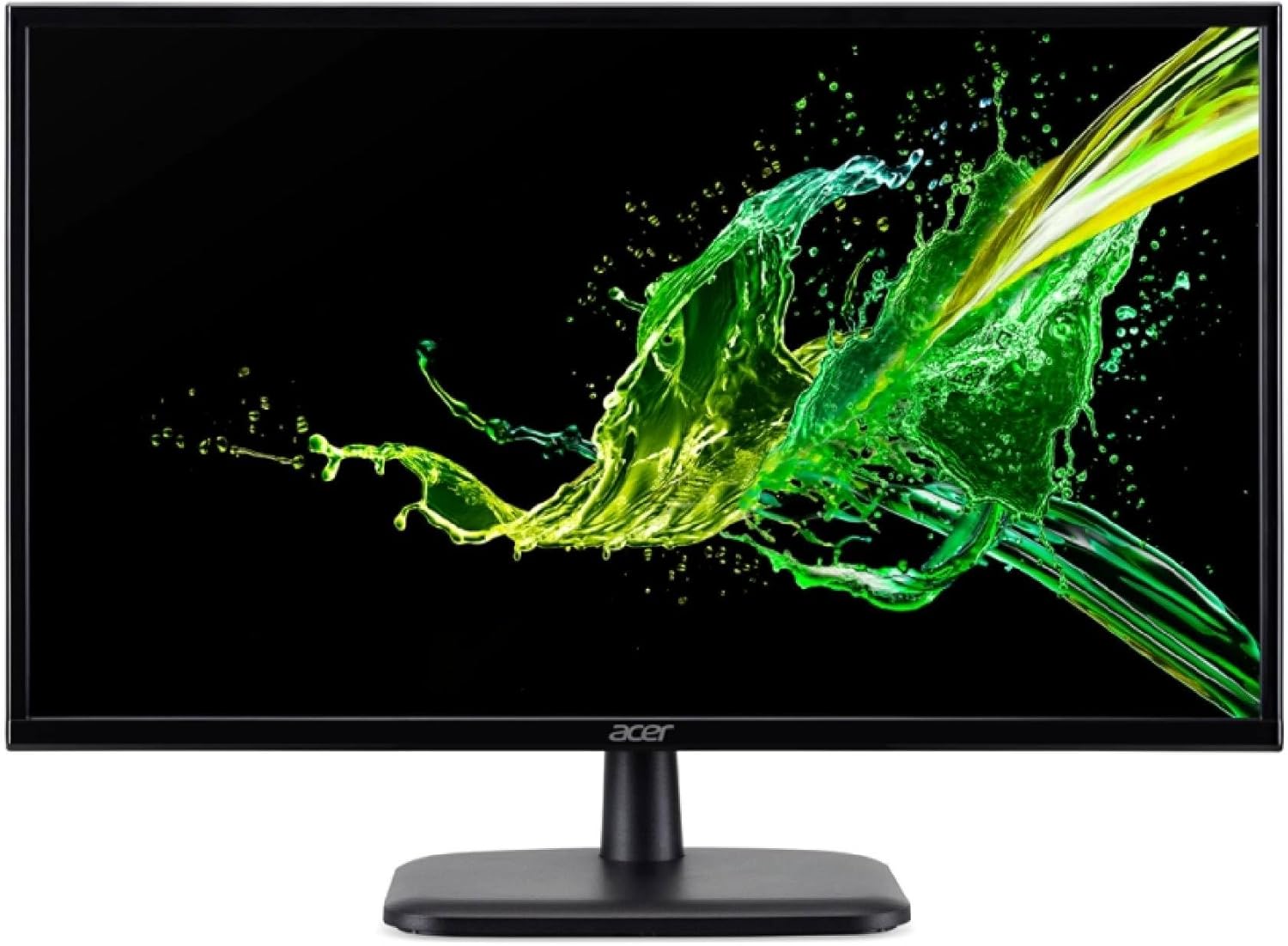
Acer Monitor 21.5-inch (Renewed)

Laptop Screen Extender, 15.6" Fhd Portable Monitor With Dual Stands
One less thing to search
Before you buy: quick questions
Is the 60Hz refresh rate good for modern gaming, or should I look for something higher?
It's excellent for casual gaming, story-driven titles, and console gaming (PS4/Xbox One), where the immersive curved screen really shines. However, many Reddit users point out that competitive FPS players (e.g., Warzone, Valorant) will likely find 60Hz limiting. If high frame rates are your top priority, you may want to consider a dedicated 144Hz+ gaming monitor.
How stable is the included stand, and can I mount this on a monitor arm?
The included stand is minimalistic and, as noted in many reviews, offers limited stability and no height adjustment. For a rock-solid and ergonomic setup, most users recommend planning to use a VESA mount. Please note: the monitor requires a separate VESA adapter bracket (model name: SJ55W), which is not included in the box.
I'm worried about quality control. What's the deal with dead pixels or backlight bleed?
While the vast majority of units are problem-free, a small number of users across platforms have reported issues like a single dead pixel or minor backlight bleed. Samsung has a standard policy for dead pixels, and the monitor comes with a manufacturer's warranty. We recommend inspecting your monitor when you first set it up and contacting Samsung support immediately if you encounter any hardware defects.
Who is this monitor best suited for?
It's a fantastic fit for students, remote workers needing a sharp secondary screen, and casual gamers who prioritize immersive picture quality and sleek design over ultra-high frame rates. It's also popular as a budget-friendly, compact monitor for console setups. If you need extensive adjustability or are a hardcore competitive gamer, your needs might be better met elsewhere.
What's the real standout feature that makes this monitor worth it?
Overwhelmingly, users on TikTok and YouTube highlight the exceptional picture quality and immersive curved screen for the price. The combination of vibrant colors, deep contrast from the VA panel, and the subtle curve creates a surprisingly engaging experience for movies, games, and everyday use, making it feel like a premium product without the premium cost.
From a similar, more-reviewed product in this category: KOORUI 24 Inch Gaming Monitor, 180Hz 1080P VA Display with 3000:1 Contrast
Does this monitor really run at 180Hz, and what do I need to enable it?
Yes — it's a native 180Hz panel, but you'll need to switch it on manually. Connect via the included HDMI cable (or a DisplayPort-capable setup), then set 180Hz in your GPU's display settings; it defaults to a lower refresh rate out of the box. Many Reddit and YouTube users note that enabling Adaptive Sync/FreeSync alongside it gives the smoothest experience, and it works with both AMD and NVIDIA cards.
How does the VA panel perform for gaming and everyday work?
The 3000:1 contrast gives noticeably deeper blacks than typical IPS budget monitors, which shines in dark game scenes and movies. For fast-paced competitive shooters, some TikTok and Reddit users mention mild ghosting/smearing in dark transitions — it's great for casual gaming, students, and office work, but color-critical creators or hardcore FPS players may prefer an IPS panel.
The stand looks basic — can I adjust the height or mount it?
Correct, the included stand only tilts (-5° to 20°) and doesn't offer height, swivel, or pivot adjustment, and a few users find the base slightly wobbly. The good news: it's VESA 100×100mm compatible, so a monitor arm or desk mount solves ergonomics entirely — a popular fix among dual-monitor and dorm-room setups.
What if I receive a unit with a dead pixel or backlight bleed?
Budget monitors can vary unit to unit, and some buyers report stuck pixels or corner bleed — but KOORUI backs it with a 3-year manufacturer warranty. If your unit arrives defective, contact the seller for a replacement or refund promptly; most users who did so report a smooth resolution, so inspect the screen within the return window.
Is it good value, and who is it best suited for?
At around $120, it's widely praised as one of the best budget 180Hz options — ideal for students, casual gamers, home-office users, and compact or dual-monitor setups. Just set expectations: no built-in speakers, a single HDMI plus VGA, and basic ergonomics. If you need height adjustment, color accuracy, or built-in audio, consider spending more on an IPS alternative.
Answers are limited to the manufacturer's listing and the reviews we analysed. Questions those sources cannot support are not answered here.
Transparent by design