What people like
Fast, reliable switching at high refresh
Reviewers report near-instant switching and reliable dual-monitor output, with 4K high refresh rates, G-Sync, HDR and Dolby Vision working as advertised.
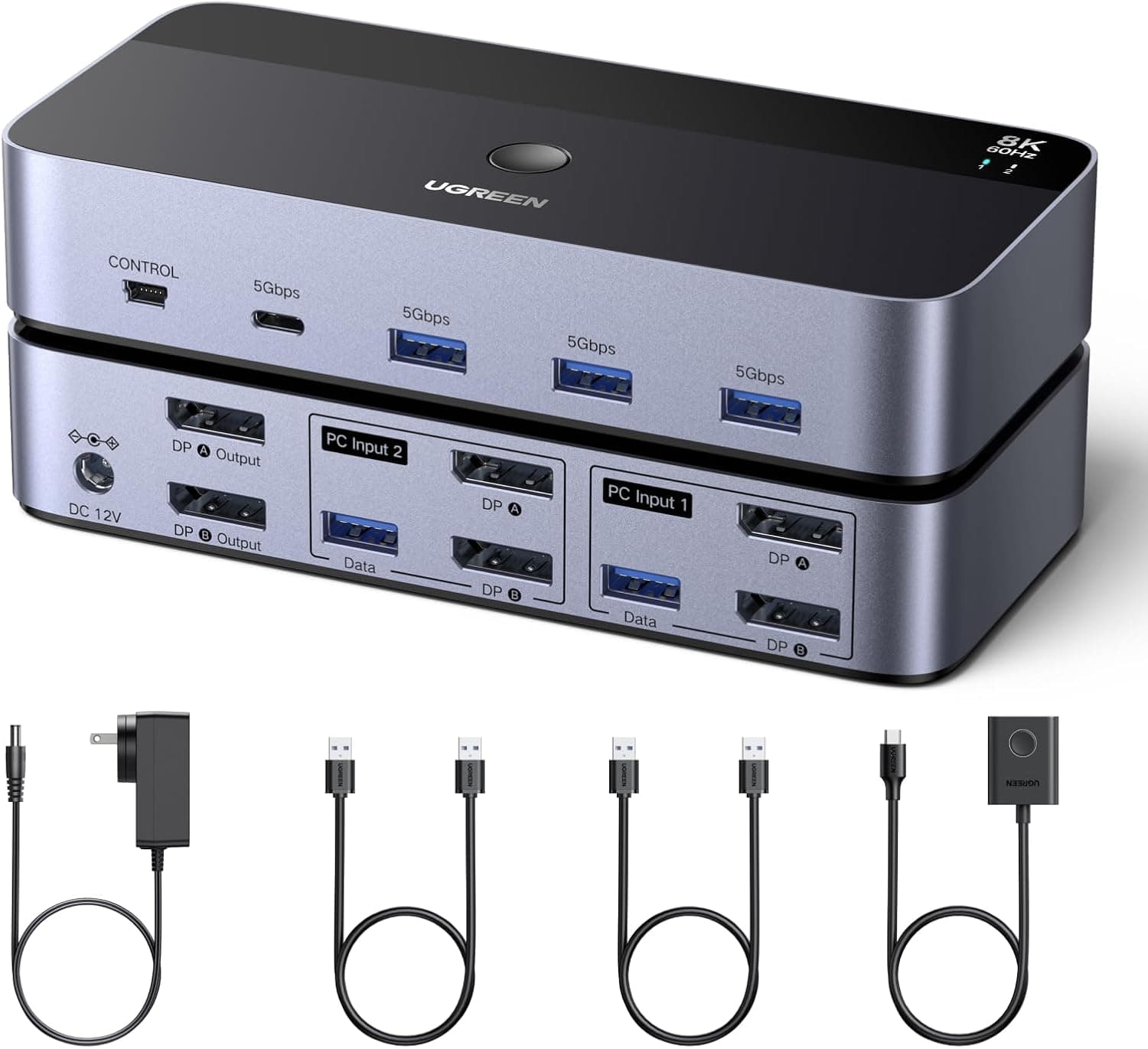
The 30-second read
What people like
Reviewers report near-instant switching and reliable dual-monitor output, with 4K high refresh rates, G-Sync, HDR and Dolby Vision working as advertised.
The main watch-out
One reviewer warns DP-to-HDMI converters don't work, only straight DP-to-DP cables, and another could never get the second monitor recognized.
Before you choose
Some Macs (like a Mini M1) may not work with this KVM, and USB ports are limited, so confirm compatibility with your own setup first.
From a similar, more-reviewed product in this category: Unitek HDMI KVM Switch 1 Monitor 2 Computers with Power Adapter
What people like
Reviewers appreciate how easily this KVM lets two computers share one monitor, keyboard, and mouse, with several praising its compact design, solid build quality, and included cables.
The main watch-out
Multiple reviewers report that switching between computers is inconvenient because there is no working hotkey or dedicated switch, forcing them to reach the unit or use software.
Before you choose
Before buying, confirm the port layout and peripheral support fit your setup, note that switching is not hotkey-based, and consider that some find the price high unless on sale.
Your use case first
3 of 14 mentions describe a negative experience (21%).
3 of 10 mentions describe a negative experience (30%).
11 of 34 mentions describe a negative experience (32%).
8 of 20 mentions describe a negative experience (40%).
6 of 17 mentions describe a negative experience (35%).
8 of 15 mentions describe a negative experience (53%).
5 of 11 mentions describe a negative experience (45%).
19 of 20 mentions describe a negative experience (95%).
One review can mention several topics. Percentages describe the reviews we analysed, not all buyers or the product's overall failure rate.
Compare the trade-offs
A random selection of analyzed products from the same category. Different products are not necessarily interchangeable.
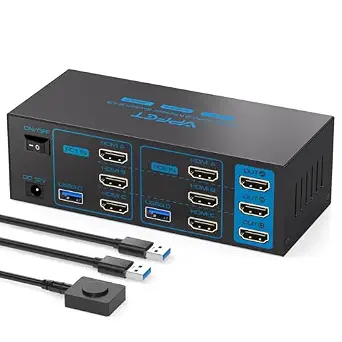
USB3.0 KVM Switch 2 Ports with 4 USB Ports for 2 Computers Sharing Triple Monitor

KCEVE KVM Switch 2 Monitors 3 Computers USB C HDMI DP, EDID, 4K@60Hz

USB 3.0 HDMI KVM Switch 1 Monitors 2 Computers, 4K@60Hz KVM Switches for 2 Computers Sharing Monitor Keyboard Mouse Hard Drives Printer, with EDID Adaptive, 2USB Cable and Controller
Check the evidence
Included does not mean verified authentic. Flagged does not mean proven fake. These are analytical classifications.
Showing 3 illustrative excerpts, not the complete review set.
Very Nice but not for Mini M1 👍
“Worked perfectly out of the box for me. I had mini dp to dp leads on one pc and dp to dp on the other. Monitors were 2560×1440, 2x32" . Windows & Linux . No issues, flickering etc,perfect. If you've got something like a mini mac M1 this probably won't work for you. - Didnt for me. - Choose an HDMI kvm. The usb c to dp will be fine but the hdmi to dp won't work! This isn't due to limitations with this kvm but many kvms. The issue is with the cable limits; Converting hdmi video signal into a display port signal requires active protocol conversion and external power which a mac mini M1 is unable to achieve. Although there are multiple usbc ports Apple have made it mandatory to use the HDMI port as your primary display port on the M1 so thats where the problem lies :( - Found this out the hard way! You'll be better of using the alternative HDMI version of this kvm, which comes with hdmi cables as an added bonus. - This dp version comes with no cables. I also bought the hdmi version of this kvm for a different use case and it works fine with a mac mini M1 and Windows/Linux pc. Although 4k is not 8k. I've used an older Startech dual dp kvm for a decade, daily which looks pretty old school now. I was looking for shared data, usb c speed, while I flick from one screen to another. This one is modern, sleeker, smaller, 25% of the Startech price and has the facility to share usb data via the kvm, usb a or c, so you could add and retrieve files on both pc's without unplugging anything. Also having it hidden under the desk with a separate lead plugged in to a switch button is nice (pity it isnt wireless) gives more real estate on your desk. Really easy to go effortlessly back and forth with a logitech mx wireless keyboard and mouse with the usb dongle plugged into the kvm or via Bluetooth. The transition from one to another is slower than others, like 1-2 seconds than the Startech but that's not deal breaking for me considering the additional spec. The connection ports can be pretty stiff if you have a locking press button type of dp - I had to toggle quite a bit to get them out when I didnt and yanked it out, it required a bit of force the inside of the dp got stuck inside the kvm port, I had to tweezer it out. 😱 - That is a good thing imo as being too loose and coming out is the worst. Small toggles instead of yanking/pulling works fine. If you don't have the lockable push down tab/button type of dp leads then this doesnt apply. Overall like it. Hope it lasts as long as the Startech!”
Signals matched: Specific detail: quantity, entity, scenario · Mentions: setup, compatibility, connectivity · Reads as an authentic voice
Could Be Great But Not Sure of Its Purpose Now
“I've worked with Enterprise KVM's as well as some Commercial and I thought this KVM was about to be the holy grail for gamers and teleworkers! It is able to do the max resolution, refresh rate, Gsync, and HDR of my gaming computer (5120x2160p@165Hz, 10-bit HDR) and still switch my devices to my other host PC for work. Unfortunately this doesn't last long because after a few switches between hosts, the screens will remain black and cannot be fixed until the host devices are hard restarted. Sadly, I didn't notice this the first few days I had it because I only swapped between the devices once or twice in that time period, resulting in me not even noticing the issue until after my trash had gone out. This is due to the lack of EDID emulation as mentioned in the product listing, which I didn't understand until now. Enterprise KVM's typically have this already so they have no issue with switching between host devices. The only experience I've had with EDID is for headless situations. The product listing fails to actually explain what this means and while it falls on the customer to understand this, I'd say a good 90% of customers won't, so here's your warning! With all of that said, what exactly does this device accomplish and who is the target audience? Without the EDID to switch between host PC's, this is just a KM switch as there is no video involved, at which point this is entirely overpriced for that function. It's also worth noting that I received the product as Open Box despite purchasing new; box seal was broken and cable packages were ripped open. Shame on you UGREEN! Pros: - Sleek looking - Small footprint - Full resolution, refresh rate, and HDR - Quick convergence after switching (rated at <7 seconds, I found it to be about 4) - Low Cost - Remote switch Cons: - No EDID Emulation, nor an explanation of this to the customer - Doesn't provide DisplayPort cables to the hosts but other models from UGREEN do”
Signals matched: Specific detail: quantity, entity, scenario, process · Mentions: functionality, refresh rate, switching functionality · Reads as an authentic voice
Cambio fácil entre PCs Y dispositivos con el KVM UGreen: práctico y accesible
“He probado varios KVM y, como persona con movilidad reducida que utiliza un QuadStick para manejar el ordenador, mi prioridad era la accesibilidad. No puedo usar teclado ni ratón de forma directa, así que necesitaba un sistema que me permitiera cambiar de equipo sin depender de combinaciones de teclas. Después de probar opciones que no reconocían mis comandos, opté por este modelo de UGreen, una marca en la que confío porque todos sus dispositivos me han dado buenos resultados. La experiencia ha sido excelente. Puntos positivos: Fiabilidad y calidad UGreen. Siempre funcionan a la primera. Botón físico con cable largo. Puedo colocarlo cerca y usarlo sin depender de atajos de teclado. Diseño limpio y flexible. Incluye cables USB-A a USB-A, pero se pueden sustituir fácilmente por USB-A a USB-C más finos. Gestión de energía inteligente. Cuando el PC está apagado, el KVM corta la corriente y todos los periféricos (teclado, ratón, micrófono…) quedan desactivados, evitando desgastes innecesarios. Compatibilidad sin problemas. Funciona tanto en Windows como en Mac. Antes como el ordenador se quedaba encendido. Aunque lo apagara siempre se ha quedado una luz y en el QuadStick a partir de ahora ya pueden descansar Y no estropearse! Aspectos a mejorar: El botón tiene una resistencia algo dura. Para personas con fuerza reducida, como es mi caso, cuesta un poco. Para el resto de usuarios puede ser perfecto. Accesibilidad: Este KVM resulta muy útil para personas que, como yo, no pueden usar atajos de teclado. El botón externo facilita muchísimo la vida y da independencia. Es un detalle importante que fabricantes como UGreen tengan este tipo de soluciones. En resumen, un producto fiable, bien diseñado y muy práctico tanto para usuarios convencionales como para quienes necesitamos opciones accesibles.”
Signals matched: Specific detail: entity, scenario, comparison, process · Mentions: setup, switching functionality, functionality · Reads as an authentic voice
Transparent by design