
VILVA Portable-Monitor-for-Lapto - 15.6'' 1080P FHD IPS Display USB-C HDMI Portable Monitor for Laptop with Cover and Speakers External Monitor for Laptop/PC/Mac/Phone/Xbox Switch/PS4/
Description
Experience Unrivaled Visuals: Get the ultimate viewing experience with the VILVA Professional Portable Monitor! With its incredibly sharp 15.6 inch FHD IPS Screen, you'll get a 1920 x 1080 resolution that viewing experience. Get it now and start working smarter, not harder and get yourself the professional portable monitor today.; Truly Wide Compatibility: Lets you connect your laptop, PC, MAC, tablet, phone, XBOX, PS3/PS4/PS5, switches, and more via USB-C or HDMI Port-- deliver a stable connection and steady data transmission. Enjoy great sound with the built-in dual stereo speakers, perfect for your business trip, travel, or home entertainment gaming setup.; Durable Smart Cover: VILVA portable monitor has a high quality and durable metal material, which makes it shows a fine metal texture and high strength. Has magnetic leather smart cover that provides protection for the entire screen and easy to stand the portable monitor.; Look no further!: Get this portable monitor right Now, complete with magnetic cover, USB-C to USB-C cable, Mini HDMI to HDMI cable.
Compare the trade-offs
Similar products, side by side
A random selection of analyzed products from the same category. Different products are not necessarily interchangeable.
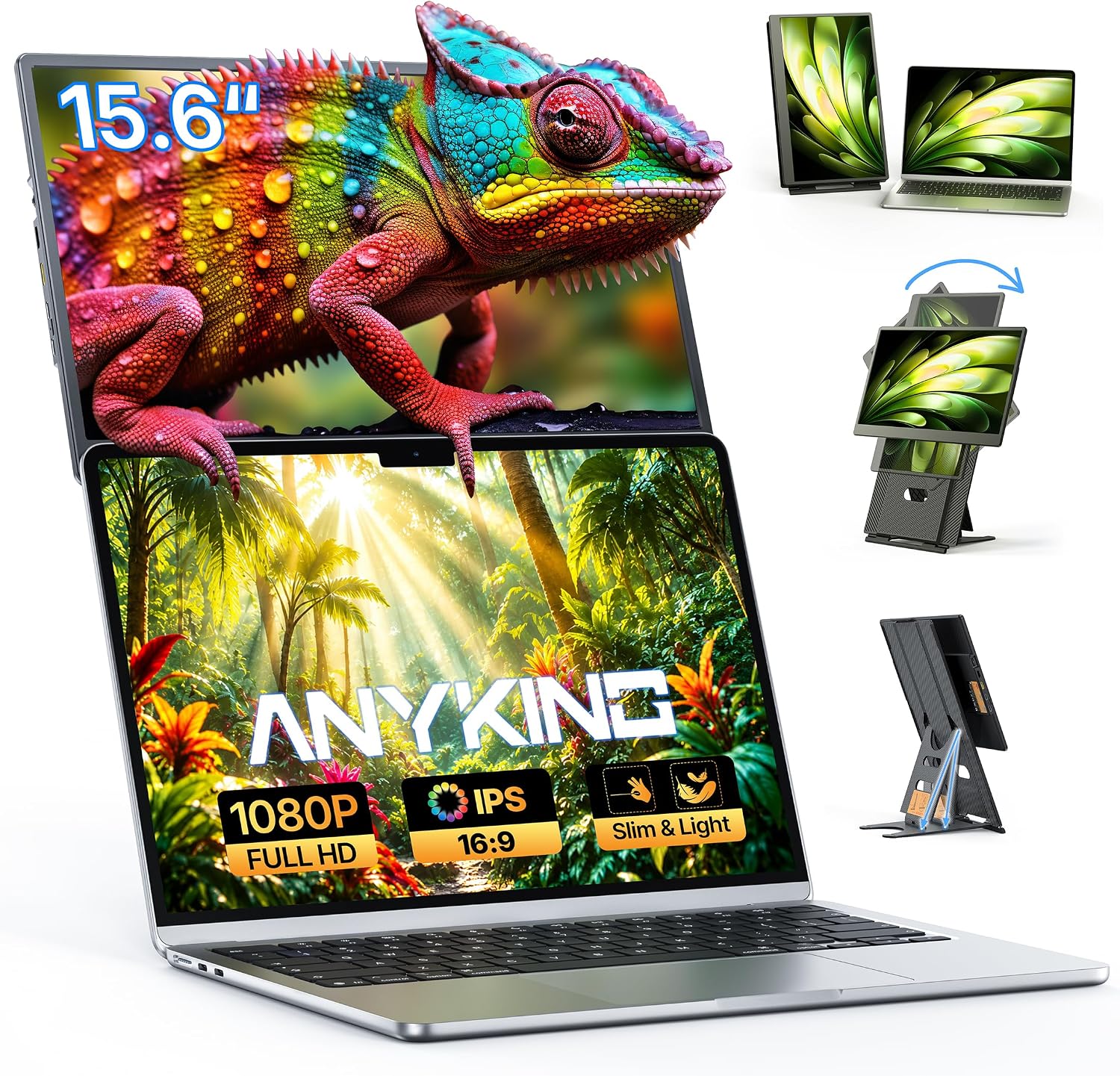
Laptop Screen Extender 15.6", 5 Modes & Detachable Slim Portable Monitor

UPERFECT Portable Monitor 4K 23.8" QLED| 400 Nits 24" Large Monitor | 3840 * 2160 UHD 100% DCI-P3 | 1MS FreeSync | USB-C & HDMI | VESA & Kickstand | Second Screen for Computer, Mini PC, Game Consoles

New! Sceptre 27-inch Gaming Monitor 100Hz 1ms DisplayPort HDMI x2 100% sRGB AMD FreeSync Build-in Speakers, Eye Care Frameless Machine Black 2025 (E275W-FW100T Series)
One less thing to search
Before you buy: quick questions
Will this monitor work with my iPhone 15 or Nintendo Switch right out of the box?
Yes, it works plug-and-play with most modern USB-C devices, including iPhone 15, Android phones, and Nintendo Switch. For the Switch, just connect the included USB-C cable—no extra dock needed. If you have an older iPhone with Lightning, you’ll need a Lightning-to-HDMI adapter. Many TikTok users mention this is one of the easiest monitors to set up for console gaming on the go.
How does the build quality hold up for daily travel and use?
The monitor is thin and lightweight at about 1.7 lbs, which makes it great for tossing in a backpack. However, some buyers on Reddit note the plastic casing can feel a bit flexy, so we recommend using the included magnetic cover/stand for protection during transport. It’s not rugged—think of it as a nice-to-have travel companion, not a field-deployable unit.
Is the screen bright enough for outdoor or well-lit rooms?
The 1080P IPS display offers good color for indoor use and normal lighting, but it’s not super bright (about 250 nits). In direct sunlight or very bright rooms, you might find the image looks washed out. Most users find it perfect for coffee shops, hotel rooms, or next to a window—just avoid using it on a sunny park bench. For gaming, it works best in dim or evening settings.
Can this monitor charge my laptop while it’s connected?
No—this monitor supports video signal and power *input* via USB-C, but it does not provide power delivery (PD) out to your laptop. You’ll need to keep your laptop plugged into its own charger while using this external display. Some buyers initially expected it to act as a power bank, so double-check your setup if you’re planning long, unplugged sessions.
What’s the return policy if it arrives damaged or I don’t like it?
VILVA offers a 30-day return window for unused or defective units. If your monitor arrives dead on arrival (no power, no display), contact customer support right away—they typically send a replacement quickly. For standard returns, you may need to cover return shipping unless the item is faulty. A few recent buyers mentioned that support is responsive, but it helps to keep your original packaging.
From a similar, more-reviewed product in this category: KOORUI 24 Inch Gaming Monitor, 180Hz 1080P VA Display with 3000:1 Contrast
Does this monitor really run at 180Hz, and what do I need to enable it?
Yes — it's a native 180Hz panel, but you'll need to switch it on manually. Connect via the included HDMI cable (or a DisplayPort-capable setup), then set 180Hz in your GPU's display settings; it defaults to a lower refresh rate out of the box. Many Reddit and YouTube users note that enabling Adaptive Sync/FreeSync alongside it gives the smoothest experience, and it works with both AMD and NVIDIA cards.
How does the VA panel perform for gaming and everyday work?
The 3000:1 contrast gives noticeably deeper blacks than typical IPS budget monitors, which shines in dark game scenes and movies. For fast-paced competitive shooters, some TikTok and Reddit users mention mild ghosting/smearing in dark transitions — it's great for casual gaming, students, and office work, but color-critical creators or hardcore FPS players may prefer an IPS panel.
The stand looks basic — can I adjust the height or mount it?
Correct, the included stand only tilts (-5° to 20°) and doesn't offer height, swivel, or pivot adjustment, and a few users find the base slightly wobbly. The good news: it's VESA 100×100mm compatible, so a monitor arm or desk mount solves ergonomics entirely — a popular fix among dual-monitor and dorm-room setups.
What if I receive a unit with a dead pixel or backlight bleed?
Budget monitors can vary unit to unit, and some buyers report stuck pixels or corner bleed — but KOORUI backs it with a 3-year manufacturer warranty. If your unit arrives defective, contact the seller for a replacement or refund promptly; most users who did so report a smooth resolution, so inspect the screen within the return window.
Is it good value, and who is it best suited for?
At around $120, it's widely praised as one of the best budget 180Hz options — ideal for students, casual gamers, home-office users, and compact or dual-monitor setups. Just set expectations: no built-in speakers, a single HDMI plus VGA, and basic ergonomics. If you need height adjustment, color accuracy, or built-in audio, consider spending more on an IPS alternative.
Answers are limited to the manufacturer's listing and the reviews we analysed. Questions those sources cannot support are not answered here.
Transparent by design