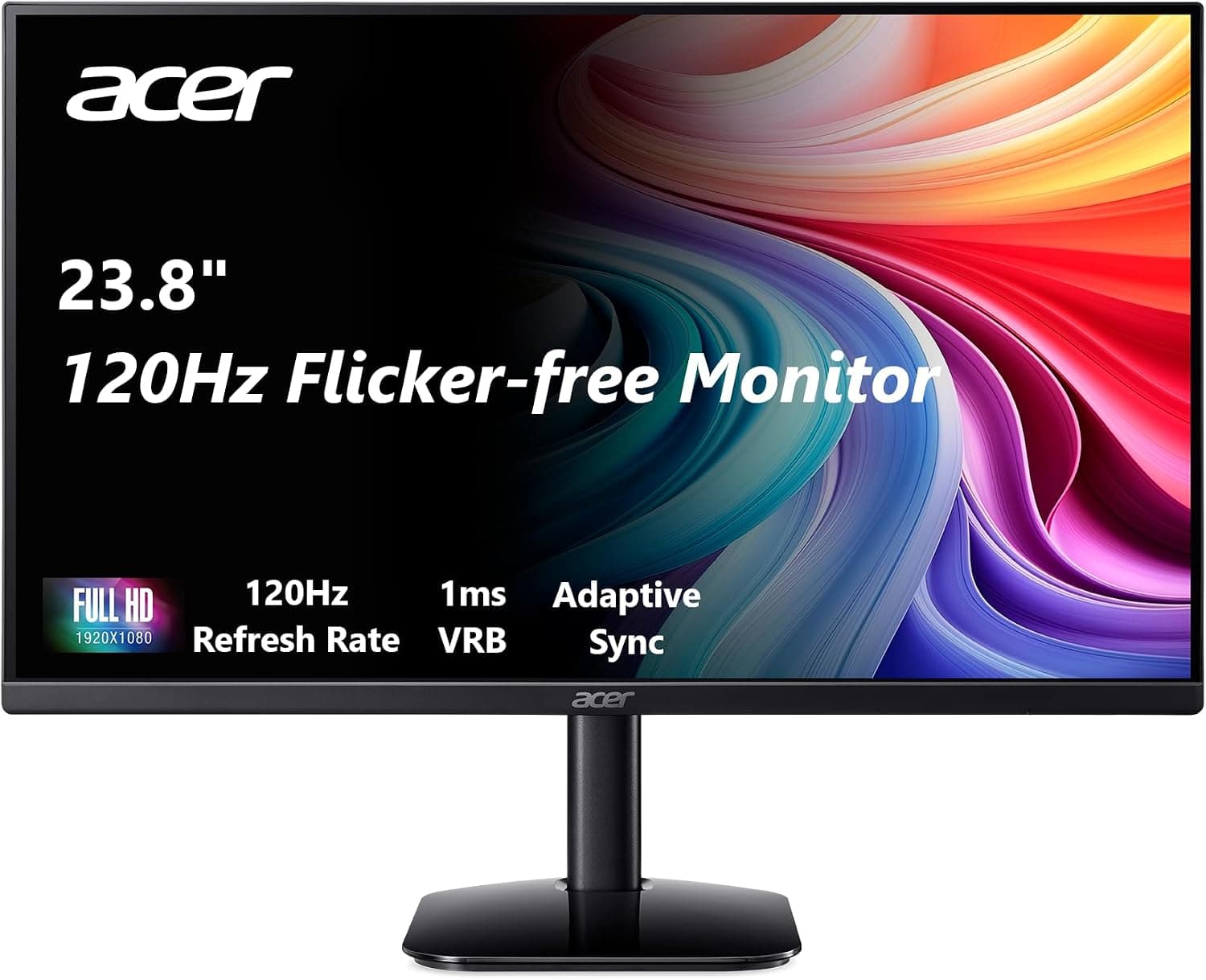
Acer 23.8in FHD 1920x1080 IPS 120Hz Office Monitor KB242Y G0bi
Notre verdict d'achat
Mixed evidence on this monitor's reliability
Several reviewers report clear, large-screen viewing, but one reported red lines after about a month and another said it stopped working.
Principaux points forts
- Clear, large display. Two reviewers described the screen as very clear, and one found it much easier to see than a small laptop screen.
- Survived a drop. One reviewer reported accidentally dropping the monitor and it still worked.
- Fast same-day delivery. One reviewer received the monitor within hours of ordering, replacing a failed home monitor.
Principaux inconvénients
- Reported screen failure. One reviewer reported red lines across the screen after about a month, and another said it worked well until it stopped.
- No integrated speakers. One reviewer could not use the monitor because it lacked built-in speakers, which they had expected.
- Poor instructions. One reviewer found the instructions unhelpful, though they returned the monitor for an unrelated reason.
Idéal pour
Buyers who want a large, clear screen for basic work or classroom viewing and do not need built-in speakers.
Moins adapté pour
Buyers who need built-in speakers or who prioritize long-term reliability, given reports of screen failure.
Description
Acer KB242Y 23.8-inch monitor has an amazing thin enclosure with a frameless bezel. Get fast refresh rates thanks to the Adaptive-Sync Support product that matches the refresh rate of your monitor with your graphics card. The 1920 x 1080 Full HD resolution with an incredible 100,000,000:1 contrast ratio lets you enjoy High-Definition entertainment in the comfort of your home. Enjoy the accurate color performance presented by IPS technology, and vivid color in every viewing angle. The eye protect technology also gives you a comfortable viewing experience. (UM.QK2AA.003)
Comparez les compromis
Produits similaires, côte à côte
Une sélection aléatoire de produits analysés de la même catégorie. Des produits différents ne sont pas nécessairement interchangeables.

Portable Monitor 15.6 inch FHD 85% sRGB 60Hz HDR HDMI USB-C Travel Monitor for Laptop MacBook PC Surface PS5 Xbox, External Display with Cover & Speakers, VESA Compatible

Acer Nitro 27” Gaming Monitor | Full HD 1920 x 1080 | IPS | ZeroFrame | AMD FreeSync | 144Hz Refresh Rate | 1ms (VRB) | sRGB 99% | 1 x Display Port 1.2 and 1 x HDMI 1.4 | KG271 P6bip

KQC Portable Monitor 15.6" 1080P FHD IPS Display, Ultra-Slim USB-C HDMI Travel Monitor with Kickstand, Zero Bezel Screen Extender for Laptop, Mac, Phone, PS, Xbox, Switch Gaming
Une chose de moins à chercher
Avant d'acheter : questions rapides
Does this monitor really hit 120Hz, and what do I need to get there?
Yes — but you'll need to connect via HDMI and enable the higher refresh rate in your display settings, since it defaults to 60Hz. Many Reddit and YouTube users note that a VGA connection caps you at 60Hz, so stick with the included HDMI cable. Also worth knowing: the "1ms" figure is Acer's VRB (Visual Response Boost) mode rather than native response time, which is common at this price point.
Are there built-in speakers, or will I need separate audio?
There are no built-in speakers, which is a frequent surprise in reviews — "didn't realize until setup" is a common refrain. There is a 3.5mm headphone jack for audio pass-through from your HDMI source, so you can plug in headphones or powered speakers. If built-in sound is a must, factor a cheap soundbar or speaker set into your budget.
Can I adjust the height, or mount it on an arm?
The included stand tilts but doesn't adjust for height, and this is the most-cited gripe among office users — some resort to stacking books to get it to eye level. The good news: it's VESA-compatible, so a monitor arm or wall mount solves the ergonomics issue affordably. It's also lightweight (about 7.7 lbs), making it easy to mount.
Is 23.8 inches big enough for work and light gaming, or should I go bigger?
For a single-monitor office setup, schoolwork, and casual gaming, 23.8" at 1080p hits a sweet spot — text stays crisp and the 120Hz IPS panel feels noticeably smoother than 60Hz. Buyers who later wished for more space typically jumped to 27" 1440p, so if you multitask heavily or do creative work, consider sizing up. For dual-monitor setups, the zero-frame bezel makes two of these a clean, budget-friendly pair.
What if I get a dead pixel or don't like it — and is it worth the money?
It's backed by a 3-year parts-and-labor warranty, and most retailers allow standard returns within their window, so inspect the panel on arrival and contact the seller promptly with any dead-pixel or backlight-bleed concerns. On value, sentiment is strongly positive — reviewers consistently call it one of the best budget 120Hz IPS picks for productivity and entry gaming. Just go in knowing the trade-offs (no speakers, tilt-only stand, 250 nits) so expectations match what you're paying for.
D'un produit similaire mieux noté dans cette catégorie : KOORUI 24 Inch Gaming Monitor, 180Hz 1080P VA Display with 3000:1 Contrast
Does this monitor really run at 180Hz, and what do I need to enable it?
Yes — it's a native 180Hz panel, but you'll need to switch it on manually. Connect via the included HDMI cable (or a DisplayPort-capable setup), then set 180Hz in your GPU's display settings; it defaults to a lower refresh rate out of the box. Many Reddit and YouTube users note that enabling Adaptive Sync/FreeSync alongside it gives the smoothest experience, and it works with both AMD and NVIDIA cards.
How does the VA panel perform for gaming and everyday work?
The 3000:1 contrast gives noticeably deeper blacks than typical IPS budget monitors, which shines in dark game scenes and movies. For fast-paced competitive shooters, some TikTok and Reddit users mention mild ghosting/smearing in dark transitions — it's great for casual gaming, students, and office work, but color-critical creators or hardcore FPS players may prefer an IPS panel.
The stand looks basic — can I adjust the height or mount it?
Correct, the included stand only tilts (-5° to 20°) and doesn't offer height, swivel, or pivot adjustment, and a few users find the base slightly wobbly. The good news: it's VESA 100×100mm compatible, so a monitor arm or desk mount solves ergonomics entirely — a popular fix among dual-monitor and dorm-room setups.
What if I receive a unit with a dead pixel or backlight bleed?
Budget monitors can vary unit to unit, and some buyers report stuck pixels or corner bleed — but KOORUI backs it with a 3-year manufacturer warranty. If your unit arrives defective, contact the seller for a replacement or refund promptly; most users who did so report a smooth resolution, so inspect the screen within the return window.
Is it good value, and who is it best suited for?
At around $120, it's widely praised as one of the best budget 180Hz options — ideal for students, casual gamers, home-office users, and compact or dual-monitor setups. Just set expectations: no built-in speakers, a single HDMI plus VGA, and basic ergonomics. If you need height adjustment, color accuracy, or built-in audio, consider spending more on an IPS alternative.
Les réponses se limitent à la fiche du fabricant et aux avis que nous avons analysés. Les questions que ces sources ne permettent pas de traiter restent sans réponse ici.
Transparent par conception