Ce que les clients apprécient
Crisp, clear picture for desk work
Several reviewers describe the screen as crisp and clear, with pleasant color, and find it well suited to reading, correspondence, and design work.

Notre verdict d'achat
Several reviewers find the picture crisp and clear for desk work, but one reports USB-C instability after ten months.
Buyers who want a crisp, clear monitor for desk-based reading, correspondence, home office work, or CAD use, and who value good price for the picture quality.
Buyers who depend on a stable USB-C connection, given one report of the port becoming unstable after ten months.
La lecture de 30 secondes
Ce que les clients apprécient
Several reviewers describe the screen as crisp and clear, with pleasant color, and find it well suited to reading, correspondence, and design work.
Le principal point de vigilance
One reviewer reports the USB-C connection became unstable after about 10 months and that product service could not be reached.
Avant de choisir
One reviewer found the monitor good for the price but said the menu system could be easier to use.
D'un produit similaire mieux noté dans cette catégorie : KOORUI 24 Inch Gaming Monitor, 180Hz 1080P VA Display with 3000:1 Contrast
Ce que les clients apprécient
Several reviewers describe the monitor as a strong budget purchase, citing impressive specs for the money and satisfaction with gaming use.
Le principal point de vigilance
Several reviewers report the monitor failing or coming apart after months to a couple of years, including a dead screen and a failing power cord.
Avant de choisir
Two reviewers note that setup benefits from adjusting settings in your GPU software, including color, brightness, and VRR.
Description
Dell 27 Plus 4K USB-C Monitor - S2725QC. Whether you're watching movies or playing games, enjoy an immersive viewing experience with improved eye comfort on a 4-star certified monitor.
Comparez les compromis
Une sélection aléatoire de produits analysés de la même catégorie. Des produits différents ne sont pas nécessairement interchangeables.
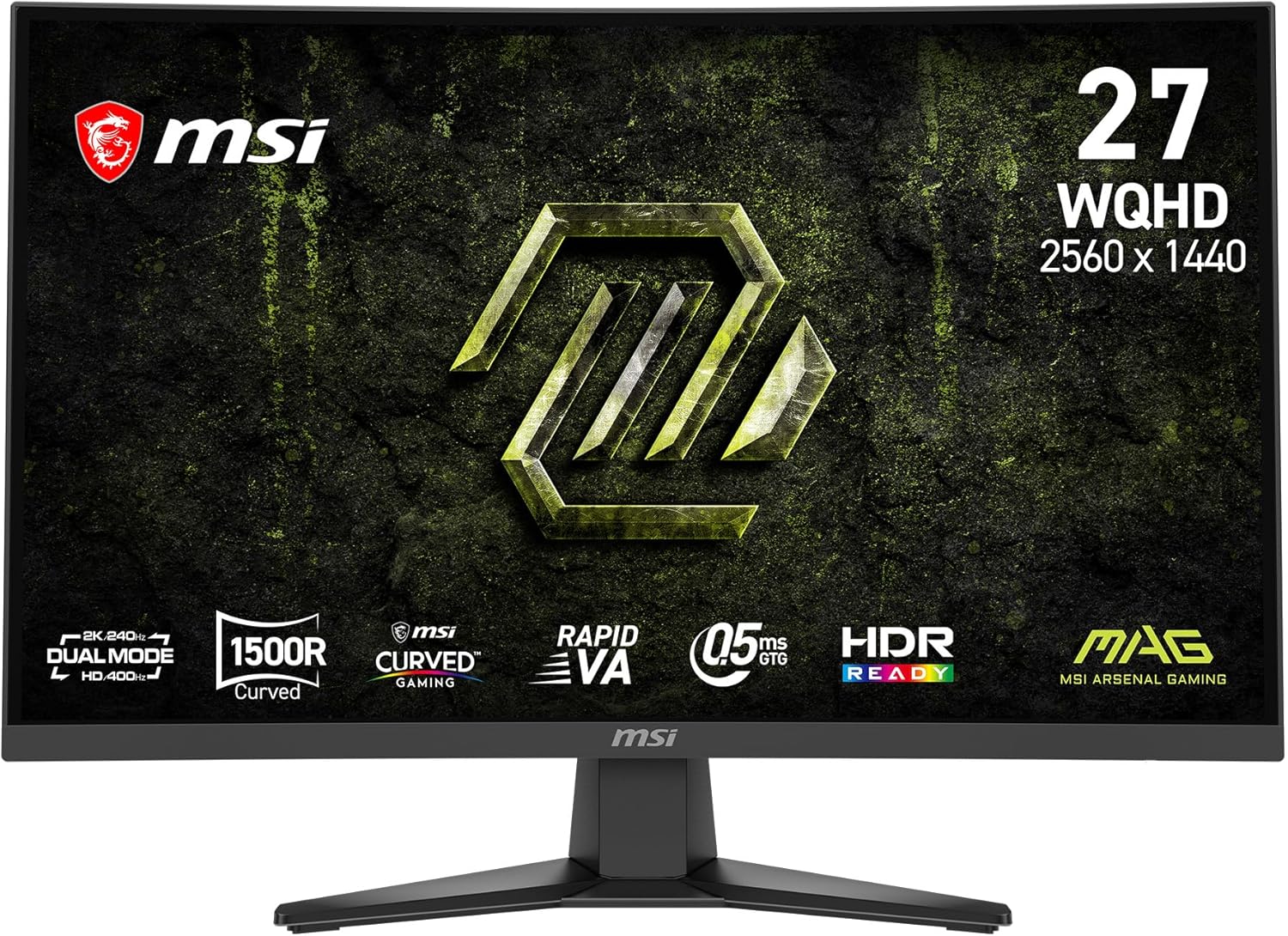
msi MAG 275CQDF X24 27-inch 2560 x 1440 (QHD) Gaming Monitor, AMD FreeSync Premium, Dual Mode with WQHD 240Hz and HD 400Hz, HDR Ready, HDMI, VESA, Tilt, 0.5ms, Black

KTC 32 Inch 4K Gaming Monitor, 165Hz UHD (3840x2160P) Fast IPS Screen, 1ms (MPRT), Adaptive Sync, 3000:1 Contrast,121% sRGB,HDMI 2.1 Display Port 1.4, Tilt/Height Adjustment, VESA Mount, H32P22P

Intehill 15.6" FHD 1080P Portable Monitor, Premium IPS External Display with Dual Speakers, Ultra-Slim Aluminum Alloy Design, Magnetic Folio Stand, USB-C & HDMI Second Screen for Laptop, F15ZA
Examinez les preuves
Inclus ne signifie pas vérifié authentique. Signalé ne signifie pas prouvé faux. Ce sont des classifications analytiques.
Affichage de 3 extraits illustratifs, pas l'ensemble complet des avis.
A tidy, clear screen for my desk
“Today I set this up with my new Mac mini 4. A friend had suggested it, and as a retired teacher I wanted a comfortable screen for the desk where I still do plenty of reading and correspondence. I barely touched the settings; the computer and monitor settled on 120 Hz and what I think is the highest resolution. The picture looks crisp, with pleasant color and contrast. The Thunderbolt 4 cable connected neatly to the Mac, and I plugged both devices into the wall. One evening I used the pop-out USB ports for my keyboard, mouse, and headphone dongles. The stand has a wide range of movement, though I only use the height adjustment. I do wish the menu were a little simpler to navigate.”
Signaux détectés : Détail spécifique : entity, quantity, process · Se lit comme une voix authentique
Absolutely great for general or home office use
“Absolutely great for general or home office use. Personally I am not a gamer so cannot speak to the refresh rate for gaming. However I use for home office use and love it. I still have another Dell monitor that has also been excellent. I just needed another monitor when I upgraded my Dell Tower. Yes, I am a big Dell fan and have been for years.”
Signaux détectés : Détail spécifique : scenario, entity · Se lit comme une voix authentique
Perfect addition to laptop for Architectural Design software.
“Exactly what I'd hoped it would be. Dell quality. Was needed as additional (on the larger size) monitor for my laptop....so, I could use architectural design (CAD) software for the design of my home addition/renovation.”
Signaux détectés : Détail spécifique : entity, scenario · Se lit comme une voix authentique
Une chose de moins à chercher
For most ultrabooks and 13–14" laptops (MacBook Air, XPS 13, ThinkPad X1), 65W is plenty — one cable handles video, data, and charging. If you run a power-hungry 16" creator or gaming laptop, expect slower charging or a top-up from your own adapter under heavy load. A quick check of your laptop's wattage requirement before buying saves surprises.
It's a genuinely smooth casual-gaming display thanks to 120Hz and FreeSync Premium, and console/PC players at 4K will enjoy it. Just temper expectations on that 0.03ms figure — it's an MPRT marketing number, not true pixel response, so fast-paced competitive shooters won't feel OLED-crisp. Many Reddit users sum it up as "great all-rounder, not a esports panel."
For productivity, text, and light photo/video work it's excellent: sharp 4K, accurate 99% sRGB, 1500:1 contrast, and a clean matte finish. HDR, however, is "ready" rather than impressive — 350 nits with no local dimming means HDR content looks flat. Treat it as a superb SDR work monitor that happens to accept HDR signals.
The stand is solid with full height, tilt, swivel, and pivot adjustment, plus integrated cable routing, so typing wobble is minimal. It's also VESA-compatible if you prefer an arm. A small number of buyers report backlight bleed or a stuck pixel out of the box, but Dell's 1-year Advanced Exchange and Premium Panel Exchange make swapping a faulty unit straightforward.
It's ideal for hybrid workers, students, MacBook/ultrabook owners, and casual gamers who want a clutter-free single-cable 4K 120Hz setup at a strong price. If you need true HDR, higher USB-C wattage (90W+), or DisplayPort, look at the Dell U2723QE, LG 27UP850, or Samsung ViewFinity S8 instead. As one YouTube reviewer put it: "buy it for the desk setup, not the spec sheet."
D'un produit similaire mieux noté dans cette catégorie : KOORUI 24 Inch Gaming Monitor, 180Hz 1080P VA Display with 3000:1 Contrast
Yes — it's a native 180Hz panel, but you'll need to switch it on manually. Connect via the included HDMI cable (or a DisplayPort-capable setup), then set 180Hz in your GPU's display settings; it defaults to a lower refresh rate out of the box. Many Reddit and YouTube users note that enabling Adaptive Sync/FreeSync alongside it gives the smoothest experience, and it works with both AMD and NVIDIA cards.
The 3000:1 contrast gives noticeably deeper blacks than typical IPS budget monitors, which shines in dark game scenes and movies. For fast-paced competitive shooters, some TikTok and Reddit users mention mild ghosting/smearing in dark transitions — it's great for casual gaming, students, and office work, but color-critical creators or hardcore FPS players may prefer an IPS panel.
Correct, the included stand only tilts (-5° to 20°) and doesn't offer height, swivel, or pivot adjustment, and a few users find the base slightly wobbly. The good news: it's VESA 100×100mm compatible, so a monitor arm or desk mount solves ergonomics entirely — a popular fix among dual-monitor and dorm-room setups.
Budget monitors can vary unit to unit, and some buyers report stuck pixels or corner bleed — but KOORUI backs it with a 3-year manufacturer warranty. If your unit arrives defective, contact the seller for a replacement or refund promptly; most users who did so report a smooth resolution, so inspect the screen within the return window.
At around $120, it's widely praised as one of the best budget 180Hz options — ideal for students, casual gamers, home-office users, and compact or dual-monitor setups. Just set expectations: no built-in speakers, a single HDMI plus VGA, and basic ergonomics. If you need height adjustment, color accuracy, or built-in audio, consider spending more on an IPS alternative.
Les réponses se limitent à la fiche du fabricant et aux avis que nous avons analysés. Les questions que ces sources ne permettent pas de traiter restent sans réponse ici.
Transparent par conception