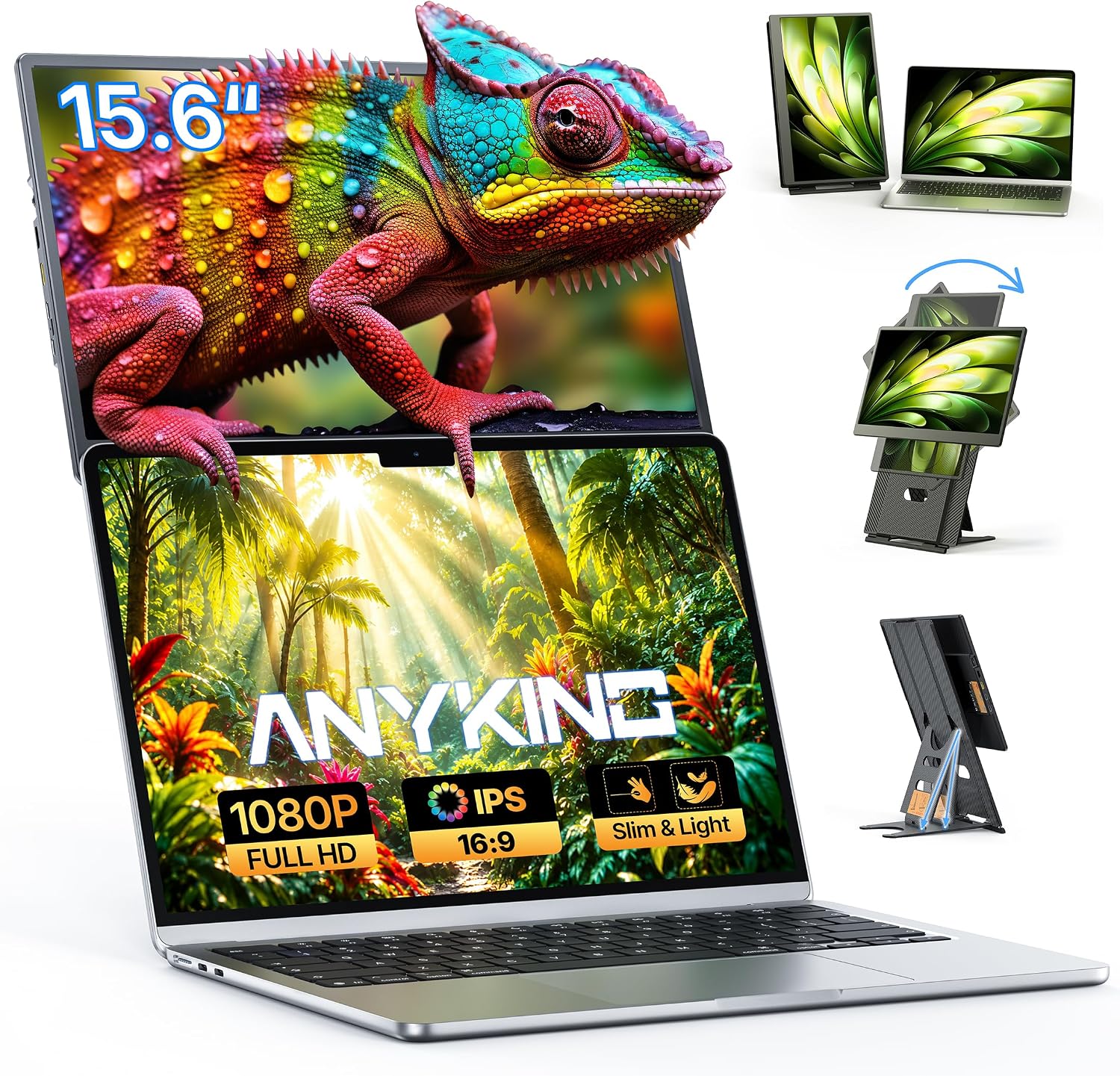
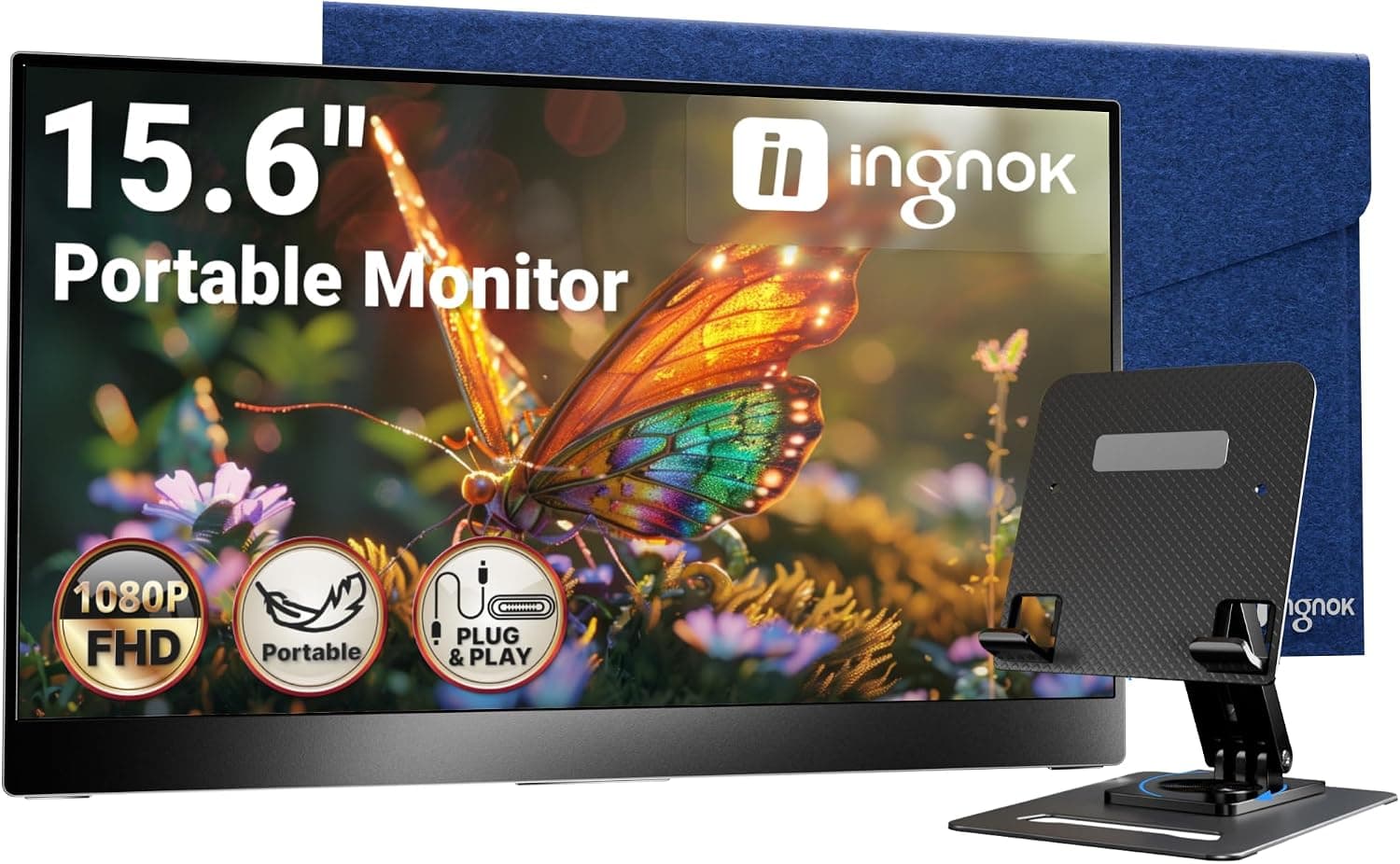
Ingnok Portable Monitor for Laptop,15.6 Inch USB C Screen Extender

Ingnok Portable Monitor for Laptop,15.6 Inch USB C Screen Extender

4.4 sur Amazon3,809 noteswww.amazon.com
Fiabilité des avis
85/ 100Note A
Ratings and written tone mostly agree, nearly all reviews give specific details, all cover common topics with balanced coverage, top ratings dominate, and there is no promotional language with mostly authentic voices.
Lien affilié — la commission est la même quel que soit le score.

La lecture de 30 secondes

Avant de décider

Un point de départ, pas un verdict d'achat

Ce que les clients apprécient

Sharp picture, easy plug-and-play setup

Reviewers consistently praise the clean, sharp picture quality and find setup extremely easy, often describing it as plug and play. Many also highlight its lightweight, portable design for travel or use as a second screen.

Le principal point de vigilance

Weak speakers and portrait stand limits

Some reviewers note poor or very quiet sound quality, and one mentions the stand cannot hold the monitor in portrait mode because the back doesn't lie flush.

Avant de choisir

Check size and device compatibility

Consider the 15.6-inch size for your desk setup and confirm it works with your devices, as reviewers mention using it with laptops and a phone via USB-C.

D'un produit similaire mieux noté dans cette catégorie : KOORUI 24 Inch Gaming Monitor, 180Hz 1080P VA Display with 3000:1 Contrast

Ce que les clients apprécient

Good value for the price

Several reviewers describe the monitor as a strong budget purchase, citing impressive specs for the money and satisfaction with gaming use.

Le principal point de vigilance

Durability concerns over time

Several reviewers report the monitor failing or coming apart after months to a couple of years, including a dead screen and a failing power cord.

Avant de choisir

May need manual calibration

Two reviewers note that setup benefits from adjusting settings in your GPU software, including color, brightness, and VRR.

D'abord votre cas d'usage

Vos préoccupations

reliability

Expériences mitigées

95 des 451 mentions décrivent une expérience négative (21 %).

portability

Majoritairement positif

33 des 375 mentions décrivent une expérience négative (9 %).

easy to set up

Majoritairement positif

13 des 341 mentions décrivent une expérience négative (4 %).

lightweight

Majoritairement positif

10 des 289 mentions décrivent une expérience négative (3 %).

picture quality

Majoritairement positif

24 des 269 mentions décrivent une expérience négative (9 %).

connectivity

Expériences mitigées

53 des 194 mentions décrivent une expérience négative (27 %).

stand

Expériences mitigées

32 des 142 mentions décrivent une expérience négative (23 %).

size

Expériences mitigées

22 des 140 mentions décrivent une expérience négative (16 %).

Un avis peut mentionner plusieurs thèmes. Les pourcentages décrivent les avis que nous avons analysés, pas l'ensemble des acheteurs ni le taux de défaillance global du produit.

Comparez les compromis

Produits similaires, côte à côte

Une sélection aléatoire de produits analysés de la même catégorie. Des produits différents ne sont pas nécessairement interchangeables.

Examinez les preuves

Ce que disent les extraits d'avis

Inclus ne signifie pas vérifié authentique. Signalé ne signifie pas prouvé faux. Ce sont des classifications analytiques.

Affichage de 3 extraits illustratifs, pas l'ensemble complet des avis.

Inclus dans l'analyse5.0/5 étoiles

5.0 out of 5 stars

“I sat on this one for far too long. I honestly didn't really know portable external monitors were even a thing until the past year when I saw one at Costco. I was thinking that might actually be pretty handy for work, as I tend to deal with multiple programs simultaneously including at meetings when I'm trying to show someone something like a spreadsheet and graphs, and so on. I also thought it'd be great for when I do conference travel or on the occasions I have to work from home. My home office already has a dual monitor setup with docking station so that's easy, however, there are times my husband also works from home and we fight over the monitor setup, so this might just save our marriage. ;) Joking aside, I wish we had this thing during the pandemic shutdown because it would have made working from home so much easier. I've had this one in my cart for quite some time, and then noticed around Black Friday/ Cyber Monday, it was an extra 15 off or so, and I decided to leap. In deciding which monitor to get, there were mostly positive reviews, though some more critical. I wasn't entirely sure what to expect, but have thus far been absolutely blown away! My favorite features: --It is quite thin and lightweight, in a nice and portable way rather than "this is a cheap piece of... " way --The quality is phenomenal. Very crisp and clear and plenty bright without being blinding. There are settings to mess with too, though I found it perfect right out of the box --It comes with multiple connectors so should work for a variety of purposes and with different computer or other device configurations --It was pretty much plug and play straight out of the box. It turned on with 0 issues. My PC laptop always defaults second monitors to duplicate screens rather than extending screens, so I wasn't surprised when this was the same. It was a simple, quick fix by going to my display settings and changing the monitor to extend rather than duplicate. I had to switch my monitors around in settings so this monitor would work with dragging things from my laptop monitor to the right, rather than to the left due to my preferences. It might be tricky if you've never done it, but it's old hat for me. Long story short, play around with your display settings until all is configured the way you want. I find when I plug it in again, it automatically defaults to this setup unless I have changed the settings for a different monitor setup at work or home, and then I might need to reset again. I could see where a duplicate screen could actually be handy in a meeting, however, at a meeting where multiple people around a table need to see the same thing, so I could have my laptop facing one direction, and the other screen facing another. I see so many possibilities with this one, actually, for work purposes and I'm grateful to have it. --It comes with a felt carrying case which is perfect for keeping the screen scratch-free and keeping the cables and such together. The velcro doesn't fasten if you have the stand connected, but it still all fits in the case just the same. --I've looked at many different portable monitors, but ultimately loved this one for coming with multiple adaptors/ cords and the adjustable monitor stand, saving me time and money. The stand is very easy to install and uninstall -- just two simple screws and it's fairly adjustable so you can line it up with your laptop screen if that's your preference, or change the angle. It works very well for my needs, but if you have super specific needs or need to raise it up or down quite a bit, you may want to look at a different monitor stand with more adjustments. I found this one to be just right, however. My only criticism so far, but the pros far outweigh the cons! --As mentioned, the carrying case won't fasten if you have the monitor stand attached. It's pretty minor, but do wish the velcro had a couple different fastening settings so everything could close up with or without the stand. Yes, I could technically remove the stand easily but would prefer to have everything set up and ready to go for quick access. Long story short, run, don't walk, and grab this monitor! Whether you need it for work purposes or for gaming capability (per many of the other reviews), this monitor is fire! I highly recommend!”

Signaux détectés : Détail spécifique : scenario, process · Mentionne : portability · Se lit comme une voix authentique

Inclus dans l'analyse5.0/5 étoiles

Great picture quality, easy to use, so lightweight and travels easy!

“Just started using the extra display today and everything appears to be functioning well. Can toggle back and forth between my laptop to extend the display there to this monitor as well as to my S22 Ultra to use the monitor as a full display. 1080p great looking picture. Two complaints: the speakers are very quiet even at maximum volume, so I wouldn't use those. You can use headphones, but again, it isn't very loud at all. I would just use your laptop speakers, your cell phone speakers or even to Bluetooth connect to a different set of speakers from your phone. The stand is alright, just doesn't raise it high enough off the desk for me, but it does work very well if you don't mind having it that low. It's just too low to have at the same height as my laptop screen as it is on a stand. Other than those two things, the monitor is great and I would recommend it for it's price just knowing the sound limitations (which realistically, most wouldn't be looking at a monitor for it's sound quality, so that's why I still give it 5 stars.)”

Signaux détectés : Détail spécifique : quantity, entity, scenario · Mentionne : picture quality, connectivity, lightweight, portability · Se lit comme une voix authentique

Inclus dans l'analyse5.0/5 étoiles

5.0 out of 5 stars

“This little monitor beat my expectations completely, as cheap as it is i wasn't expecting much out of it, but I was wrong. Mine that I got shows a sharp,crisp,clear and beautiful picture. Setup was extremely easy, if you can put in your phone to charge, then you should be able to operate this device as it is just plug and play. Im using it as a 3rd monitor for 2nd gpu to keep an eyes on temps,settings and chats and no issues so far. It comes with power cable but now power brick, it says if you have it connected to a pc then you dont need a power brick to turn it on.. that statement is wrong as I tried several ways to turn it on while its not physically plugged into a power brick I provided myself. I wish companies would provide all materials needed to use items as the power brick requires it to be a specific voltage and such. Its thin so I doubt it would survive a fall unless maybe some kind of case over it.”

Signaux détectés : Détail spécifique : scenario, comparison · Mentionne : picture quality, easy to set up · Se lit comme une voix authentique
Une chose de moins à chercher

Avant d'acheter : questions rapides

Does the Ingnok portable monitor work with just one cable?
D'après 4 avis conservés mentionnant « connectivity »D'après la fiche du fabricant

Yes. Reviewers report it works well with only one cable connected to the laptop, providing both data transfer and power supply through a single USB-C cable.

How easy is it to set up the Ingnok portable monitor?
D'après 5 avis conservés mentionnant « easy to set up »D'après la fiche du fabricant

Reviewers describe setup as extremely easy and plug-and-play, comparing it to charging a phone. The manufacturer also highlights quick and seamless connection via USB-C.

Is the Ingnok portable monitor good for travel?
D'après 8 avis conservés mentionnant « portability »D'après la fiche du fabricant

Yes. Reviewers call it lightweight and great for travel, and the manufacturer states it weighs just 1.44LB and is ultra-thin and easy to carry.

What is the picture quality like on this monitor?
D'après 5 avis conservés mentionnant « picture quality »D'après la fiche du fabricant

Reviewers describe the screen as clean, sharp, crisp, and clear with solid colors and good brightness. The manufacturer lists a 1920x1080 FHD IPS panel with 300cd/m² brightness and 178-degree viewing angle.

Does the stand allow adjusting the viewing angle?
D'après 3 avis conservés mentionnant « stand »D'après la fiche du fabricant

Yes. The manufacturer states it has an adjustable stand for flexible viewing angles, and reviewers confirm it is simple, smart, and practical, though one reviewer noted it does not hold the monitor in portrait mode.

D'un produit similaire mieux noté dans cette catégorie : KOORUI 24 Inch Gaming Monitor, 180Hz 1080P VA Display with 3000:1 Contrast

Does this monitor really run at 180Hz, and what do I need to enable it?

Yes — it's a native 180Hz panel, but you'll need to switch it on manually. Connect via the included HDMI cable (or a DisplayPort-capable setup), then set 180Hz in your GPU's display settings; it defaults to a lower refresh rate out of the box. Many Reddit and YouTube users note that enabling Adaptive Sync/FreeSync alongside it gives the smoothest experience, and it works with both AMD and NVIDIA cards.

How does the VA panel perform for gaming and everyday work?

The 3000:1 contrast gives noticeably deeper blacks than typical IPS budget monitors, which shines in dark game scenes and movies. For fast-paced competitive shooters, some TikTok and Reddit users mention mild ghosting/smearing in dark transitions — it's great for casual gaming, students, and office work, but color-critical creators or hardcore FPS players may prefer an IPS panel.

The stand looks basic — can I adjust the height or mount it?

Correct, the included stand only tilts (-5° to 20°) and doesn't offer height, swivel, or pivot adjustment, and a few users find the base slightly wobbly. The good news: it's VESA 100×100mm compatible, so a monitor arm or desk mount solves ergonomics entirely — a popular fix among dual-monitor and dorm-room setups.

What if I receive a unit with a dead pixel or backlight bleed?

Budget monitors can vary unit to unit, and some buyers report stuck pixels or corner bleed — but KOORUI backs it with a 3-year manufacturer warranty. If your unit arrives defective, contact the seller for a replacement or refund promptly; most users who did so report a smooth resolution, so inspect the screen within the return window.

Is it good value, and who is it best suited for?

At around $120, it's widely praised as one of the best budget 180Hz options — ideal for students, casual gamers, home-office users, and compact or dual-monitor setups. Just set expectations: no built-in speakers, a single HDMI plus VGA, and basic ergonomics. If you need height adjustment, color accuracy, or built-in audio, consider spending more on an IPS alternative.

Les réponses se limitent à la fiche du fabricant et aux avis que nous avons analysés. Les questions que ces sources ne permettent pas de traiter restent sans réponse ici.

Transparent par conception

Comprendre l'analyse