Was Kunden gut finden
Easy setup and reliable cloning
Many reviewers found the dock easy to set up and praised its cloning function for working perfectly without glitches. It connects well and performs as described.
Die 30-Sekunden-Lektüre
Von einem ähnlichen Produkt mit mehr Bewertungen in dieser Kategorie: WAVLINK Dual Bay Hard Drive Docking Station - USB 3.0 to SATA I/II/III for 2.5" & 3.5" HDD/SSD with Fixed Bezel, Supports Offline Clone/Duplicator Function, Supports 2x20TB with UASP 6Gbps - Black
Was Kunden gut finden
Many reviewers found the dock easy to set up and praised its cloning function for working perfectly without glitches. It connects well and performs as described.
Der wichtigste Vorbehalt
Some users reported that the dock corrupted their drives, leading to data loss, especially when the connected computer was shut down. One reviewer suggested replacing the power supply to avoid issues.
Bevor Sie sich entscheiden
One review mentioned receiving the product without necessary cables, so it's worth verifying what's included. Also, cloning can take a long time, and reading the directions carefully is recommended.
Erst dein Anwendungsfall
Von einem ähnlichen Produkt mit mehr Bewertungen in dieser Kategorie: WAVLINK Dual Bay Hard Drive Docking Station - USB 3.0 to SATA I/II/III for 2.5" & 3.5" HDD/SSD with Fixed Bezel, Supports Offline Clone/Duplicator Function, Supports 2x20TB with UASP 6Gbps - Black
8 von 47 Erwähnungen beschreiben eine negative Erfahrung (17 %).
2 von 21 Erwähnungen beschreiben eine negative Erfahrung (10 %).
3 von 10 Erwähnungen beschreiben eine negative Erfahrung (30 %).
1 von 8 Erwähnungen beschreiben eine negative Erfahrung (13 %).
4 von 12 Erwähnungen beschreiben eine negative Erfahrung (33 %).
4 von 10 Erwähnungen beschreiben eine negative Erfahrung (40 %).
15 von 20 Erwähnungen beschreiben eine negative Erfahrung (75 %).
11 von 15 Erwähnungen beschreiben eine negative Erfahrung (73 %).
Vor- und Nachteile vergleichen
Eine zufällige Auswahl analysierter Produkte aus derselben Kategorie. Unterschiedliche Produkte sind nicht zwangsläufig austauschbar.

SABRENT USB 3.0 to SATA External Hard Drive Lay-Flat Docking Station for 2.5 or 3.5in HDD, SSD [Support UASP] (EC-DFLT)

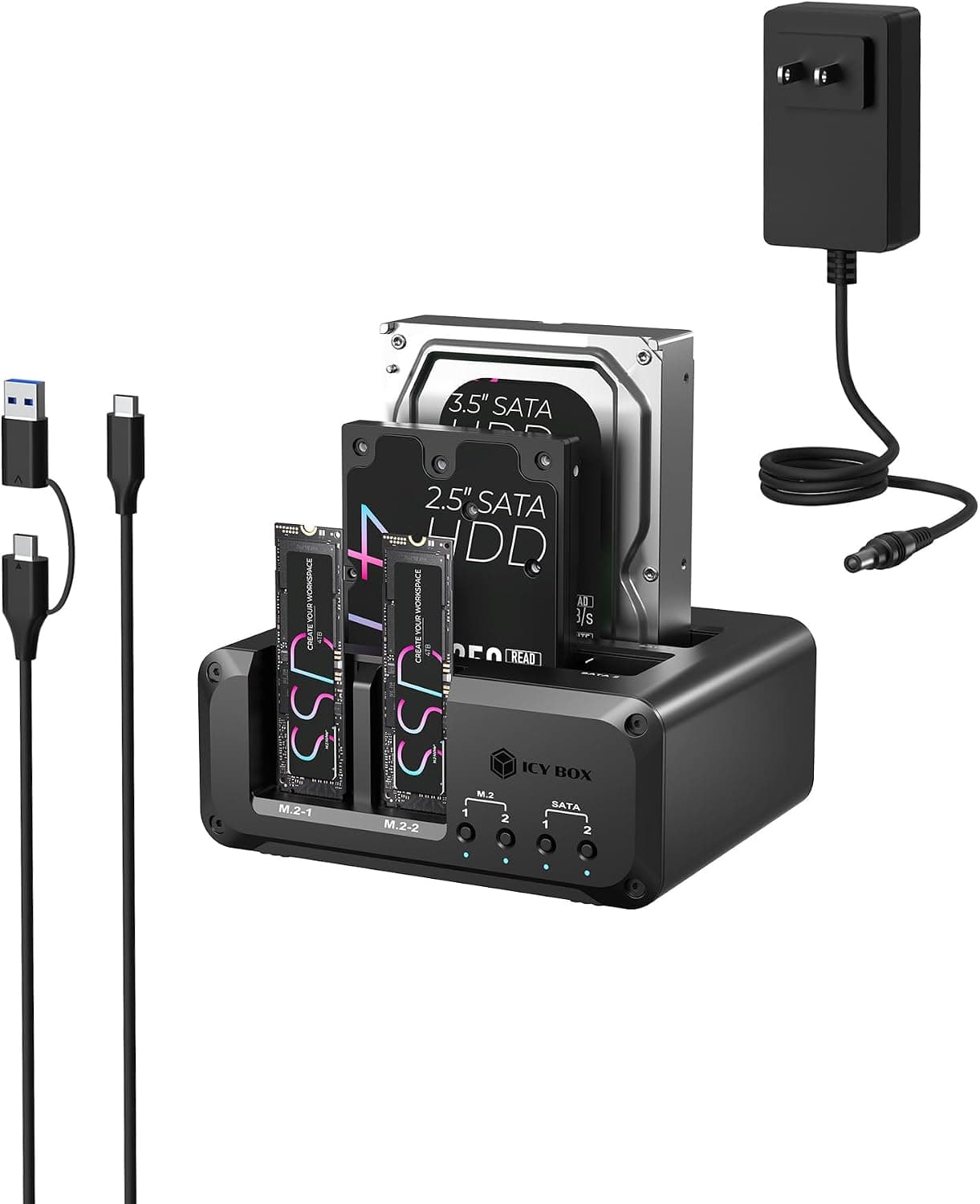
M.2 NVMe & SATA SSD/HDD Hard Drive Docking Station, ICY BOX USB-C 10Gbps NVMe Cloner&Reader, TripleBay Hard Drive cloner for 2.5"/3.5" SSD&HDD Hard Drives, Offline Cloning, Tool-Free (3 Bay)

FIDECO External Hard Drive Docking Station, Hard Drive Dock for 2.5 and 3.5 inch SATA HDD SSD, HDD Docking Station with Dual Bay, USB 3.0 Hard Drive Reader, Support Offline Clone and UASP
Eine Sache weniger zu suchen
Von einem ähnlichen Produkt mit mehr Bewertungen in dieser Kategorie: WAVLINK Dual Bay Hard Drive Docking Station - USB 3.0 to SATA I/II/III for 2.5" & 3.5" HDD/SSD with Fixed Bezel, Supports Offline Clone/Duplicator Function, Supports 2x20TB with UASP 6Gbps - Black
Yes, you can access both drives simultaneously.
No, offline data copy works between two hard drives with no computer involved; press the Clone button for about 5 seconds to start the process, and make sure the target disk's capacity is larger than or equal to the source disk's.
Yes, it supports 100-240V AC.
Yes, it includes a USB-A to USB-C adapter.
Reviews describe it as easy to set up and working perfectly, and the listing notes it is tool-free, requires no driver, and is plug and play.
Transparent von Grund auf