Was Kunden gut finden
Good value for the price
Several reviewers describe the monitor as a strong budget purchase, citing impressive specs for the money and satisfaction with gaming use.
Die 30-Sekunden-Lektüre
Von einem ähnlichen Produkt mit mehr Bewertungen in dieser Kategorie: KOORUI 24 Inch Gaming Monitor, 180Hz 1080P VA Display with 3000:1 Contrast
Was Kunden gut finden
Several reviewers describe the monitor as a strong budget purchase, citing impressive specs for the money and satisfaction with gaming use.
Der wichtigste Vorbehalt
Several reviewers report the monitor failing or coming apart after months to a couple of years, including a dead screen and a failing power cord.
Bevor Sie sich entscheiden
Two reviewers note that setup benefits from adjusting settings in your GPU software, including color, brightness, and VRR.
Beschreibung
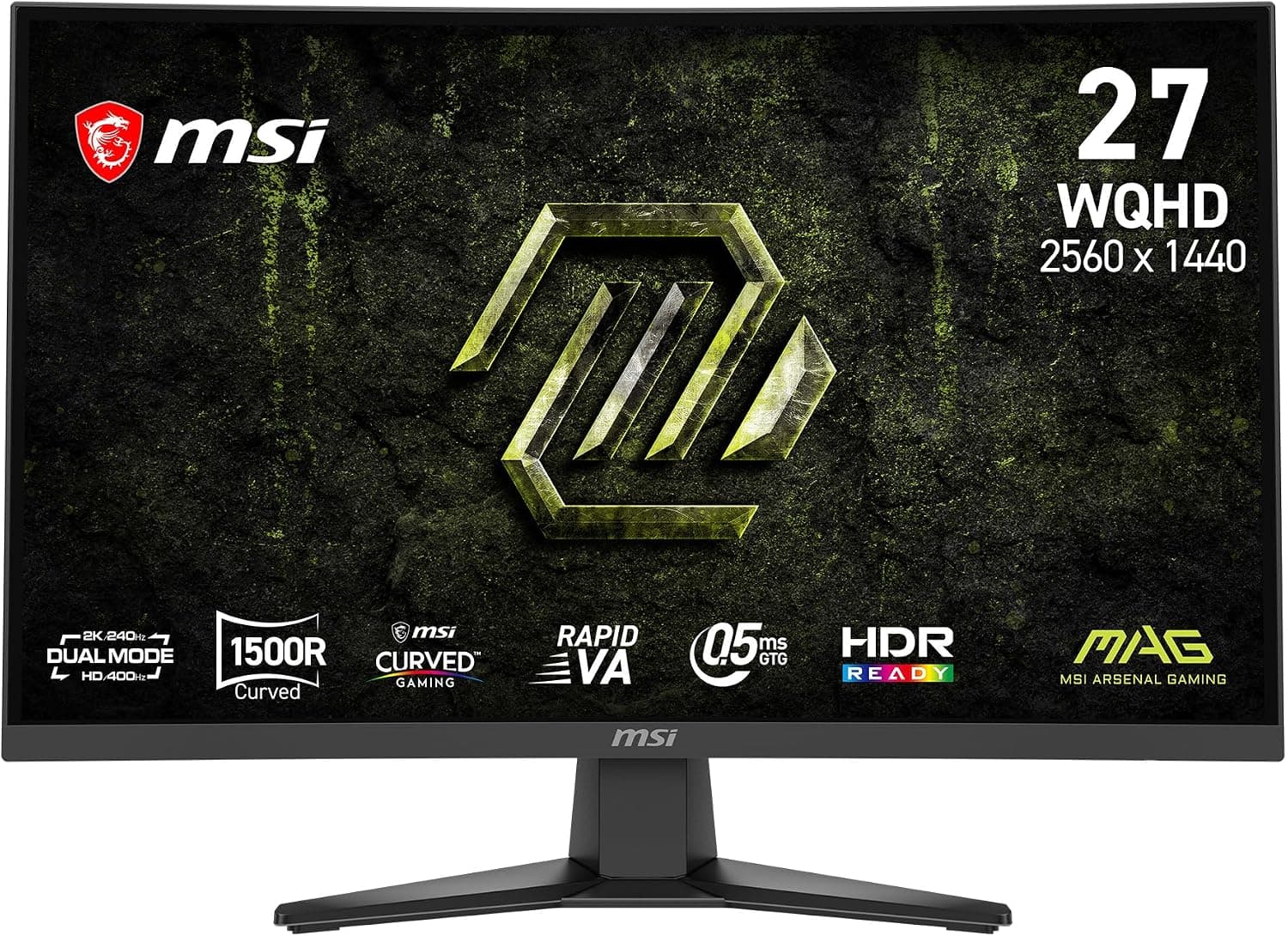
Experience immersive gaming with the MAG 275CQDF X24 gaming monitor. It features a 2560 x 1440 (WHD) panel, a 400Hz refresh rate, and a rapid 0.5ms (GtG, Min) response time. The monitor is HDR Ready, enhancing eye-catching details through adjustments in contrast and shadows. Designed for competitive FPS, first-person RPG/MMORPG, and flight/racing simulator genres, the MSI MAG 275CQDF X24 gaming monitor takes casual gaming to a new level, challenging players to see beyond the game.
Vor- und Nachteile vergleichen
Eine zufällige Auswahl analysierter Produkte aus derselben Kategorie. Unterschiedliche Produkte sind nicht zwangsläufig austauschbar.

ViewSonic VG1655 15.6 Inch 1080p Portable Monitor, IPS Display with Eye Care for Comfortable Mobile Workspaces and Second Screen Productivity, Built-in Stand, 60W USB-C, and mini HDMI Inputs

Samsung 27" S3 (S32GF) Series FHD High Resolution Monitor

UPERFECT 24" 144Hz Portable Monitor, QLED 145% sRGB 450Nits Gaming Monitor
Eine Sache weniger zu suchen
Von einem ähnlichen Produkt mit mehr Bewertungen in dieser Kategorie: KOORUI 24 Inch Gaming Monitor, 180Hz 1080P VA Display with 3000:1 Contrast
Yes — it's a native 180Hz panel, but you'll need to switch it on manually. Connect via the included HDMI cable (or a DisplayPort-capable setup), then set 180Hz in your GPU's display settings; it defaults to a lower refresh rate out of the box. Many Reddit and YouTube users note that enabling Adaptive Sync/FreeSync alongside it gives the smoothest experience, and it works with both AMD and NVIDIA cards.
The 3000:1 contrast gives noticeably deeper blacks than typical IPS budget monitors, which shines in dark game scenes and movies. For fast-paced competitive shooters, some TikTok and Reddit users mention mild ghosting/smearing in dark transitions — it's great for casual gaming, students, and office work, but color-critical creators or hardcore FPS players may prefer an IPS panel.
Correct, the included stand only tilts (-5° to 20°) and doesn't offer height, swivel, or pivot adjustment, and a few users find the base slightly wobbly. The good news: it's VESA 100×100mm compatible, so a monitor arm or desk mount solves ergonomics entirely — a popular fix among dual-monitor and dorm-room setups.
Budget monitors can vary unit to unit, and some buyers report stuck pixels or corner bleed — but KOORUI backs it with a 3-year manufacturer warranty. If your unit arrives defective, contact the seller for a replacement or refund promptly; most users who did so report a smooth resolution, so inspect the screen within the return window.
At around $120, it's widely praised as one of the best budget 180Hz options — ideal for students, casual gamers, home-office users, and compact or dual-monitor setups. Just set expectations: no built-in speakers, a single HDMI plus VGA, and basic ergonomics. If you need height adjustment, color accuracy, or built-in audio, consider spending more on an IPS alternative.
Transparent von Grund auf