
Toshiba Canvio Basics 1TB Portable External Hard Drive USB 3.0, Black - HDTB510XK3AA
Beschreibung
Discover one of the easiest ways to free up space on your computer with Canvio Basics portable hard drive. Ready to use with your PC and no software installation required, simply drag and drop the files you want to save without slowing your computer down. Toshiba’s Canvio Basics offers high storage capacity in a new sleek compact casing for increased portability making it easy to save and access your files on the go. [Note]: (1) One Terabyte (1TB) means 10[12] = 1,000,000,000,000 bytes using powers of 10. Actual formatted storage capacity may vary. For details, please visit Toshiba's Consumer HDD website (2) Drive formatted NTFS for Windows PC. Reformatting required for Mac computers. Compatibility may vary depending on user‘s hardware configuration and operating system. (3) Product specifications, colors, features, and availability are subject to change without notice.
Vor- und Nachteile vergleichen
Ähnliche Produkte im direkten Vergleich
Eine zufällige Auswahl analysierter Produkte aus derselben Kategorie. Unterschiedliche Produkte sind nicht zwangsläufig austauschbar.

Toshiba Canvio Advance 1TB Portable External Hard Drive USB 3.0, Black - HDTCA10XK3AA

Seagate Portable 1TB External Hard Drive HDD – USB 3.0 for PC, Mac, PlayStation, & Xbox, 1-Year Rescue Service (STGX1000400) , Black
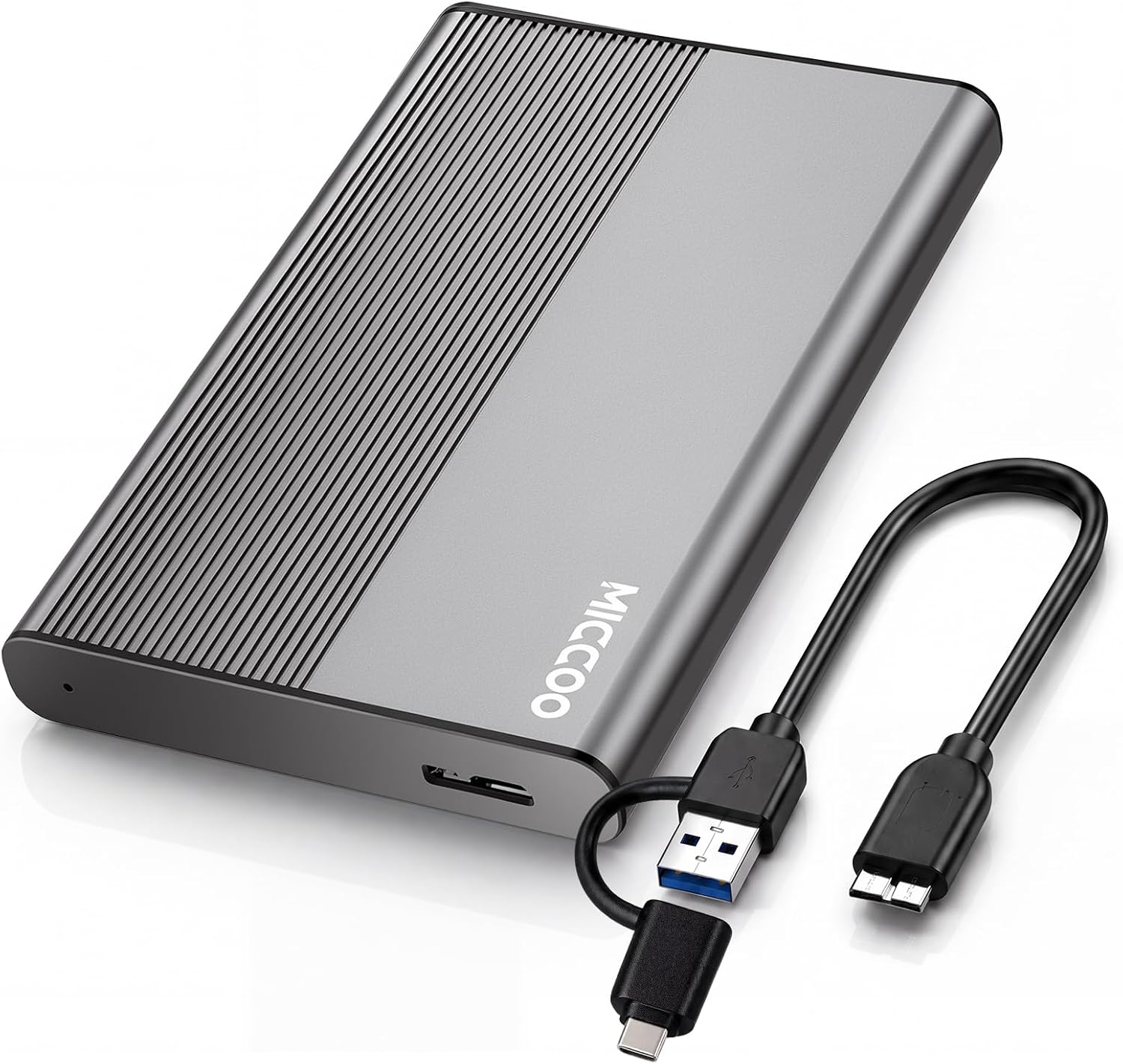
500GB External Hard Drive HDD, USB 3.0 Portable Expansion Storage
Eine Sache weniger zu suchen
Vor dem Kauf: kurze Fragen
Is this hard drive compatible with my Mac, or do I need to do anything special to set it up?
It is compatible, but it comes formatted for Windows out of the box. For Mac users, this means you'll need to reformat it using Apple's Disk Utility, which takes just a few minutes. Many online tutorials and YouTube videos can guide you through this simple process. If you want a drive that's ready for Mac right away, you may want to look for one specifically labeled "for Mac."
How durable and reliable is this for long-term backup of important files?
Based on thousands of reviews, most users find it very reliable for everyday backup needs. However, it's important to note that no hard drive is immune to failure. This model has a standard 1-year warranty. For critical, irreplaceable data (like family photos), experts—and many Reddit users—recommend following the 3-2-1 backup rule: keep three copies of your data, on two different types of media, with one copy stored offsite. This drive can be one part of that system.
What's actually included in the box, and will it work with my PlayStation or Xbox?
You'll receive the hard drive itself and a USB 3.0 cable. It does not include a protective case or a USB-C adapter. For gaming consoles, it's officially compatible and works well for expanding storage on both PlayStation 4 and Xbox One. For PlayStation 5 and Xbox Series X/S, it can be used to store and play backward-compatible PS4/Xbox One games, but next-gen native games must be played from the console's internal SSD or approved expansion card.
I've seen comments about slow speeds. Is it fast enough for transferring large video files or backing up my computer?
For typical computer backups, document transfers, and media libraries, its USB 3.0 speeds are more than sufficient and praised by most users. If you're regularly moving huge files (like 4K video projects) or want the absolute fastest transfer times, a portable SSD would be a significantly faster—though more expensive—alternative. For the average user, the speed is a great balance of performance and value.
Who is this hard drive best suited for, and who might want to consider something else?
This drive is a fantastic fit for Windows users, students, and anyone needing affordable, simple, plug-and-play storage for backups, extra space, or transferring files between computers. If you are a Mac user who prefers zero setup, a content creator constantly moving massive files, or someone who wants a longer warranty for peace of mind, you might be happier with a pre-formatted Mac drive, a portable SSD, or a brand offering a 2+ year warranty.
Von einem ähnlichen Produkt mit mehr Bewertungen in dieser Kategorie: 500GB External Hard Drive HDD, USB 3.0 Portable Expansion Storage
Will this drive work with my Mac right out of the box, or do I need to reformat it?
It's pre-formatted for Windows, so Mac users will typically need to reformat it to APFS or exFAT before it shows up properly. Several reviewers mentioned this exact surprise, so if you're on macOS, plan for a quick one-time setup. It's easy, but it's not truly plug-and-play on Mac.
Why does my computer show less than 500GB of available space?
That's completely normal. Drive manufacturers count 1GB as 1,000,000,000 bytes, while operating systems count 1GB as 1,073,741,824 bytes — so a "500GB" drive usually shows around 465GB. Many TikTok and Reddit users point this out, and it's not a defect or a sign you got a smaller drive.
Is the USB-A to USB-C converter durable, and can I use this with a phone or tablet?
The included converter works well and is genuinely handy, though a few users noted it feels a bit delicate — treat it gently and it'll last. It can work with USB-C phones and tablets, but only if they support external storage and file management. It's primarily designed for laptops and desktops.
How fast are the transfer speeds in real-world use?
For documents, photos, and everyday files, USB 3.0 speeds are perfectly solid. For large video files or big game installs, expect noticeably slower performance than an SSD — this is a traditional spinning HDD, not a solid-state drive. As one reviewer put it, "great for photos, not for 50GB video dumps."
Is it worth the price, and who is this best suited for?
For the price, it's an excellent value as a secondary backup or everyday storage drive. It's ideal for students, casual users, and office workers who need portable space for documents and photos. If you're a content creator, gamer, or need maximum speed and capacity, you'd be better off spending more on an external SSD or a larger 1TB+ drive.
Die Antworten beschränken sich auf das Angebot des Herstellers und die von uns analysierten Rezensionen. Fragen, die diese Quellen nicht abdecken, werden hier nicht beantwortet.
Transparent von Grund auf