What people like
Clear image and vibrant colors
Several reviewers praise the monitor's image clarity and color quality, with some calling the picture excellent.

Our buying verdict
Reviewers praise clarity, color, and easy assembly; one reported an unusable stand.
Buyers seeking a 27-inch Samsung monitor for general use who value clear image quality and straightforward assembly.
Buyers who need confidence in the included stand, given one report of a stand that did not work.
The 30-second read
What people like
Several reviewers praise the monitor's image clarity and color quality, with some calling the picture excellent.
The main watch-out
One reviewer said the stand does not work and returned the monitor as unusable; this is a single report, not a recurring pattern.
Before you choose
Two reviewers found the monitor easy to assemble, which may matter if you want a simple setup.
From a similar, more-reviewed product in this category: KOORUI 24 Inch Gaming Monitor, 180Hz 1080P VA Display with 3000:1 Contrast
What people like
Several reviewers describe the monitor as a strong budget purchase, citing impressive specs for the money and satisfaction with gaming use.
The main watch-out
Several reviewers report the monitor failing or coming apart after months to a couple of years, including a dead screen and a failing power cord.
Before you choose
Two reviewers note that setup benefits from adjusting settings in your GPU software, including color, brightness, and VRR.
Description
Samsung's 27" S3 Monitor with FHD Resolution consistently delivers stunning colors across the entire display with the IPS panel. The 120Hz refresh rate reduces lag and motion blur when playing fast-paced games, watching videos, or working on creative projects. Game Picture Mode shifts any game to fill the screen with every detail in view and optimizable game settings enable color and image contrast to be instantly adjusted for more clarity. Eye Saver Mode protects vision by reducing irritating screen flicker and minimizing blue light. Features a super slim design with ultra-thin border bezels for a lightweight and stylish addition to any environment. Devices can be plugged directly into monitor for increased flexibility and convenience.¹Default refresh rate is set to 60Hz, and may be adjusted to 120Hz in the monitor’s settings. Refresh rate and response time may vary based on the performance of the input source. ²Image simulated for demonstration purposes.
Compare the trade-offs
A random selection of analyzed products from the same category. Different products are not necessarily interchangeable.

KTC 24 Inch QHD 2560x1440 IPS Computer Monitor, 100Hz Zero-Frame 2K Gaming Office Monitor, Adaptive Sync, HDR10, VESA, Tilt Adjustable, Low Blue Light, DisplayPort, HDMI, H24T27
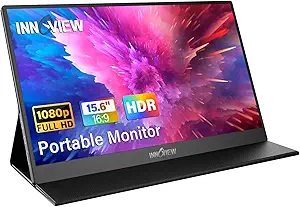
InnoView Portable Monitor, 15.6 Inch FHD 1080P HDMI USB C Second External Monitor for Laptop, Desktop, MacBook, Phones, Tablet, PS5/4, Xbox, Switch, Built-in Speaker with Protective Case
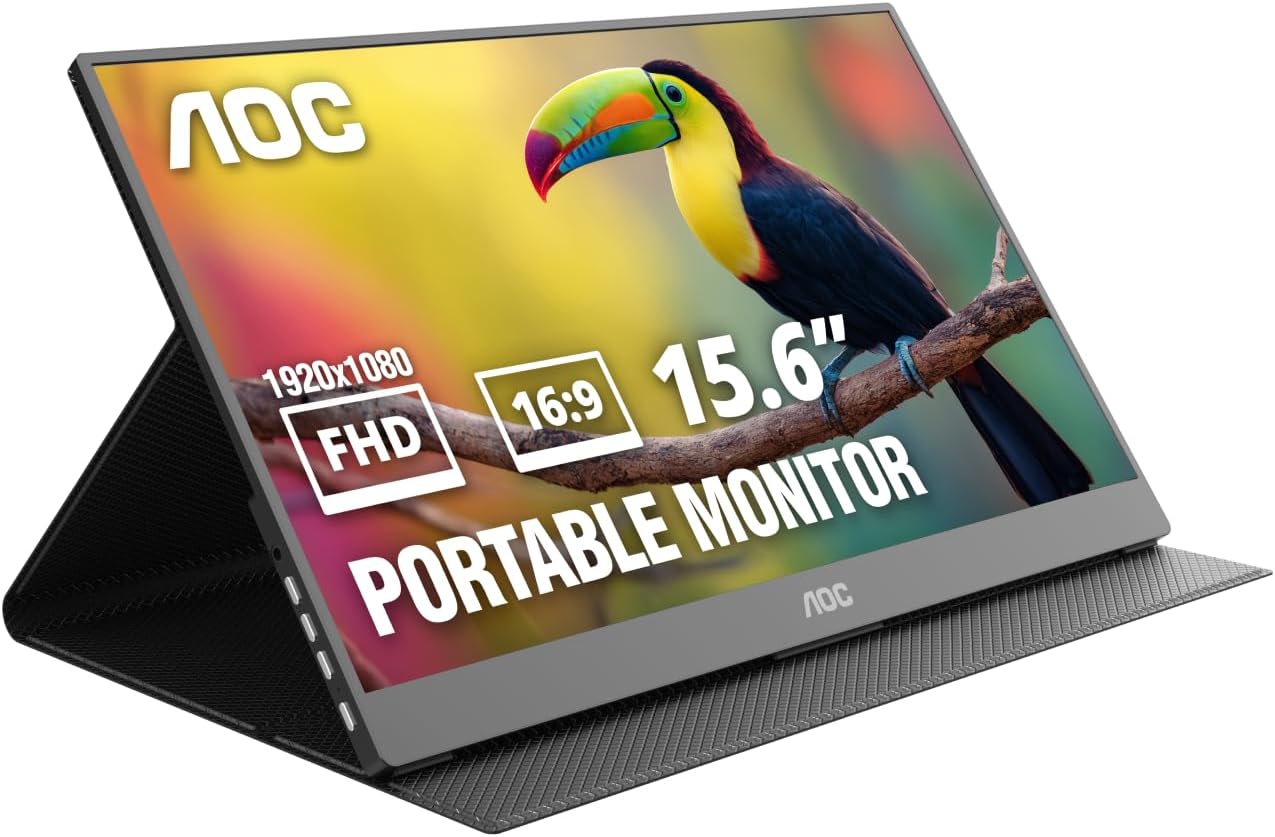
AOC 16" Portable Monitor FHD 60Hz USB-C IPS Ultra Slim Smart Cover 16T20
Check the evidence
Included does not mean verified authentic. Flagged does not mean proven fake. These are analytical classifications.
Showing 3 illustrative excerpts, not the complete review set.
It's very good for the price I'm using it to play and it works quite well
“It's very good for the price I'm using it to play and it works quite well, the resolution everything excellent I recommend it 100%”
Signals matched: Specific detail: scenario, comparison · Reads as an authentic voice
Complete garbage
“The stand doesn't work. This product is completely unusable garbage. I returned and will soon be cancelling my prime membership.”
Signals matched: Reads as an authentic voice
Good purchase
“Gave this as a gift. The recipient is very pleased! Perfect size, slightly curved, works well for what he needs it for.”
Signals matched: Specific detail: scenario · Reads as an authentic voice
One less thing to search
It genuinely supports 120Hz — but it ships set to 60Hz, so you'll need to switch it in the monitor settings and confirm your source (PC, console, or laptop) and HDMI cable can handle it. Many Reddit and YouTube users note that older cables or integrated graphics can cap you at 60Hz, so check your setup first. Once configured, the difference in smoothness is noticeable.
For gaming, streaming, and everyday browsing, most users find it perfectly crisp — especially with the IPS panel's strong colors and wide viewing angles. That said, TikTok and forum tech reviewers often point out that text-heavy work like spreadsheets or coding looks a bit softer than on a 24" FHD or 27" QHD panel. If pixel-perfect clarity for documents is your priority, consider a higher-resolution option; for entertainment and casual use, it's a great fit.
There are no built-in speakers and no headphone jack, so you'll want external speakers or a headset — a detail several buyers say they missed. Connectivity is straightforward: two HDMI ports let you plug in a PC, laptop, or console directly, and the downward-facing rear ports keep cables tidy. It's a plug-and-play setup with no USB-C or USB hub, so plan accordingly.
The slim design and ultra-thin bezels earn consistent praise, and at just 6.6 lbs it's easy to move around. The included stand offers tilt only (no height adjustment) and some users describe it as slightly wobbly, so if ergonomics matter, the 75x75mm VESA pattern lets you mount it on an arm or wall bracket. The glossy screen looks great but can reflect light in bright rooms — worth noting if your desk faces a window.
At its price point, it's widely regarded as excellent value — smooth 120Hz, vivid IPS colors, FreeSync support, and eye-care features make it a favorite among budget gamers, students, and casual console players. It's less ideal for creative professionals needing color-critical QHD work or office users wanting speakers and adjustable ergonomics. If you want a stylish, affordable monitor for gaming and everyday tasks, it's a solid buy; if you need pro-grade sharpness or all-in-one connectivity, look at QHD or USB-C alternatives instead.
From a similar, more-reviewed product in this category: KOORUI 24 Inch Gaming Monitor, 180Hz 1080P VA Display with 3000:1 Contrast
Yes — it's a native 180Hz panel, but you'll need to switch it on manually. Connect via the included HDMI cable (or a DisplayPort-capable setup), then set 180Hz in your GPU's display settings; it defaults to a lower refresh rate out of the box. Many Reddit and YouTube users note that enabling Adaptive Sync/FreeSync alongside it gives the smoothest experience, and it works with both AMD and NVIDIA cards.
The 3000:1 contrast gives noticeably deeper blacks than typical IPS budget monitors, which shines in dark game scenes and movies. For fast-paced competitive shooters, some TikTok and Reddit users mention mild ghosting/smearing in dark transitions — it's great for casual gaming, students, and office work, but color-critical creators or hardcore FPS players may prefer an IPS panel.
Correct, the included stand only tilts (-5° to 20°) and doesn't offer height, swivel, or pivot adjustment, and a few users find the base slightly wobbly. The good news: it's VESA 100×100mm compatible, so a monitor arm or desk mount solves ergonomics entirely — a popular fix among dual-monitor and dorm-room setups.
Budget monitors can vary unit to unit, and some buyers report stuck pixels or corner bleed — but KOORUI backs it with a 3-year manufacturer warranty. If your unit arrives defective, contact the seller for a replacement or refund promptly; most users who did so report a smooth resolution, so inspect the screen within the return window.
At around $120, it's widely praised as one of the best budget 180Hz options — ideal for students, casual gamers, home-office users, and compact or dual-monitor setups. Just set expectations: no built-in speakers, a single HDMI plus VGA, and basic ergonomics. If you need height adjustment, color accuracy, or built-in audio, consider spending more on an IPS alternative.
Answers are limited to the manufacturer's listing and the reviews we analysed. Questions those sources cannot support are not answered here.
Transparent by design